LastPass – Best Password Manager for Software Engineers
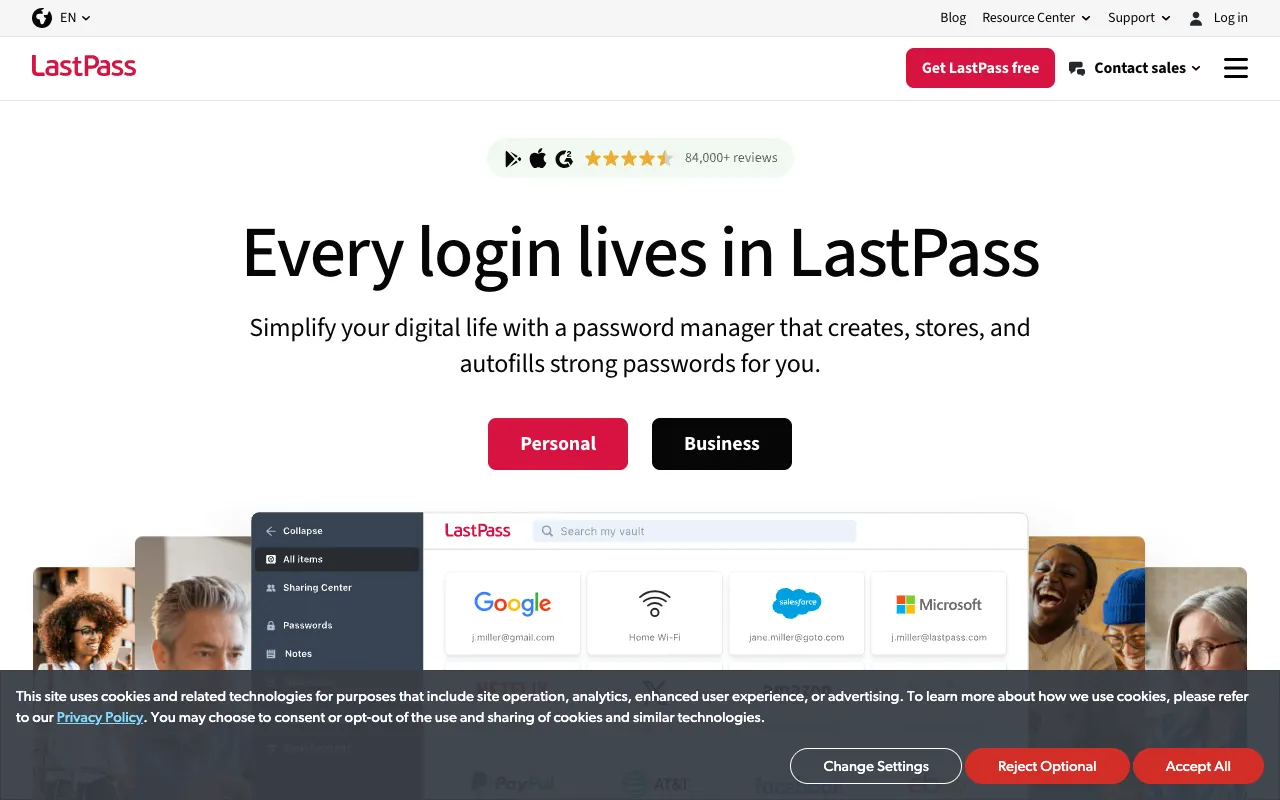
LastPass is a premier password management solution designed to meet the complex security and productivity needs of software engineers. By securely storing encrypted passwords in a centralized online vault and enabling seamless autofill across every device and browser, it eliminates password fatigue and strengthens your security posture. For developers managing dozens of accounts, API keys, and sensitive credentials, LastPass provides the robust, cross-platform utility essential for a modern development workflow.
What is LastPass?
LastPass is a cloud-based password manager that acts as a secure digital vault for all your login credentials. It uses strong encryption to protect your passwords, which are then accessible through a single master password. The core value for software engineers lies in its ability to automatically fill login forms across desktop applications, web browsers (via its browser extension), and mobile devices. This transforms password management from a repetitive, error-prone task into a seamless, secure background process, allowing developers to focus on coding rather than credential management.
Key Features of LastPass
Encrypted Online Vault
LastPass stores all passwords and secure notes in a zero-knowledge, AES-256 encrypted vault. This means your data is encrypted and decrypted locally on your device; LastPass servers never have access to your master password or unencrypted data. For engineers, this provides enterprise-grade security for personal and work credentials.
Cross-Platform Autofill
The LastPass browser extension and mobile app integration automatically populate usernames and passwords on saved sites and apps. This feature works consistently across Windows, macOS, Linux, iOS, and Android, eliminating the need to manually type or look up credentials, saving significant time during daily development logins.
Secure Password Generator & Audit
Generate strong, unique passwords for every account with customizable parameters (length, character types). LastPass's Security Dashboard actively audits your vault, identifying weak, reused, or compromised passwords—a critical feature for maintaining robust security hygiene across numerous developer accounts.
Secure Sharing & Emergency Access
Safely share login credentials for shared services (like team admin panels or SaaS tools) without revealing the actual password. You can also set up trusted contacts for emergency access, a vital contingency plan for project continuity.
Who Should Use LastPass?
LastPass is ideal for software engineers, DevOps professionals, and tech leads who manage a high volume of logins for development, testing, deployment, and administrative tools. It's perfect for those who work across multiple machines (workstation, laptop), operating systems, and browsers, and who need a reliable, secure system to handle credentials for version control systems (GitHub, GitLab), cloud consoles (AWS, GCP, Azure), CI/CD platforms, database GUIs, internal dashboards, and countless SaaS applications. Teams can also benefit from its secure sharing features for managing shared access.
LastPass Pricing and Free Tier
LastPass offers a robust Free tier that includes core password management features: unlimited password storage on one device type (either desktop or mobile), a password generator, and secure sharing. For full cross-device sync (simultaneous use on desktop and mobile) and advanced features like emergency access, priority tech support, and advanced multi-factor options, paid Premium ($3/month) or Families ($4/month) plans are available. For software engineers who need seamless access across all their development environments, the Premium plan is highly recommended and cost-effective.
Common Use Cases
- Managing credentials for multiple cloud service providers (AWS, Azure, GCP) securely
- Automating logins for developer tools like GitHub, Docker Hub, and Jira to save time
Key Benefits
- Eliminates password reuse and weak passwords, drastically reducing the risk of account compromise
- Saves dozens of hours per year by automating login processes across development and testing environments
Pros & Cons
Pros
- Strong zero-knowledge encryption model ensures high security for sensitive developer credentials
- Excellent cross-platform support and browser extension compatibility for a fluid workflow
- Powerful free tier makes it accessible for individuals to start securing their logins immediately
Cons
- The free tier limits simultaneous use to one device type, which can be restrictive for multi-device developers
- The user interface can feel cluttered compared to some newer, minimalist password managers
Frequently Asked Questions
Is LastPass free to use for software engineers?
Yes, LastPass offers a capable Free tier perfect for getting started. It includes unlimited password storage, autofill, and the password generator. However, for software engineers who need access on both their desktop development machine and mobile device simultaneously, the Premium plan is required for full cross-device synchronization.
Is LastPass a good password manager for developer tools?
Absolutely. LastPass is an excellent choice for managing developer tool credentials. Its browser extensions work seamlessly with web-based consoles (AWS, GCP), Git repositories (GitHub, GitLab), project management tools (Jira, Trello), and communication platforms (Slack). The secure sharing feature is also invaluable for teams needing to manage access to shared accounts safely.
How does LastPass compare to built-in browser password managers?
LastPass is far more powerful and secure. Unlike browser-based managers, LastPass works across all browsers and operating systems from one centralized vault. It offers stronger security audits, secure sharing, emergency access, and more granular control over your passwords, making it a professional-grade tool suited for a developer's needs.
Conclusion
For software engineers seeking to bolster security and eliminate productivity drains associated with password management, LastPass remains a top-tier, proven solution. Its combination of robust encryption, flawless cross-platform autofill, and useful features like secure sharing and password auditing addresses the specific pain points of developers. While the free tier has device limitations, the affordable Premium plan unlocks its full potential, making it a wise investment for any serious developer looking to secure their digital workflow. For reliable, secure, and efficient credential management across your entire development stack, LastPass is a highly recommended tool.