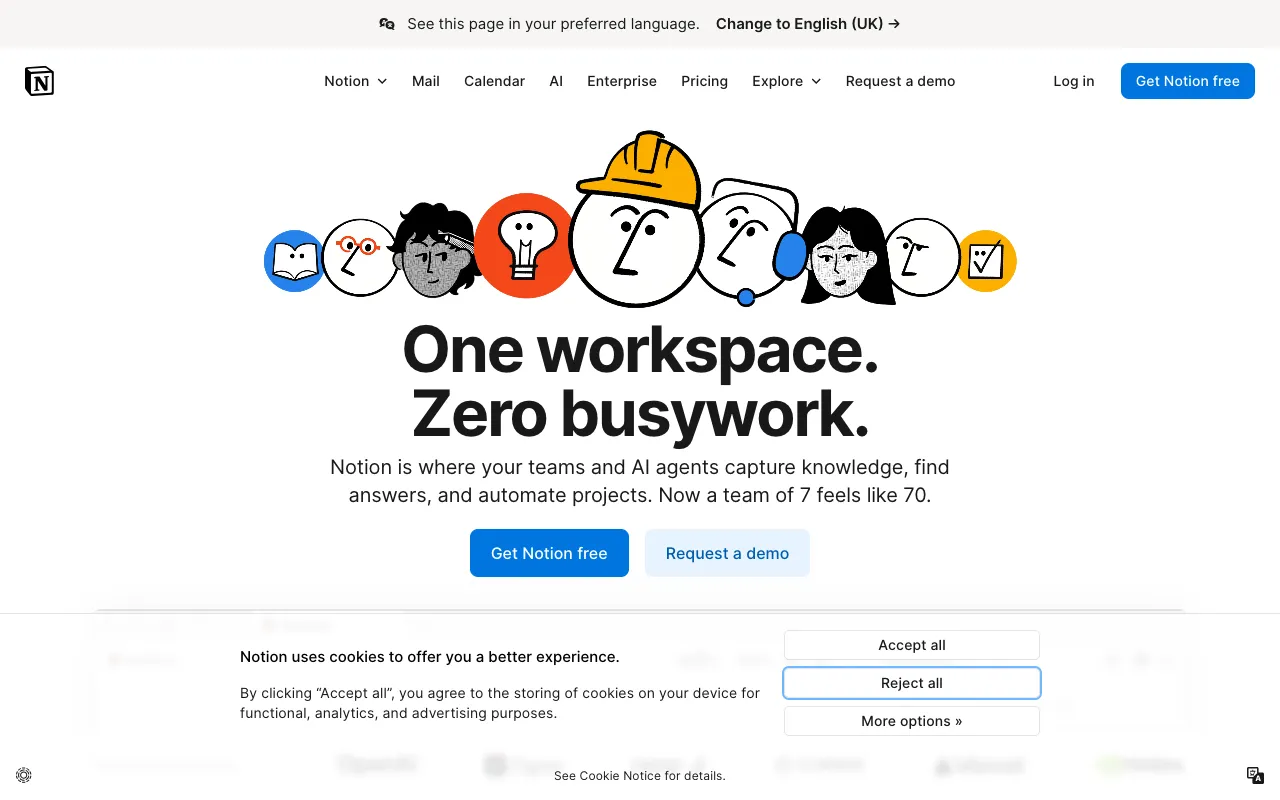
Notion – The Best All-in-One Workspace for Software Engineers
Notion redefines productivity for software engineers by merging the power of a note-taking app, a project management suite, and a team wiki into a single, infinitely adaptable workspace. It’s designed for engineers who need to document code, plan sprints, manage technical specs, and share knowledge without switching between a dozen fragmented tools. With its unique block-based editor, powerful databases, and seamless real-time collaboration, Notion provides the unified digital environment modern development teams need to build and ship software efficiently.
What is Notion?
Notion is an integrated productivity platform that functions as an all-in-one workspace for notes, documentation, project planning, and knowledge management. At its core, Notion uses a flexible block system where everything—text, code snippets, tables, images, to-do lists, and embedded files—is a movable, customizable component. This architecture makes it uniquely suited for software engineering workflows, allowing teams to create anything from simple meeting notes to complex, interconnected project wikis and sprint dashboards. It centralizes critical information, reduces tool sprawl, and fosters a single source of truth for technical teams.
Key Features of Notion
Block-Based Editor & Custom Databases
Build any page structure you need with drag-and-drop blocks. Create linked databases to track tasks, bugs, or documentation, with customizable views (Board, Table, Timeline, Calendar) that turn Notion into a lightweight project management tool for engineering teams.
Code Snippets & Technical Documentation
Embed and highlight code in over 20 programming languages directly in your pages. This feature is essential for creating clean API documentation, architecture decision records (ADRs), and onboarding guides for new developers.
Real-Time Collaboration & Comments
Work simultaneously with your team on specs, plans, and docs. Use @mentions, assign tasks, and resolve comment threads to keep feedback and discussions directly tied to the work, streamlining code reviews and design discussions.
Powerful Templates & Workspace Organization
Jumpstart your engineering processes with templates for sprint planning, product roadmaps, meeting notes, and team wikis. Organize your workspace with a nested page hierarchy and toggle lists to manage complex documentation structures.
Who Should Use Notion?
Notion is ideal for software engineers, engineering managers, DevOps teams, and tech startups. It serves individual developers who want a personal knowledge base for learning notes and code snippets, as well as entire engineering organizations that need a centralized hub for project documentation, sprint retrospectives, technical specs, and team handbooks. It's particularly valuable for remote and hybrid teams seeking to create a transparent, accessible, and living documentation culture.
Notion Pricing and Free Tier
Notion offers a generous free tier perfect for individuals and small teams to get started, with unlimited pages and blocks and basic collaboration. Paid plans (Plus, Business, and Enterprise) unlock advanced features like unlimited file uploads, extended version history, granular admin controls, and priority support, scaling to meet the needs of large engineering organizations with advanced security and compliance requirements.
Common Use Cases
- Creating a centralized engineering wiki and onboarding guide for new hires
- Managing agile sprints with a custom-built task board and backlog in Notion
- Documenting system architecture and API specifications with embedded code snippets
Key Benefits
- Eliminates context switching by consolidating notes, tasks, and docs into one unified workspace, boosting developer focus and flow.
- Creates a living, searchable knowledge base that reduces tribal knowledge and accelerates onboarding and problem-solving.
Pros & Cons
Pros
- Unmatched flexibility to create custom workflows, wikis, and dashboards without code.
- Strong free plan with core features suitable for individual engineers and small teams.
- Excellent for real-time collaborative editing and maintaining a single source of truth.
Cons
- Can become slow or cluttered with very large, complex workspaces containing thousands of pages.
- Lacks deep, native integrations with specialized developer tools like JIRA or GitHub compared to dedicated project management software.
Frequently Asked Questions
Is Notion free for software engineers?
Yes, Notion offers a robust free plan that is excellent for individual software engineers. It includes unlimited pages and blocks, the ability to share with up to 10 guests, and core features like the block editor and basic databases, making it perfect for personal knowledge management and small project collaboration.
Is Notion good for technical documentation?
Absolutely. Notion is one of the best tools for technical documentation due to its code block support with syntax highlighting, flexible page hierarchy, and powerful search. Teams can build comprehensive, interconnected wikis for architecture, APIs, and runbooks that are easy to keep updated and accessible to the entire engineering organization.
Can you use Notion for agile project management?
Yes, many engineering teams use Notion for agile project management. By creating linked databases with Board, Timeline, and Table views, you can effectively manage backlogs, plan sprints, and track bugs. While it may not replace JIRA for very large-scale Scrum, it's a powerful, flexible alternative for startups and teams seeking a simpler, unified tool.
Conclusion
For software engineers seeking to consolidate their toolset and build a coherent digital workspace, Notion stands out as a top-tier solution. Its unique blend of note-taking, documentation, and lightweight project management in a single, customizable platform addresses the core need for organized, accessible knowledge and planning. Whether you're an individual developer curating a learning log or a team lead architecting a company-wide engineering wiki, Notion provides the flexibility and power to create a workflow that truly works for you.