Selenium – The Essential Testing Framework for Software Engineers
Selenium is the industry's leading open-source framework for automating web browser testing. Designed for software engineers and QA professionals, it provides a powerful, portable suite of tools to write scripts that simulate user interactions across Chrome, Firefox, Safari, Edge, and other browsers. By automating repetitive manual tests, Selenium dramatically accelerates development cycles, improves test coverage, and ensures application reliability across diverse environments. Its robust ecosystem and language-agnostic design make it a cornerstone of modern Continuous Integration and Delivery (CI/CD) pipelines.
What is Selenium?
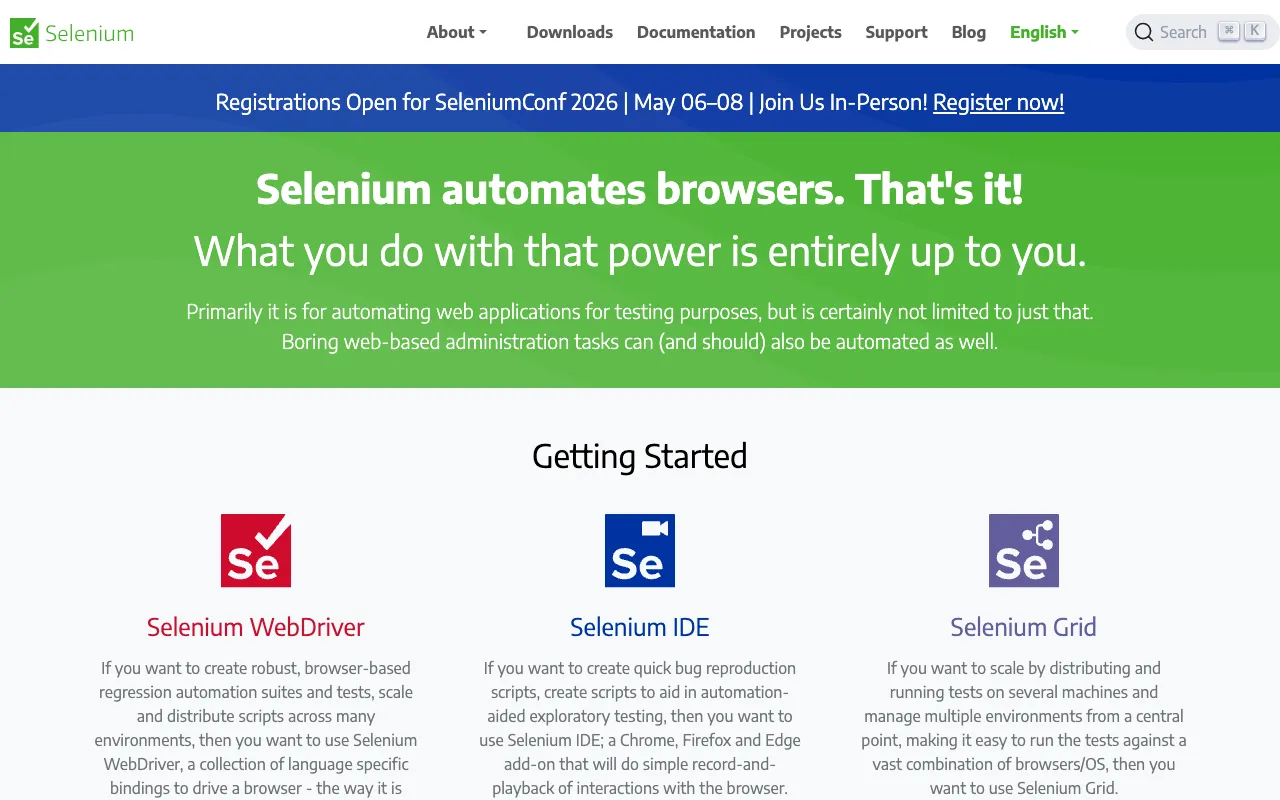
Selenium is not a single tool but a comprehensive project encompassing several components for web automation. At its core, Selenium WebDriver provides a programming interface to create and execute test cases that interact with a web page just like a human user—clicking buttons, entering text, navigating links, and validating content. The framework is portable, meaning the same test script can run on Windows, macOS, and Linux against different browser engines. Originally created by Jason Huggins in 2004, it has evolved into a W3C standard, maintained by a vibrant open-source community, making it the de facto choice for automated testing in software engineering.
Key Features of Selenium
Multi-Browser & Cross-Platform Testing
Selenium's primary strength is its ability to execute the same test scripts across all major browsers—Google Chrome, Mozilla Firefox, Microsoft Edge, Safari, and Opera. It also supports headless browsers for faster execution. This ensures your web application delivers a consistent user experience regardless of the client's environment, which is critical for quality assurance.
Language Support & Flexibility
Unlike many testing tools locked into one language, Selenium WebDriver provides official bindings for Java, Python, C#, Ruby, JavaScript (Node.js), and Kotlin. This allows development teams to write automation scripts in the language they are most proficient in, seamlessly integrating tests into their existing codebase and workflows.
Selenium Grid for Parallel Execution
For large-scale test suites, Selenium Grid enables parallel test execution across multiple machines and browsers simultaneously. This drastically reduces total test execution time, enabling faster feedback loops and making comprehensive regression testing feasible within tight CI/CD deadlines.
Rich Ecosystem & Integration
Selenium integrates seamlessly with popular testing frameworks like JUnit, TestNG (Java), pytest (Python), and Mocha (JavaScript). It also works with build tools (Maven, Gradle) and CI/CD servers (Jenkins, GitLab CI, GitHub Actions). Frameworks like Selenium IDE provide record-and-playback for beginners, while Page Object Model (POM) design patterns promote maintainable, scalable test code for advanced users.
Who Should Use Selenium?
Selenium is indispensable for software engineers, QA automation specialists, and DevOps engineers involved in web development. Front-end developers use it to verify UI components and interactions. Back-end engineers leverage it for integration and end-to-end testing. QA teams build robust regression suites with it. It's particularly valuable for organizations practicing Agile or DevOps, where automated testing is required for rapid, reliable releases. While it has a learning curve, its payoff in test reliability and team productivity is immense.
Selenium Pricing and Free Tier
Selenium is completely free and open-source software released under the Apache 2.0 license. There is no paid tier, subscription, or enterprise license fee. All components—Selenium WebDriver, Selenium Grid, and Selenium IDE—are available at no cost. The project is supported by corporate sponsors and a massive community of contributors. The only potential costs are infrastructure-related, such as setting up machines for a Selenium Grid or using cloud-based testing platforms that provide Selenium-compatible environments.
Common Use Cases
- Automating regression test suites for web applications before production deployment
- Performing cross-browser compatibility testing to ensure UI consistency
- Integrating end-to-end tests into a CI/CD pipeline with Jenkins or GitHub Actions
- Data scraping from dynamic websites that require JavaScript execution
Key Benefits
- Increases test coverage and accuracy by eliminating human error in repetitive tasks
- Accelerates release cycles by providing fast, reliable feedback on build quality
- Reduces long-term QA costs through maintainable, reusable automation scripts
- Enhances software quality by catching browser-specific bugs early in development
Pros & Cons
Pros
- Completely free and open-source with a massive, active community
- Unmatched cross-browser and cross-platform testing capabilities
- Extremely flexible with support for multiple programming languages
- Industry standard with excellent integration into modern dev tools and CI/CD
Cons
- Requires programming knowledge, creating a steeper initial learning curve
- Can be flaky with dynamic content; tests may need explicit waits and robust selectors
- Primarily for web UI testing; not designed for desktop or mobile native app testing
- Setting up and maintaining a large Selenium Grid infrastructure requires dedicated effort
Frequently Asked Questions
Is Selenium free to use?
Yes, Selenium is 100% free and open-source. There are no licensing fees, subscriptions, or paid tiers for the core framework. It is released under the Apache 2.0 license, allowing free use, modification, and distribution even for commercial purposes.
Is Selenium good for testing modern JavaScript frameworks like React or Angular?
Yes, Selenium is excellent for testing applications built with React, Angular, Vue.js, and other modern frameworks. Since it interacts with the rendered DOM in the browser, it can test the final, functional UI. For optimal results, use stable locator strategies (like data-test IDs) and handle asynchronous rendering with explicit waits.
What is the difference between Selenium WebDriver and Selenium IDE?
Selenium WebDriver is a programming library for creating complex, maintainable test scripts in languages like Java or Python. Selenium IDE is a browser extension for record-and-playback of simple tests, ideal for beginners or quick prototyping. For professional, scalable test automation, WebDriver is the standard choice.
Can Selenium tests run in the cloud?
Absolutely. Services like BrowserStack, Sauce Labs, and LambdaTest provide cloud-based Selenium Grids. You can run your Selenium WebDriver scripts against thousands of real browser/OS combinations in the cloud, eliminating the need to maintain your own physical or virtual test infrastructure.
Conclusion
For software engineers committed to building reliable, high-quality web applications, Selenium remains an non-negotiable tool in the testing toolkit. Its powerful combination of cross-browser support, language flexibility, and robust integration capabilities makes it the definitive choice for web automation. While mastering Selenium requires an investment in learning, the return in accelerated development cycles, comprehensive test coverage, and production stability is unparalleled. For any team practicing modern software development, implementing Selenium is a strategic move towards engineering excellence.