Go back
Image of Sublime Text – The High-Performance Code Editor for Software Engineers

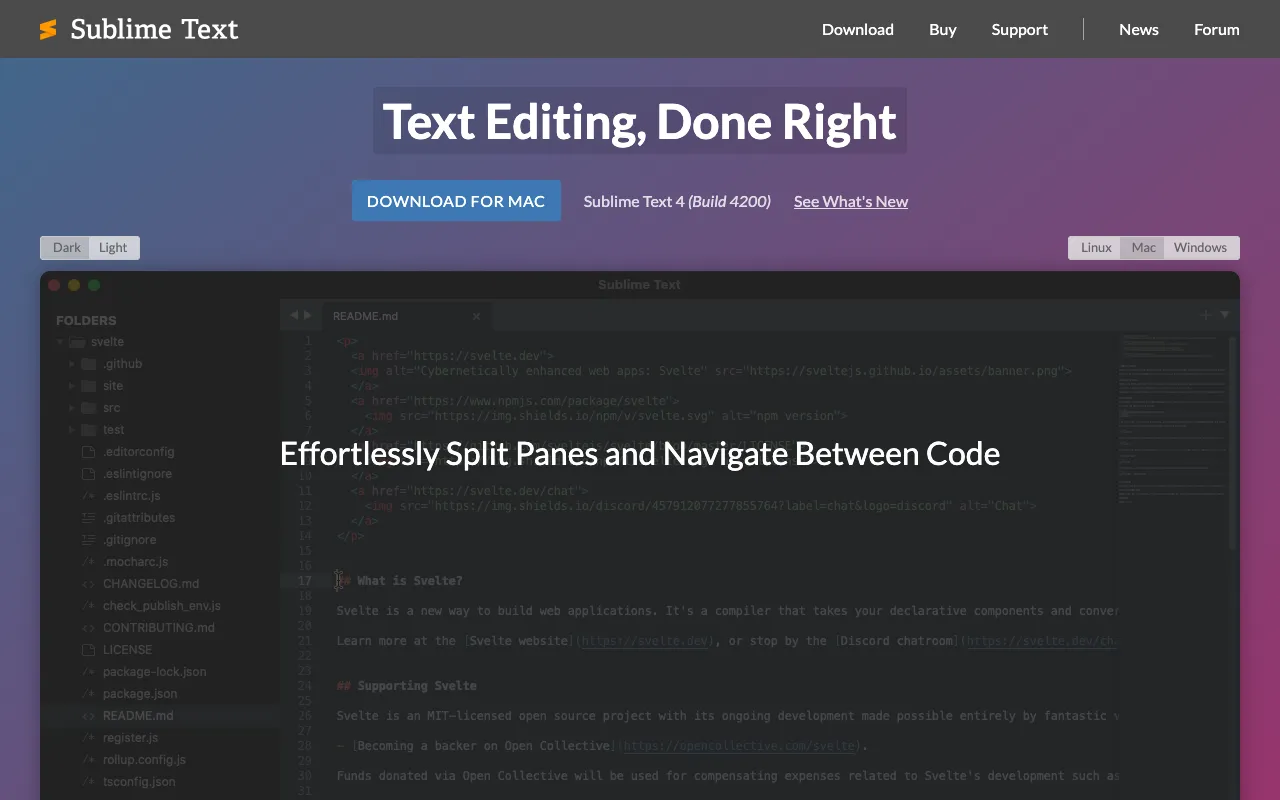
Sublime Text – The High-Performance Code Editor for Software Engineers

Sublime Text is a premium desktop text editor engineered for developers who prioritize speed, efficiency, and deep customization. With its lightning-fast performance, minimalistic yet powerful interface, and extensive plugin ecosystem, Sublime Text has established itself as a go-to tool for writing code, markup, and prose. It's designed for professionals who need a responsive, distraction-free environment that can be tailored to their exact workflow.

What is Sublime Text?

Sublime Text is more than just a text editor; it's a sophisticated development environment built from the ground up for performance. At its core, it provides a sleek, uncluttered interface that gets out of your way, allowing you to focus entirely on your code. Its defining characteristic is its exceptional speed—it starts instantly, opens large files without lag, and performs searches and edits with remarkable responsiveness. Built with a custom UI toolkit and powered by a Python-based plugin API, it offers a unique blend of raw performance and extensive programmability, making it a favorite among software engineers, web developers, and technical writers.

Key Features of Sublime Text

Goto Anything

Instantly jump to files, symbols, or lines with a few keystrokes. This powerful navigation feature uses fuzzy matching, allowing you to find what you need without remembering exact names or paths, dramatically speeding up your workflow.

Multiple Selections

Make ten changes at once, not one change ten times. This revolutionary feature lets you interactively change many lines at once, rename variables with ease, and manipulate files faster than ever before.

Command Palette

Access infrequently used functionality without navigating complex menus or remembering obscure key bindings. The Command Palette adapts to your context, providing relevant commands for files, projects, and syntax.

Powerful Plugin API (Python)

Extend and customize every aspect of Sublime Text through its full-featured Python API. This has fostered a vibrant community, creating thousands of packages for linting, auto-completion, version control integration, and theming.

Split Editing and Custom Layouts

Edit files side-by-side, or work on two different locations in one file. You can create custom layouts with up to four columns, each with its own set of files, perfect for multi-monitor setups and complex projects.

Performance and Startup Speed

Engineered for speed, Sublime Text launches in milliseconds and handles multi-megabyte files with ease. Its efficient resource usage ensures smooth performance even on older hardware or with dozens of files and plugins open.

Who Should Use Sublime Text?

Sublime Text is ideal for software engineers, web developers, DevOps professionals, and technical writers who value a fast, customizable, and keyboard-centric workflow. It's perfect for developers working across multiple languages and frameworks who need a lightweight yet powerful editor that doesn't impose a specific IDE structure. It's also excellent for those who frequently work with large codebases, log files, or configuration files where performance is critical. If you prefer to build your perfect editing environment through configuration and plugins rather than using an opinionated, all-in-one IDE, Sublime Text is the optimal choice.

Sublime Text Pricing and License

Sublime Text operates on a paid license model. The software is free to download and evaluate for an unlimited time, though a pop-up reminder will occasionally appear encouraging a purchase. A single-user license is required for continued commercial use and grants you access to use the software on all computers you own, regardless of operating system. This one-time purchase includes all future updates, making it a cost-effective, long-term investment for professional developers compared to subscription-based editors.

Common Use Cases

Key Benefits

Pros & Cons

Pros

  • Blazing fast performance and instant startup time
  • Extremely powerful and customizable via Python API and packages
  • Clean, minimal interface that minimizes distraction
  • Excellent for handling very large files
  • Cross-platform consistency (macOS, Windows, Linux)

Cons

  • Requires a paid license for continued commercial use (though free evaluation is unlimited)
  • Out-of-the-box, it lacks some advanced IDE features like a built-in debugger, which must be added via plugins
  • The learning curve for advanced customization and the plugin API can be steep for beginners

Frequently Asked Questions

Is Sublime Text free to use?

Sublime Text is free to download and evaluate for an unlimited time. However, for continued commercial use, you are required to purchase a license. The free evaluation version is fully functional but will occasionally show a pop-up reminder to purchase a license.

Is Sublime Text good for web development?

Yes, Sublime Text is excellent for web development. With packages for Emmet, syntax highlighting for modern frameworks (React, Vue, Svelte), linters, and live preview plugins, you can create a powerful, tailored web development environment that is often faster and more responsive than heavier, full-featured IDEs.

How does Sublime Text compare to VS Code?

Sublime Text prioritizes raw speed, minimalism, and a one-time license fee. It is generally faster, uses fewer system resources, and offers a more consistent cross-platform experience. VS Code, being free and open-source, has a larger built-in feature set and a massive extension marketplace. The choice often comes down to preference for ultimate performance and customization (Sublime) versus a feature-rich, free out-of-the-box experience (VS Code).

Can I use Sublime Text for Python programming?

Absolutely. Sublime Text is a popular choice for Python development. With packages like Anaconda, SublimeREPL, and LSP-python, you can add intelligent auto-completion, linting, debugging, and interactive REPL support, transforming it into a powerful Python IDE while retaining its core speed advantages.

Conclusion

Sublime Text remains a premier choice for software engineers who refuse to compromise on speed and customization. Its philosophy of providing a lightning-fast core, extensible through a powerful API, has created a tool that adapts to you, not the other way around. While it requires an initial investment, the productivity gains from its performance and the long-term value of its license make it a standout tool for professional developers. If your priority is a responsive, malleable editing environment that gets out of your way and lets you code at the speed of thought, Sublime Text is an investment that consistently pays off.