Go back
Image of Vim – The Ultimate Text Editor for Software Engineers

Vim – The Ultimate Text Editor for Software Engineers

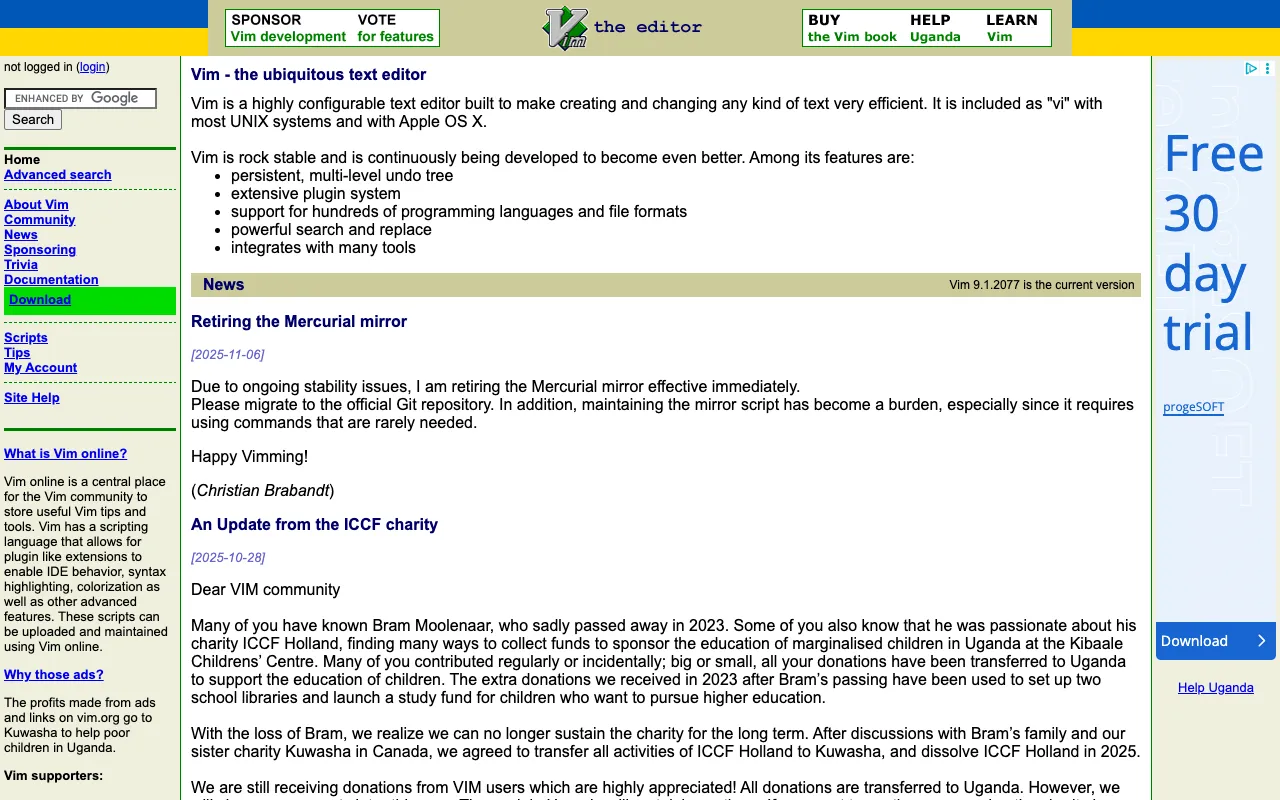
Vim is more than just a text editor; it's a philosophy of efficient editing. Built for developers who live in the terminal, Vim offers a unique modal interface that, once mastered, provides unmatched speed and precision for writing and manipulating code. Its steep learning curve is a well-known rite of passage, but the payoff in long-term productivity makes it a cornerstone tool for serious software engineers.

What is Vim?

Vim (Vi IMproved) is an advanced, open-source text editor that extends the original Vi editor. It operates in distinct modes—primarily Normal, Insert, and Visual—allowing you to navigate, edit, and manipulate text without constantly moving your hands from the keyboard to the mouse. This modal paradigm, combined with its powerful command language, is designed specifically for efficient text editing, making it an ideal environment for writing code, configuration files, documentation, and more.

Key Features of Vim

Modal Editing

Vim's core innovation is its modal interface. In Normal mode, every key is a command for navigation, deletion, copying, or other text operations. You switch to Insert mode to actually type text. This separation allows for incredibly fast and precise edits without interrupting your flow, turning complex text transformations into a few keystrokes.

Extensive Customization

Vim is famously configurable via its `.vimrc` file. You can remap keys, define custom commands, change colorschemes, and adjust every aspect of its behavior. This allows you to tailor the editor perfectly to your programming language, workflow, and personal preferences.

Powerful Plugin Ecosystem

Through plugin managers like Vundle or vim-plug, you can extend Vim's functionality far beyond its core. Thousands of community-developed plugins add features like advanced syntax highlighting, language server protocol (LSP) support, fuzzy file finding, Git integration, and sophisticated autocompletion, rivaling modern IDEs.

Ubiquitous and Lightweight

Vim is installed by default on almost every Unix-like system (Linux, macOS) and is available for Windows. It runs entirely in the terminal, making it incredibly lightweight, fast even over SSH connections, and perfectly integrated into command-line development workflows.

Who Should Use Vim?

Vim is ideal for software engineers, system administrators, DevOps professionals, and any developer who values efficiency, customization, and terminal-centric workflows. It's particularly beneficial for those working with multiple programming languages, editing remote files via SSH, or anyone seeking to minimize context switching and mouse dependency. While beginners may find it challenging, intermediate to advanced developers often find Vim to be a transformative tool for their productivity.

Vim Pricing and Free Tier

Vim is completely free and open-source software, released under a charityware license. There is no paid tier, subscription, or premium version. Its development is supported by community donations. You can download, use, modify, and distribute Vim without any cost, making it one of the most accessible and powerful tools available to software engineers.

Common Use Cases

Key Benefits

Pros & Cons

Pros

  • Unmatched editing speed and efficiency for experienced users
  • Extremely lightweight and available on virtually any system
  • Infinitely customizable and extensible with a vast plugin ecosystem
  • Free, open-source, and supported by a passionate global community

Cons

  • Notorious steep learning curve that requires significant initial time investment
  • Lacks out-of-the-box graphical user interface (GUI) features common in modern IDEs
  • Advanced configuration and plugin management can be complex for newcomers

Frequently Asked Questions

Is Vim free to use?

Yes, Vim is completely free and open-source. There are no costs, subscriptions, or paid tiers. It is developed and maintained by the community.

Is Vim good for modern software development?

Absolutely. When extended with plugins for LSP, debugging, and project navigation, Vim becomes a fully-featured, modern development environment. Its efficiency in editing, combined with terminal integration, makes it a top choice for many professional software engineers.

How long does it take to learn Vim?

You can learn the basic navigation and editing commands (hjkl, i, esc, :wq) in a few hours. Becoming proficient and building muscle memory typically takes a few weeks of dedicated use. Mastering advanced features and customization is an ongoing journey that pays continuous dividends in productivity.

Conclusion

Vim is not merely a tool but an investment in a more efficient way of working. Its initial learning curve is substantial, but for software engineers willing to climb it, Vim offers a level of speed, control, and customization that few other editors can match. It remains a definitive, free tool for developers who prioritize keyboard-driven workflows, terminal mastery, and long-term productivity gains. For those ready to commit, Vim is less about editing text and more about mastering the art of efficient creation.