Go back
Image of VS Code Insiders – Early Access IDE with Latest Features

VS Code Insiders – Early Access IDE with Latest Features

VS Code Insiders is the bleeding-edge, daily build version of Visual Studio Code, designed specifically for developers who want to test and use the latest features, performance improvements, and extension capabilities before they reach the stable public release. It's the essential tool for software engineers who need to stay ahead of the technology curve, provide feedback to the VS Code team, and ensure their workflow integrates seamlessly with upcoming changes. As a completely free daily release channel, it offers a risk-free way to explore the future of one of the world's most popular code editors.

What is VS Code Insiders?

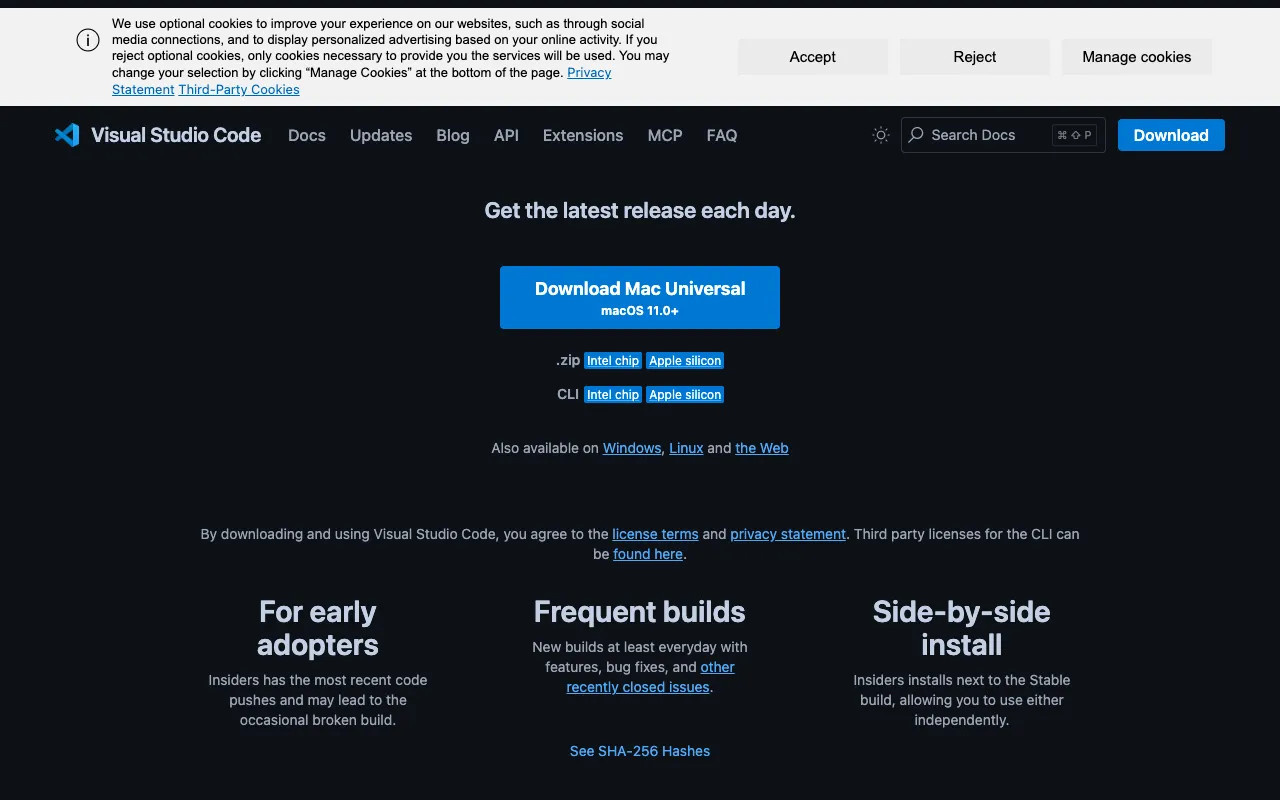
VS Code Insiders is the official early access and testing channel for Visual Studio Code, maintained directly by Microsoft. Unlike the standard VS Code stable release, which receives updates monthly, Insiders updates daily with the very latest commits from the main development branch. This includes new features, user interface tweaks, API changes for extension developers, performance enhancements, and bug fixes. It's a separate application that can be installed alongside the stable version, allowing developers to safely test new capabilities without disrupting their primary development environment. It represents the immediate future of the VS Code ecosystem.

Key Features of VS Code Insiders

Daily Builds with Cutting-Edge Features

Receive automatic updates every day with the absolute latest code from the VS Code repository. This gives you immediate access to newly implemented features, experimental settings, and UI improvements long before they are documented or released to the general public.

Separate Installation & Configuration

VS Code Insiders installs as a completely independent application (e.g., 'Code - Insiders'). Your settings, extensions, and workspaces are managed separately from your stable VS Code installation, ensuring your main dev environment remains stable and untouched while you experiment.

Direct Feedback Channel to Developers

As an Insiders user, you are part of a vital feedback loop. You can file issues directly from the application, report bugs in new features, and influence the development roadmap. Your testing helps shape a more stable and polished final product for millions of users.

Early Access to Extension APIs

For developers building VS Code extensions, Insiders is a critical tool. It provides the first look at new extension APIs and capabilities, allowing extension authors to update and test their plugins in advance of public API changes.

Who Should Use VS Code Insiders?

VS Code Insiders is ideal for advanced software engineers, early adopters, and extension developers. It's perfect for developers who are curious about the latest programming tools, those who want to preview how upcoming changes might affect their workflow, and professionals who need to ensure their toolchain remains compatible with future VS Code releases. Extension authors rely on it to test their plugins against new APIs. It's less suited for beginners or for mission-critical production environments where absolute stability is the primary concern.

VS Code Insiders Pricing and Free Tier

VS Code Insiders is completely free, with no paid tiers or subscriptions. It is an open-source project released under the MIT license, just like the stable version of Visual Studio Code. There is no cost to download, use, or provide feedback. The free tier *is* the product, offering full access to all daily builds and features as they are developed by the Microsoft team and open-source contributors.

Common Use Cases

Key Benefits

Pros & Cons

Pros

  • Zero cost access to the absolute latest VS Code developments
  • Separate installation protects your stable development environment
  • Direct line to provide feedback and influence the product roadmap
  • Essential for extension developers to ensure compatibility

Cons

  • Daily updates can introduce instability or unexpected bugs
  • New features may lack documentation or be changed/removed before stable release
  • Not recommended as your primary editor for critical, deadline-driven work

Frequently Asked Questions

Is VS Code Insiders free to use?

Yes, VS Code Insiders is completely free. It is an open-source project and there are no charges for downloading, using, or receiving daily updates. It is funded and developed by Microsoft as part of the broader Visual Studio Code ecosystem.

Is VS Code Insiders good for software engineers?

Absolutely. For software engineers who are early adopters, tech enthusiasts, or extension developers, VS Code Insiders is an invaluable tool. It allows you to future-proof your skills, test new productivity features, and ensure your development setup remains compatible with the rapidly evolving VS Code platform. It's one of the best ways for an engineer to stay at the forefront of editor technology.

Can I run VS Code Insiders and Stable VS Code side-by-side?

Yes, they are designed to be installed and run as completely separate applications. You can have both 'Visual Studio Code' and 'Visual Studio Code - Insiders' installed on your machine simultaneously, each with its own settings, extensions, and cache. This allows for safe testing without affecting your primary development setup.

How often does VS Code Insiders update?

VS Code Insiders typically updates every weekday with a new daily build containing the latest changes from the main development branch. Updates are automatic and can be downloaded directly within the application, ensuring you always have the most recent code.

Conclusion

VS Code Insiders is more than just a beta program; it's a strategic tool for the modern, forward-looking software engineer. By providing a risk-free sandbox to explore tomorrow's features today, it empowers developers to stay ahead of technological shifts, optimize their workflow in advance, and actively participate in shaping a tool central to their daily work. For any developer deeply invested in the VS Code ecosystem—whether as a power user, team lead, or extension creator—integrating Insiders into your toolkit is a smart move for maintaining a competitive and adaptable development edge.