Go back
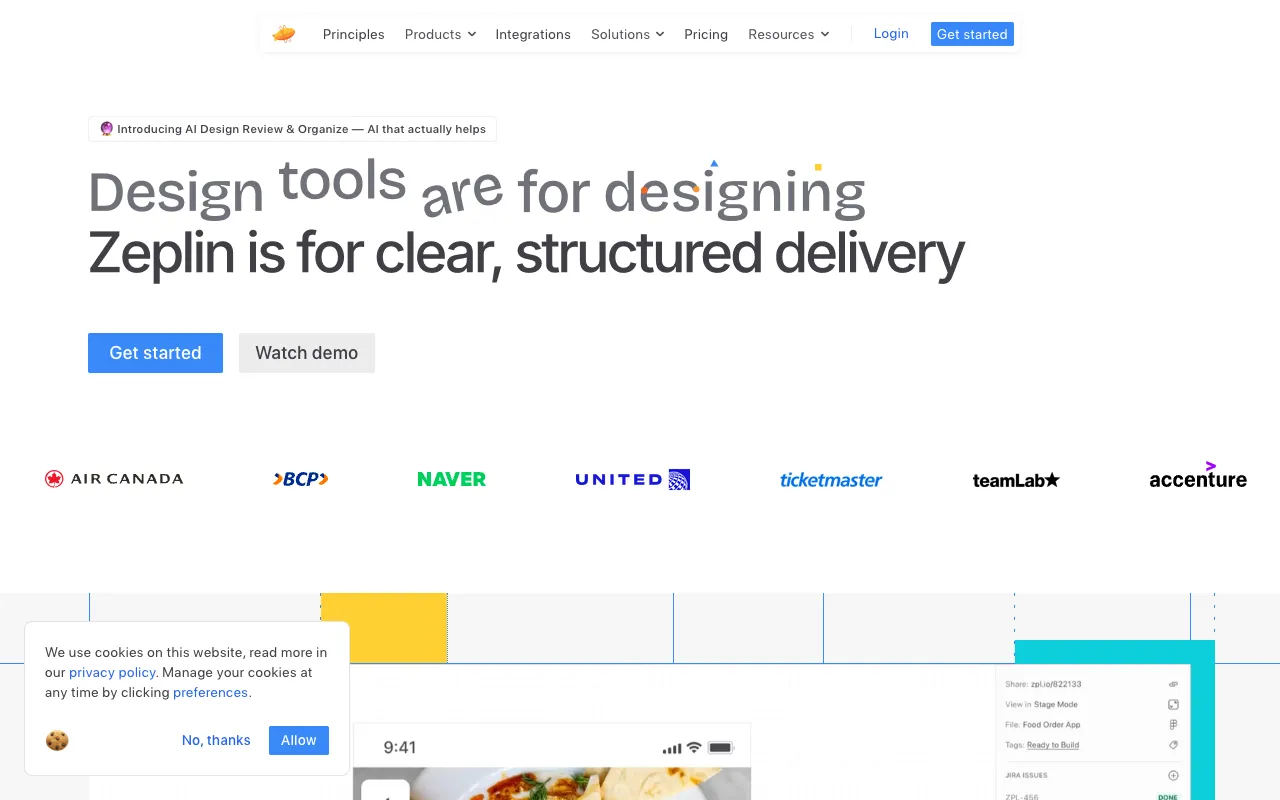
Image of Zeplin – The Ultimate Design Handoff Tool for Software Engineers

Zeplin – The Ultimate Design Handoff Tool for Software Engineers

Zeplin is the definitive collaboration platform built specifically for the workflow between UI/UX designers and software engineers. It transforms static design files into a single source of truth, automating the tedious aspects of design handoff. For developers, this means instant access to production-ready assets, precise measurements, and automatically generated code snippets like CSS, Swift, or Android XML—all from one organized workspace. This drastically reduces back-and-forth communication, minimizes implementation errors, and accelerates front-end development cycles.

What is Zeplin?

Zeplin is a cloud-based collaboration tool that acts as the critical bridge between design and development teams. Designers upload their finished screens from tools like Figma, Sketch, or Adobe XD. Zeplin then automatically generates a comprehensive, organized style guide complete with colors, text styles, and measurements. For software engineers, it provides an interactive environment to inspect every element, download optimized assets in multiple formats and scales, and copy relevant code. It's more than a viewer; it's a workflow engine that standardizes the handoff process, ensuring developers have everything they need without manual extraction or guesswork.

Key Features of Zeplin

Automated Style Guide & Specs

Zeplin automatically extracts and organizes all design tokens—colors, text styles, spacing, and layer effects—into a centralized, searchable style guide. Developers can click on any element to see exact dimensions (in pixels, points, or dp/sp), fonts, hex codes, and opacity values. This eliminates manual measuring and ensures design consistency is maintained throughout development.

One-Click Asset Export

Export any icon, image, or vector directly from the design with a single click. Zeplin provides assets in multiple formats (PNG, JPG, SVG, PDF) and resolutions (1x, 2x, 3x), perfectly optimized for web, iOS, and Android projects. Developers can batch-export entire sets of assets, saving hours of manual slicing and exporting from design files.

Integrated Code Snippets

Speed up implementation with automatically generated code snippets. Zeplin provides ready-to-use CSS, React Native, SwiftUI, UIKit, Android XML, and more for colors, text styles, and measurements. This feature not only saves typing time but also educates developers on design system conventions and reduces syntax errors.

Real-Time Collaboration & Comments

Facilitate clear communication with threaded comments pinned directly to specific elements on the design. Developers can ask questions, report issues, or confirm interpretations without leaving the context. Designers are notified and can respond, creating a transparent audit trail that resolves ambiguities quickly and keeps projects moving forward.

Connected Components & Plugins

Integrate Zeplin deeply into your development workflow. Link design components to their corresponding code repositories (like Storybook or GitHub). Use plugins for Jira, Slack, VS Code, and other developer tools to bring design context directly into your existing environment, minimizing context switching.

Who Should Use Zeplin?

Zeplin is indispensable for any software engineering team that works with designers. It is particularly valuable for Front-end Engineers, Mobile Developers (iOS/Android), and Full-stack Developers implementing UI. Product Managers and Engineering Leads also benefit from its clarity in planning and scope definition. Whether you're at a startup building a new app or a large enterprise maintaining a complex design system, Zeplin scales to fit teams of all sizes by providing a standardized, efficient pipeline from design to code.

Zeplin Pricing and Free Tier

Zeplin offers a generous free tier perfect for individual developers, freelancers, or small teams starting out. The free plan includes 1 project, essential spec inspection, and basic asset export. For growing teams, paid plans (Team and Organization) unlock unlimited projects, advanced style guides, connected components, priority support, and enhanced security features like SAML SSO. Pricing is based on the number of members, making it a scalable investment that directly correlates with team growth and collaboration needs.

Common Use Cases

Key Benefits

Pros & Cons

Pros

  • Dramatically streamlines the designer-to-developer handoff process
  • Intuitive interface with powerful, developer-focused features like code snippets
  • Strong integrations with major design tools (Figma, Sketch, XD) and developer ecosystems
  • Robust free plan suitable for individuals and small projects

Cons

  • Advanced features like connected components require a paid subscription
  • Primarily focused on handoff; not a design tool or a prototyping platform itself
  • Learning the full suite of features and integrations has a slight initial overhead

Frequently Asked Questions

Is Zeplin free to use?

Yes, Zeplin offers a feature-rich free plan ideal for individual developers, freelancers, or small teams working on a single project. It includes core functionality like design inspection, basic asset export, and commenting. For teams needing unlimited projects, advanced style guides, and enterprise integrations, paid Team and Organization plans are available.

Is Zeplin good for software engineers?

Absolutely. Zeplin is built specifically to solve pain points for software engineers. It provides instant access to precise measurements, automatically generated code snippets (CSS, Swift, etc.), and one-click export of production-ready assets in all necessary formats. This eliminates manual work, reduces errors, and allows engineers to focus on building rather than deciphering designs, making it one of the most valuable tools in a modern front-end developer's toolkit.

How does Zeplin compare to just using Figma's developer handoff?

While Figma has built-in inspection modes, Zeplin provides a dedicated, organized environment focused solely on the handoff and implementation phase. It offers more structured style guides, deeper code generation for multiple platforms, better asset management for batch exports, and is often preferred by developers for its cleaner, less-cluttered interface. Many teams use both: Figma for design collaboration and Zeplin as the official, versioned source for development handoff.

Can Zeplin be integrated into our CI/CD pipeline?

Yes, through Zeplin's API and CLI tool. Developers can programmatically fetch assets, style guides, and spec data, enabling automation. For example, you can sync color variables to your codebase or automatically download the latest icons as part of your build process, ensuring your app always uses the most up-to-date designs.

Conclusion

For software engineers, Zeplin is more than just a convenience—it's a force multiplier that professionalizes the design-to-development workflow. By automating the tedious, error-prone tasks of asset export and spec documentation, it empowers developers to build interfaces faster and with greater accuracy. Its focus on clarity, organization, and developer-friendly tooling makes it an essential platform for any team serious about shipping high-quality UI efficiently. Whether you're working solo or as part of a large organization, integrating Zeplin into your process is a strategic investment that pays dividends in reduced friction, faster iteration, and a better final product.