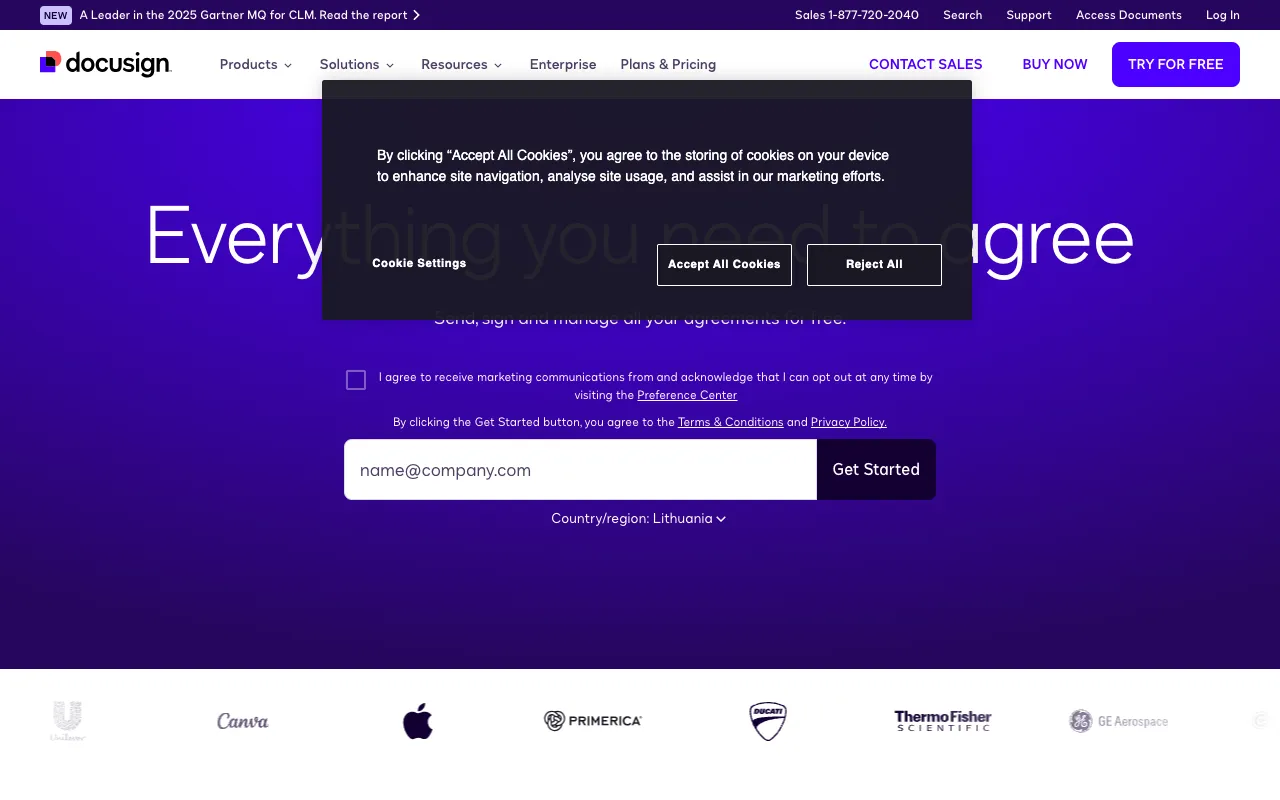
DocuSign – Best Electronic Signature Tool for Startup Founders
For startup founders, speed and legal compliance are non-negotiable. DocuSign is the global standard in electronic signature and agreement management, designed to eliminate the friction of paper-based processes. From securing investor agreements and employee contracts to onboarding new clients, DocuSign provides a legally binding, secure, and incredibly fast way to get documents signed from anywhere in the world. It’s more than just a signature tool; it's a critical system for accelerating your startup's operational velocity.
What is DocuSign?
DocuSign is a comprehensive cloud-based platform for electronic signatures (e-signatures) and digital agreement management. It allows users to prepare, send, sign, and manage documents entirely online, with full legal enforceability in most countries. For startup founders, it replaces slow, manual processes—like printing, scanning, and mailing—with a secure, automated workflow. This ensures critical documents like incorporation papers, SAFE notes, service agreements, and NDAs are executed swiftly, keeping deals and operations moving forward without delay.
Key Features of DocuSign for Startups
Legally Binding E-Signatures
DocuSign signatures comply with major global and U.S. laws like the ESIGN Act and eIDAS, providing court-admissible evidence of intent and consent. This gives founders confidence that their investor agreements, IP assignments, and vendor contracts are fully enforceable.
Automated Workflow & Reminders
Set up sequences for document routing (e.g., founder → investor → lawyer) and automatic reminders for signers. This eliminates the need for manual follow-ups, ensuring nothing falls through the cracks during critical fundraising or hiring sprints.
Template Library & Bulk Send
Save time by creating reusable templates for frequently used documents like employee offer letters, consultant agreements, or service contracts. The bulk send feature lets founders dispatch documents to multiple signers simultaneously, ideal for onboarding a new cohort of employees or collecting signatures from multiple investors.
Advanced Security & Audit Trail
Every action on a document is recorded in a comprehensive, tamper-evident Certificate of Completion. This detailed audit trail includes timestamps, IP addresses, and recipient authentication, providing unparalleled security and transparency for sensitive startup documents.
Seamless Integrations
DocuSign connects directly with the tools startups already use, including Google Workspace, Microsoft 365, Salesforce, Dropbox, and Slack. This creates a seamless document ecosystem, allowing you to send for signature directly from your CRM or cloud storage.
Who Should Use DocuSign?
DocuSign is essential for any startup founder or early-stage team member responsible for legal, operational, or financial agreements. It is particularly valuable for CEOs closing funding rounds, COOs managing vendor contracts, HR leads hiring remote teams, and sales executives closing customer deals. If your role involves getting documents signed quickly and securely to keep the business moving, DocuSign is a foundational tool.
DocuSign Pricing and Free Tier
DocuSign operates on a subscription (SaaS) model and does not offer a permanent free tier for business use. However, they frequently provide a free trial for new users to test the platform. Paid plans start with the 'Personal' plan for individual use and scale up to 'Business Pro' and 'Advanced Solutions' for organizations requiring complex workflows, advanced features, and higher levels of security and compliance. Startups should evaluate their monthly document volume and need for features like templates or integrations to select the most cost-effective plan.
Common Use Cases
- Securing electronic signatures on startup funding documents like SAFE notes and Series Seed agreements
- Streamlining remote employee onboarding with digital offer letters and contract signing
- Accelerating client contract execution for SaaS startups and service-based businesses
Key Benefits
- Close deals and finalize hires up to 80% faster by eliminating manual signing processes
- Reduce administrative overhead and paper costs associated with printing, scanning, and mailing
- Enhance security and compliance with a verifiable, court-admissible audit trail for all documents
Pros & Cons
Pros
- Industry-standard platform with global legal acceptance and trust
- Intuitive user interface that requires minimal training for senders and signers
- Powerful automation and integration capabilities to fit into existing workflows
- Robust security features and detailed compliance documentation
Cons
- No permanent free plan for ongoing business use, only trials
- Can become expensive for startups with a very high volume of documents
- Some advanced features are locked behind higher-tier enterprise plans
Frequently Asked Questions
Is DocuSign free to use for startups?
DocuSign does not offer a permanent free plan for business purposes. Startups can typically access a free trial to evaluate the platform, after which a paid subscription is required. The cost scales based on features and the number of documents sent.
Are DocuSign signatures legally binding for startup documents?
Yes. DocuSign electronic signatures are legally binding in the United States under the ESIGN Act and UETA, and in many other countries under similar regulations. They are widely accepted for critical startup documents including investment agreements, incorporation papers, and employment contracts.
What is the best DocuSign alternative for startups on a tight budget?
While DocuSign is the market leader, startups seeking a lower-cost entry point might consider tools like PandaDoc, SignNow, or Adobe Sign, which may offer more generous free tiers or lower-cost plans. However, it's important to evaluate their legal compliance and feature set for your specific needs.
Can I use DocuSign for cap table management and shareholder agreements?
DocuSign excels at obtaining signatures on finalized documents. It is commonly used to execute shareholder agreements, stock option grants, and other equity-related documents. However, for ongoing cap table management and modeling, startups typically use a dedicated platform like Carta, Pulley, or Ledgy in conjunction with DocuSign for signing.
Conclusion
For startup founders, operational efficiency is a competitive advantage. DocuSign provides a proven, secure, and legally robust solution to one of the most common bottlenecks in early-stage growth: getting agreements signed. By digitizing and automating your signature workflow, you not only save valuable time and resources but also project a professional, modern image to investors, employees, and customers. While the lack of a permanent free tier is a consideration, the acceleration DocuSign brings to deal flow and operations makes it a justifiable and often essential investment for scaling startups focused on velocity and compliance.