Go back
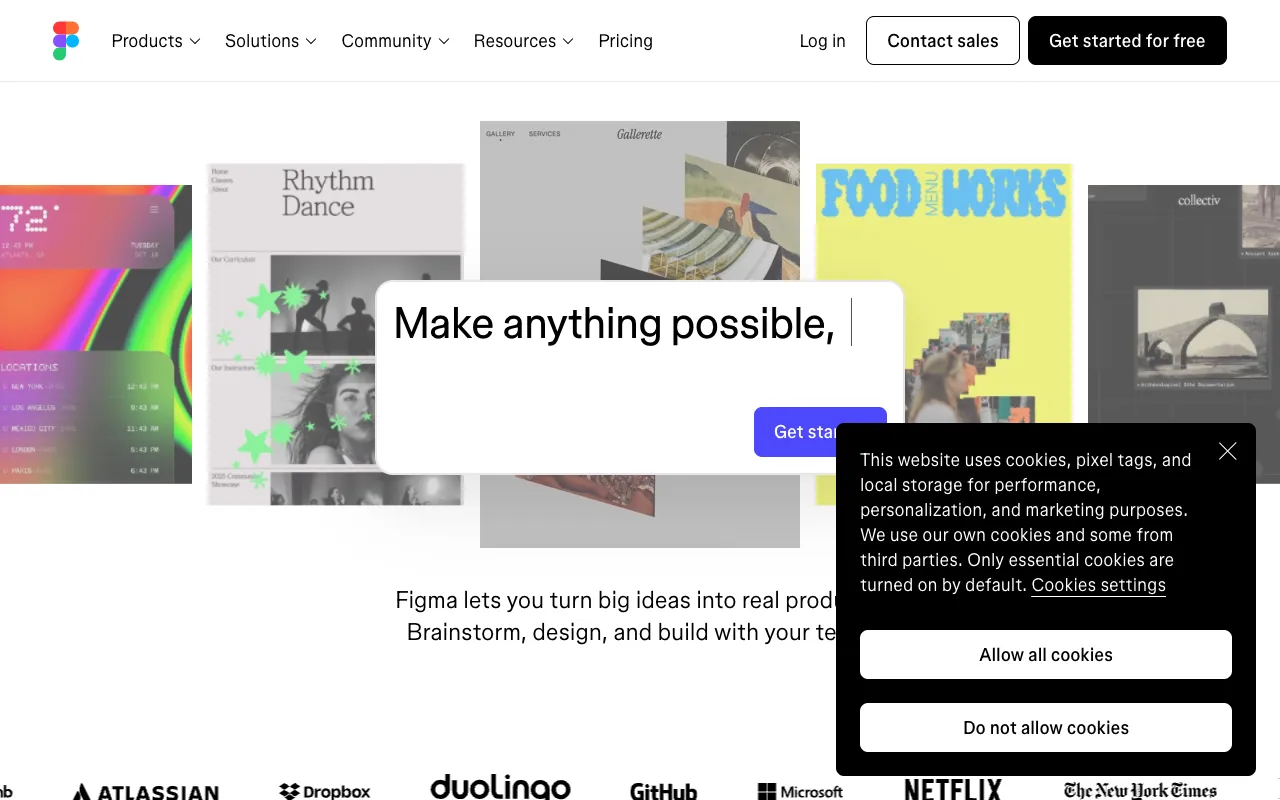
Image of Figma – The Best Collaborative UI/UX Design Tool for Startup Founders

Figma – The Best Collaborative UI/UX Design Tool for Startup Founders

Figma is the essential cloud-based design platform for startup founders who need to build, prototype, and iterate on their product's user interface and experience. Unlike traditional design software, Figma operates entirely in the browser, enabling real-time collaboration between founders, designers, and developers. This makes it the perfect tool for fast-moving startups to validate ideas, create high-fidelity prototypes, and maintain a single source of truth for their design system without the friction of file sharing or version control headaches.

What is Figma?

Figma is a professional-grade, cloud-native design and prototyping tool built specifically for collaboration. It replaces standalone applications like Sketch or Adobe XD by allowing entire teams—from founders and product managers to UI/UX designers and front-end engineers—to work simultaneously in the same document. Its core purpose is to streamline the entire product design process, from initial wireframes and user flows to interactive prototypes and developer handoff, all within a single, accessible platform. It's the definitive tool for modern product teams prioritizing speed, alignment, and visual communication.

Key Features of Figma for Startups

Real-Time Multiplayer Collaboration

See your team's cursors and edits live as they happen. Founders can provide instant feedback, designers can pair on complex components, and stakeholders can comment directly on designs—eliminating endless email threads and meeting syncs. This feature is transformative for remote or hybrid teams, ensuring everyone is literally on the same page.

Interactive Prototyping & User Testing

Turn static designs into clickable, interactive prototypes without writing code. Link frames together to simulate user journeys, add transitions, and create micro-interactions. This allows founders to conduct usability tests, validate product concepts with potential users, and pitch investors with a functioning demo long before development begins.

Design Systems & Component Libraries

Build reusable, scalable design systems with Auto Layout, Variants, and powerful component features. Define your brand's colors, typography, and UI elements once, then deploy them across all your screens. This ensures visual consistency, accelerates the design process, and provides developers with a clear, structured framework for implementation.

Developer Handoff with Code Export

Figma generates CSS, iOS, and Android code snippets for spacing, colors, fonts, and more. Developers can inspect designs, measure distances, and copy assets directly from the tool, drastically reducing the back-and-forth and ensuring pixel-perfect implementation. This bridges the critical gap between design and engineering.

Who Should Use Figma?

Figma is indispensable for startup founders, solo entrepreneurs, product managers, UI/UX designers, and front-end developers. It's perfect for early-stage startups building an MVP, as the free tier provides all core functionality. Growth-stage startups benefit from its scalability and design system management. It's also ideal for non-designers (like founders) who need to quickly mock up ideas, as its intuitive interface lowers the barrier to creating professional-looking wireframes and prototypes.

Figma Pricing and Free Tier

Figma offers an incredibly generous free Starter plan, which includes up to 3 Figma and 3 FigJam files with unlimited collaborators. This is more than enough for many early-stage startups to design their core product. Paid Professional ($12/editor/month) and Organization ($45/editor/month) plans unlock unlimited files, advanced prototyping, team libraries, version history, and robust admin controls, making them essential for scaling design operations and larger teams.

Common Use Cases

Key Benefits

Pros & Cons

Pros

  • Unbeatable real-time collaboration eliminates design silos and version chaos
  • Powerful free tier is fully functional for most startup needs
  • Browser-based access means no software installation and work from any device
  • Superior developer handoff features streamline the design-to-code process

Cons

  • Requires a stable internet connection as work is saved continuously to the cloud
  • Advanced features like branching and merging are less robust than traditional code-based version control

Frequently Asked Questions

Is Figma free to use for startup founders?

Yes, Figma's Starter plan is completely free forever and includes core features like real-time collaboration, prototyping, and up to 3 active design files. This is sufficient for many early-stage startups to design their MVP and initial product screens.

Is Figma good for non-designers and startup founders?

Absolutely. Figma's intuitive interface and vast library of community-created templates and UI kits make it accessible for founders with little to no design experience. It's the perfect tool for quickly mocking up ideas, creating wireframes for your development team, or providing visual feedback.

Can I use Figma for both web and mobile app design?

Yes, Figma is built for multi-platform design. It includes dedicated frame templates for iOS, Android, and various web breakpoints (desktop, tablet, mobile). You can design and prototype entire responsive web experiences and native mobile apps within a single project.

How does Figma compare to Sketch or Adobe XD?

Figma's primary advantage is its foundational focus on real-time, cloud-based collaboration. Unlike Sketch (macOS-only, file-based) or Adobe XD, Figma allows your entire team to work together simultaneously in the browser. It also offers a more generous free plan and is generally considered the industry standard for modern, collaborative product design.

Conclusion

For startup founders, choosing the right design tool isn't just about features—it's about velocity, clarity, and team synergy. Figma stands out as the definitive solution because it transforms design from a solitary, linear task into a dynamic, collaborative process. Its free tier lowers the barrier to professional-grade design, while its paid plans scale seamlessly with your startup's growth. If you need to visualize your vision, align your team, and move from idea to interactive prototype faster, Figma is the essential tool in your startup's tech stack.