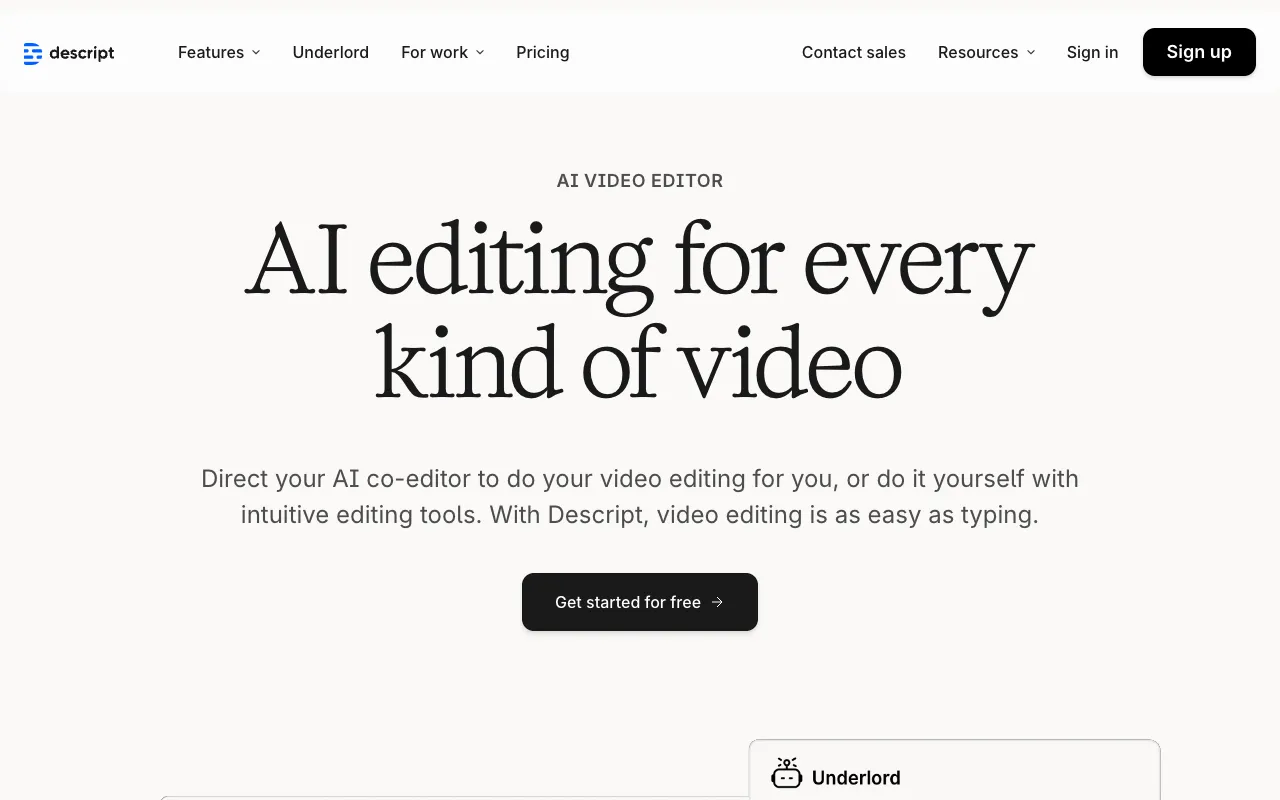
Descript – The Best Text-Based Video Editor for TikTok Creators
Stop wrestling with complex video timelines. Descript redefines video editing for the modern TikTok creator by making it as simple as editing a document. If you produce talking-head videos, tutorials, explainers, or any content driven by speech, Descript is your secret weapon for achieving professional polish in record time. Edit your video by editing the text, remove awkward pauses and filler words automatically, and even overdub your voice to fix mistakes without re-recording. It’s the fastest path from raw footage to share-ready TikTok content.
What is Descript?
Descript is a groundbreaking multimedia editing platform that treats audio and video like a text document. Instead of cutting clips on a timeline, you work directly with an automatically generated transcript of your footage. Delete a sentence in the text, and the corresponding video is removed. Rearrange paragraphs, and your video is reordered. This intuitive, text-first approach eliminates the steep learning curve of traditional editors like Premiere Pro or DaVinci Resolve, making professional-grade editing accessible to every TikTok creator, podcaster, and content marketer. It’s specifically engineered for the era of spoken-word content.
Key Features of Descript for TikTok
Edit Video by Editing Text
The core magic of Descript. Upload your footage, get an accurate transcript in minutes, and edit your video by simply editing the text. Cut out sections, remove mistakes, or rearrange your story flow with copy-paste simplicity. This visual editing method drastically reduces production time for scripted TikTok content.
AI-Powered Filler Word Removal (Um, Uh, Like)
Manually removing every 'um' and 'uh' is tedious. Descript's AI scans your transcript and highlights filler words. With one click, you can remove them all, creating a tighter, more confident, and professional-sounding final video—a game-changer for talking-head TikToks where audience retention is critical.
Overdub (AI Voice Cloning)
Made a mistake in your recording? Instead of re-recording an entire segment, use Overdub. Descript's AI creates a realistic clone of your voice. Simply type the correct sentence, and it will generate the audio in your voice, seamlessly editing the mistake. Perfect for fixing flubs in tutorials or adding missing lines to a script.
Screen Recording & Webcam Capture
Create all-in-one tutorial or review TikToks directly within Descript. Record your screen, webcam, and system audio simultaneously. The recording is instantly transcribed and ready for text-based editing, streamlining the creation process for how-to and reaction content.
Automatic Captions & Subtitles
Accessibility and engagement are non-negotiable on TikTok. Descript automatically generates captions from your transcript. You can easily style them, ensure accuracy, and export a video with burned-in or SRT subtitle files, boosting watch time and compliance with platform best practices.
Who Should Use Descript for TikTok?
Descript is the ideal tool for TikTok creators who prioritize speed, clarity, and a professional finish without needing a film degree. It's perfect for: Edu-Tok creators and teachers producing tutorials; coaches and consultants delivering advice via talking-head videos; podcasters repurposing audio content into visual clips; marketers creating product demos and explainer videos; and any creator who scripts their content or speaks directly to the camera. If your content is driven by your voice, Descript will transform your workflow.
Descript Pricing and Free Tier
Descript offers a robust free plan perfect for new TikTok creators, which includes up to 3 hours of transcription and basic editing features. For professionals needing unlimited transcription, higher-quality export, full Overdub access, and premium features like filler word removal, paid plans start with the Creator plan. This scalable model allows you to start for free and upgrade as your channel and needs grow, making it a low-risk, high-reward investment in your content quality.
Common Use Cases
- Creating polished talking-head TikTok videos about personal finance tips
- Editing lengthy podcast interviews into short, viral clips for TikTok
- Producing error-free software tutorial videos with screen recordings
- Removing awkward pauses and filler words from vlog-style storytimes
Key Benefits
- Cut video editing time by up to 80% compared to traditional timeline software
- Produce more confident and engaging content by eliminating verbal hesitations
- Maintain a consistent posting schedule by drastically reducing post-production workload
- Enhance accessibility and watch time with accurate, easy-to-create captions
Pros & Cons
Pros
- Revolutionarily intuitive text-based editing lowers the barrier to professional results
- AI features like filler word removal and Overdub solve specific, time-consuming pain points
- All-in-one solution for recording, transcribing, editing, and publishing
- Strong free tier allows full testing of the core workflow
Cons
- Primarily optimized for speech-driven content, less ideal for purely visual/music edits
- Advanced Overdub and some export options require a paid subscription
- The AI transcription, while good, may require manual review for technical terms or accents
Frequently Asked Questions
Is Descript free to use for TikTok?
Yes, Descript offers a free plan that includes core features like text-based editing, basic transcription hours, and screen recording. This is sufficient for many TikTok creators starting out. Advanced features like unlimited transcription, full HD export, and Overdub require a paid subscription.
Is Descript good for editing TikTok videos?
Descript is exceptional for a specific type of TikTok video: content driven by speech. If you create talking-head videos, tutorials, explainers, podcasts-to-video, or any content where you are speaking to the camera, Descript is arguably the best and fastest tool available. For editing dance trends or purely visual memes, a simpler mobile editor might suffice.
How accurate is Descript's transcription?
Descript's transcription is highly accurate for clear audio with standard accents, often exceeding 95% accuracy. It provides an easy-to-use editor to correct any mistakes manually. Accuracy can vary with poor audio quality, heavy background noise, or specialized vocabulary.
Can I use Descript on Windows, Mac, and Web?
Yes, Descript is fully cross-platform. It offers dedicated desktop applications for both Windows and macOS for optimal performance, as well as a fully-featured web app that you can use directly in your browser on any operating system, including ChromeOS.
Conclusion
For TikTok creators whose content is built on their voice and ideas, Descript isn't just another editing tool—it's a fundamental workflow upgrade. By turning the tedious process of timeline editing into the simple act of editing a document, it returns focus to what matters most: your message. The integration of AI-powered tools to clean up speech and fix errors further cements its position as the most efficient path to polished, professional-looking TikTok videos. If you want to create better content in less time, Descript is the definitive editor you need to try.