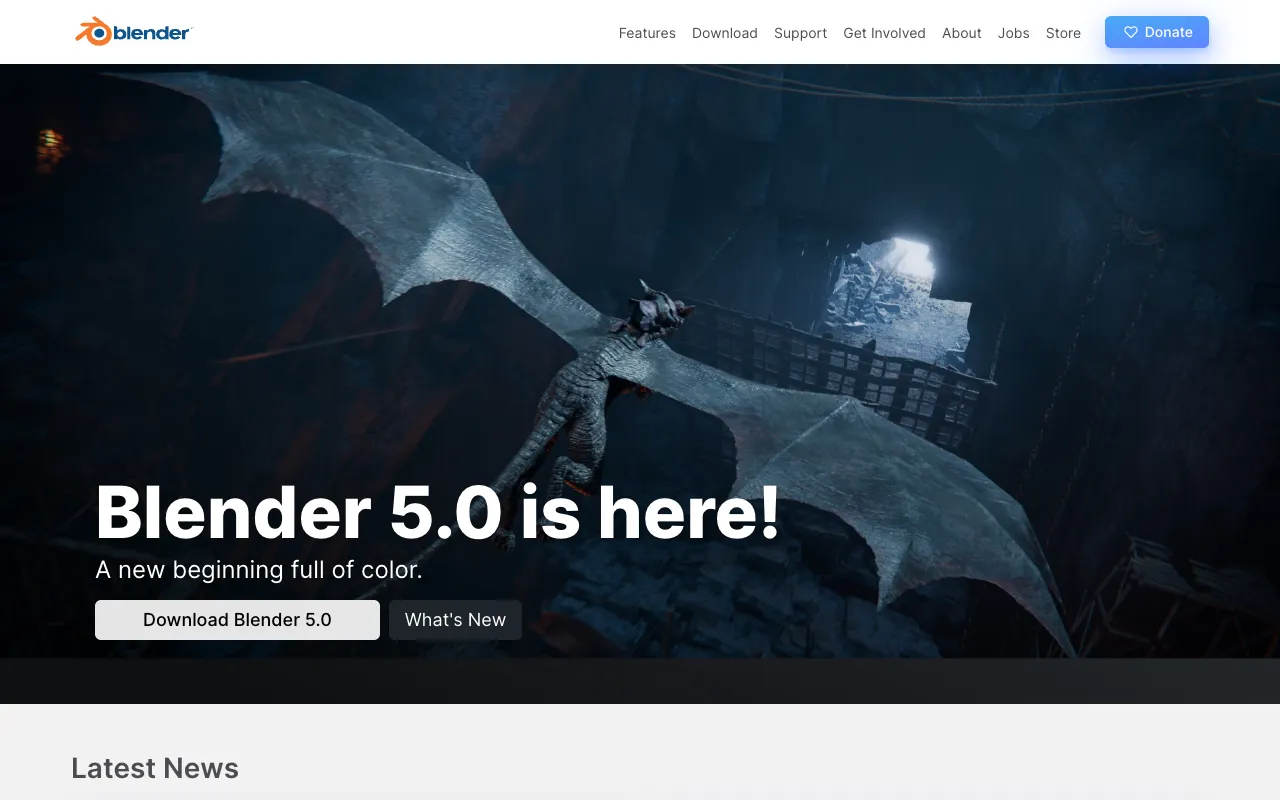
Blender – The Best Free Video Editor for Professionals
Blender redefines professional video editing by offering a completely free, open-source 3D creation suite with a robust built-in video sequence editor. Designed for filmmakers, VFX artists, and motion designers, Blender integrates 3D modeling, animation, simulation, rendering, compositing, and motion tracking into one seamless pipeline. It stands out as the premier tool for creators who need advanced visual effects, 3D integration, and compositing without subscription fees.
What is Blender?
Blender is a comprehensive, free and open-source 3D creation suite that includes a fully-featured video sequence editor (VSE). Unlike traditional video editors, Blender is built for complex workflows involving 3D animation, visual effects (VFX), motion tracking, and compositing. Its video editor is not an afterthought but a powerful component designed to work natively with 3D assets, making it ideal for creating title sequences, integrating CGI into live-action footage, and producing full animated films. It supports a wide range of video formats and codecs, offering professional-grade editing capabilities at zero cost.
Key Features of Blender for Video Editors
Built-in Video Sequence Editor (VSE)
Blender's Video Sequence Editor provides a non-linear editing (NLE) environment for cutting, splicing, and arranging video clips, audio, and images. It supports up to 32 slots for effects, transitions, and color strips, allowing for complex multi-layered compositions directly within the 3D workspace.
Seamless 3D Integration and Compositing
The true power for video editors lies in Blender's seamless integration between its 3D viewport, animation tools, and video timeline. You can render 3D animations directly to the sequence editor, composite them with live-action footage using the powerful Node-Based Compositor, and apply real-time visual effects without ever leaving the application.
Advanced Visual Effects (VFX) and Motion Tracking
Blender includes a professional camera and object motion tracker. You can track live-action footage and integrate 3D models, text, or effects that perfectly match the camera movement. Combined with its masking, rotoscoping, and grease pencil tools, it's a complete VFX solution for indie filmmakers and studios.
Professional Color Grading and Audio Editing
The video sequence editor includes color correction strips and a suite of filters for professional-grade color grading. It also features a waveform display and basic audio mixing capabilities, allowing you to sync sound, adjust levels, and add audio effects within the same project.
Who Should Use Blender for Video Editing?
Blender is the ideal video editing software for creators whose work intersects with 3D and visual effects. It is perfect for independent filmmakers, YouTube creators specializing in VFX, motion graphics artists, 3D animators needing to edit their renders, game developers creating cutscenes, and educational content creators teaching animation. While it has a steeper learning curve than basic editors, its unparalleled integration of 3D and video makes it the best free tool for anyone producing content that requires CGI, compositing, or advanced motion graphics.
Blender Pricing and Free Tier
Blender is 100% free and open-source. There is no paid tier, subscription, or premium version. The entire software—including the video sequence editor, 3D modeling, sculpting, animation, simulation, rendering, and compositing tools—is available at no cost under the GNU General Public License. Development is supported by the Blender Foundation and donations from its global community and corporate partners, ensuring it remains free forever.
Common Use Cases
- Creating YouTube intros and outros with 3D animated logos
- Producing short films with integrated CGI characters and environments
- Adding professional visual effects and motion tracking to live-action footage
- Editing and compositing 3D animated sequences for game trailers
- Designing explainer videos with animated 3D graphics and text
Key Benefits
- Eliminates software costs with a completely free, professional-grade toolset
- Unifies 3D animation and video editing in one application, streamlining complex workflows
- Provides studio-level VFX capabilities like motion tracking and node-based compositing for indie creators
- Future-proofs your skills with industry-standard open-source technology
- Offers massive creative freedom without licensing restrictions or watermarks
Pros & Cons
Pros
- Completely free with no limitations, watermarks, or trial periods
- Unmatched integration of 3D animation, VFX, and video editing
- Powerful node-based compositor and motion tracking for professional results
- Actively developed with frequent updates and a massive supportive community
- Cross-platform (Windows, macOS, Linux) and supports a wide array of file formats
Cons
- Steep learning curve, especially for users new to 3D concepts
- The video sequence editor interface can feel less polished than dedicated NLEs like Premiere Pro
- Requires a relatively powerful computer for smooth playback and rendering of complex 3D scenes
Frequently Asked Questions
Is Blender free to use for video editing?
Yes, Blender is completely free and open-source. You can download and use its full video sequence editor, 3D tools, and compositor for any purpose—commercial or personal—without ever paying a license fee.
Is Blender good for professional video editing?
Absolutely. While it may not replace dedicated NLEs for fast-paced, multi-cam editing of long-form content, Blender excels in professional workflows that involve 3D, VFX, and compositing. Its tools for motion tracking, integrating CGI, and node-based compositing are used by indie studios and professionals worldwide to create broadcast-quality visual effects.
Can I use Blender if I only want to edit videos and not do 3D?
You can, but it may be overkill. Blender's video sequence editor is capable of basic to intermediate editing. However, its interface is designed around a 3D pipeline. If your work never involves 3D assets or complex compositing, a traditional video editor like DaVinci Resolve might offer a more streamlined experience for cutting and color grading.
What makes Blender unique compared to other free video editors?
Blender's uniqueness lies in its seamless fusion of a full 3D creation suite with a video editor. No other free software offers this level of integrated power for creating videos that combine live-action footage with custom 3D animations, simulations, and visual effects in a single, cohesive project.
Conclusion
Blender is not just another free video editor; it's a revolutionary creative suite that demolishes the barrier between 3D animation and video production. For video editors, motion designers, and filmmakers whose vision extends beyond simple cuts and transitions into the realm of visual effects, 3D integration, and complex compositing, Blender is an indispensable and unmatched tool. Its $0 price tag delivers professional-grade capabilities that empower creators to produce content that would otherwise require thousands of dollars in software subscriptions. If your video editing needs are intertwined with 3D, VFX, or motion graphics, learning Blender is one of the most valuable investments you can make in your creative toolkit.