Go back
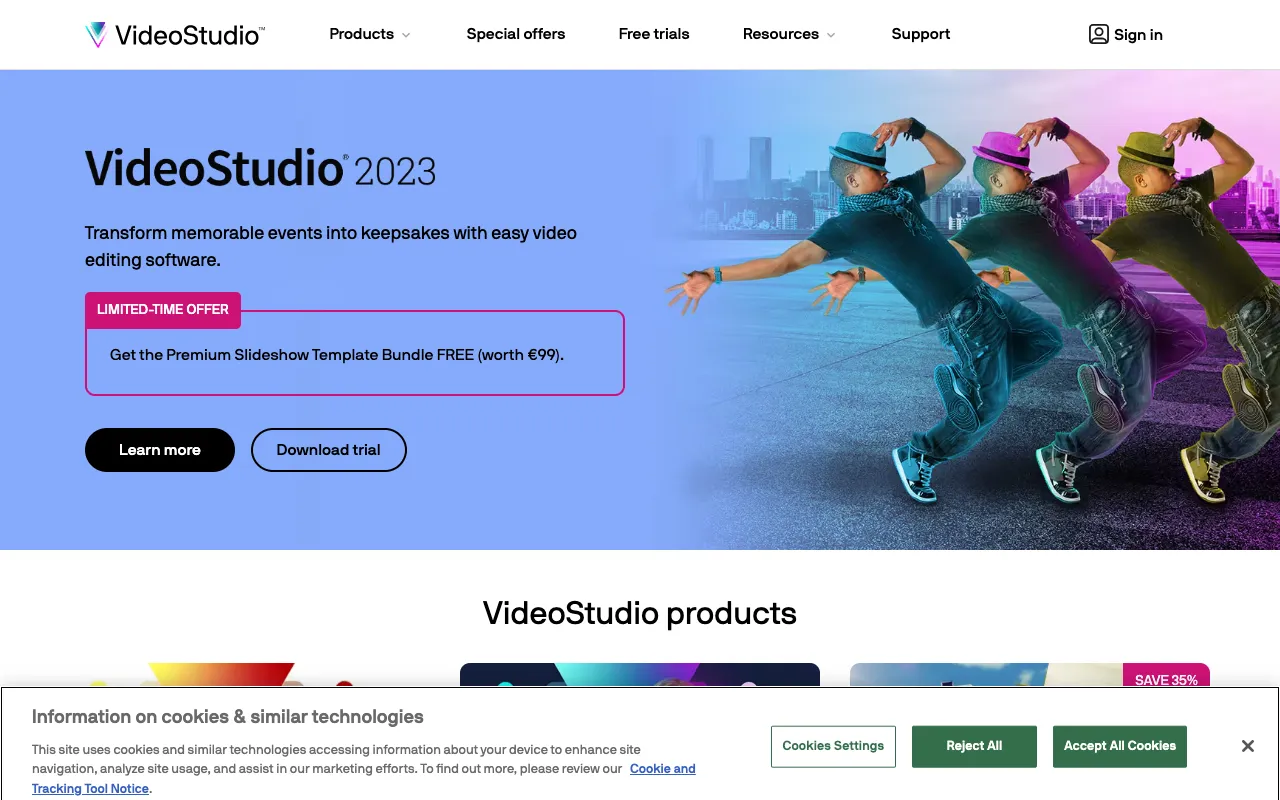
Image of Corel VideoStudio – Best Video Editing Software for Beginners & Creators

Corel VideoStudio – Best Video Editing Software for Beginners & Creators

Corel VideoStudio stands out as a premier desktop video editing application that masterfully balances professional-grade capabilities with an intuitive, beginner-friendly workflow. Designed for content creators, aspiring filmmakers, and hobbyists, it transforms complex editing tasks into simple, creative processes. Whether you're producing YouTube content, social media clips, family memories, or promotional videos, VideoStudio provides the tools to tell your story with impact, without the steep learning curve of more advanced suites.

What is Corel VideoStudio?

Corel VideoStudio is a feature-rich desktop video editing software developed by Corel Corporation. Its core purpose is to democratize video production, making professional-looking results accessible to non-professionals. It serves as a powerful yet approachable alternative to complex industry-standard software, focusing on a streamlined multi-track timeline, a vast library of effects and transitions, and robust color correction tools. The primary audience includes video editing beginners, social media content creators, small business marketers, educators, and anyone looking to edit home videos or personal projects with polish and creativity.

Key Features of Corel VideoStudio

Intuitive Multi-Track Timeline Editing

The heart of VideoStudio is its drag-and-drop, multi-track timeline. This allows you to layer video clips, audio, titles, graphics, and effects with precise control. The interface is designed for visual clarity, making it easy to arrange your story, trim clips, and sync audio without getting lost in technical complexities.

Extensive Library of Effects & Transitions

Elevate your videos instantly with hundreds of pre-installed effects, filters, and transitions. From animated titles and lower-thirds to Hollywood-style effects and seamless scene changes, this library provides creative elements that add production value and keep viewers engaged, all applicable with a single click.

Advanced Color Grading & Correction

Achieve the perfect look for your footage with professional color tools. Adjust white balance, correct exposure, apply LUTs (Look-Up Tables), and perform advanced color grading to match tones across clips or create specific moods, from cinematic drama to bright and vibrant vlogs.

Motion Tracking & Keyframing

Add dynamic elements that follow objects in your scene. Use motion tracking to attach text, graphics, or blur effects to moving subjects. Combined with keyframing, you can create custom animations for titles, overlays, and effects, bringing a professional level of motion graphics to your projects.

Who Should Use Corel VideoStudio?

Corel VideoStudio is ideally suited for individuals and creators who need powerful editing tools without a professional editor's expertise. Perfect for YouTube vloggers crafting engaging content, social media managers producing short-form video for platforms like Instagram and TikTok, small businesses creating product demos and promotional videos, educators developing instructional content, and families wanting to edit vacation or event videos into shareable movies. It's the go-to solution when you value a smooth, guided editing experience but refuse to compromise on creative output.

Corel VideoStudio Pricing and Free Tier

Corel VideoStudio is a premium desktop application available for a one-time purchase license, typically offered in standard and ultimate editions. It does not operate on a subscription SaaS model like some competitors, which can be more cost-effective for long-term users. There is no permanent free tier; however, Corel often provides a fully-featured free trial version. This trial allows you to download and test all software functionalities for a limited period (e.g., 30 days), enabling you to evaluate its compatibility with your workflow before making a purchase decision.

Common Use Cases

Key Benefits

Pros & Cons

Pros

  • Exceptionally user-friendly interface ideal for beginners transitioning from basic editors
  • Rich feature set including motion tracking and color grading often found in pro software
  • One-time license fee offers better long-term value compared to monthly subscriptions
  • Strong performance and stability for a wide range of video formats and projects

Cons

  • Lacks some of the ultra-advanced features and ecosystem integration of top-tier professional suites like Adobe Premiere Pro
  • No native cloud-based collaboration tools for team-based editing workflows
  • The one-time purchase model means major new feature updates may require purchasing a new version

Frequently Asked Questions

Is Corel VideoStudio free to use?

Corel VideoStudio is not free software; it is a premium desktop application available for purchase with a one-time license fee. However, Corel offers a full-featured free trial that allows you to test all capabilities before buying, which is an excellent way to evaluate if it meets your editing needs.

Is Corel VideoStudio good for beginner video editors?

Yes, Corel VideoStudio is widely regarded as one of the best video editing software options for beginners. Its intuitive drag-and-drop timeline, clear interface, and guided workflows make complex tasks simple to learn. It provides a gentle yet powerful stepping stone from basic mobile apps to more professional desktop editing environments.

Can I use Corel VideoStudio for YouTube editing?

Absolutely. Corel VideoStudio is an excellent choice for YouTube creators. It supports high-resolution exports (including 4K), offers tools for creating custom thumbnails and end screens, includes YouTube-optimized export presets, and provides all the effects, titles, and audio tools needed to produce polished, engaging content that stands out on the platform.

Conclusion

For creators seeking a powerful yet accessible gateway into professional video editing, Corel VideoStudio represents a top-tier choice. It successfully bridges the gap between simplistic free tools and overwhelmingly complex professional suites. Its strength lies in a thoughtfully designed interface that unlocks a deep well of creative features—from color grading to motion tracking—empowering you to produce videos that look expertly crafted. If your priority is a cost-effective, one-time purchase software that delivers impressive results without a frustrating learning curve, Corel VideoStudio is a compelling and highly recommended solution for your video editing toolkit.