Go back
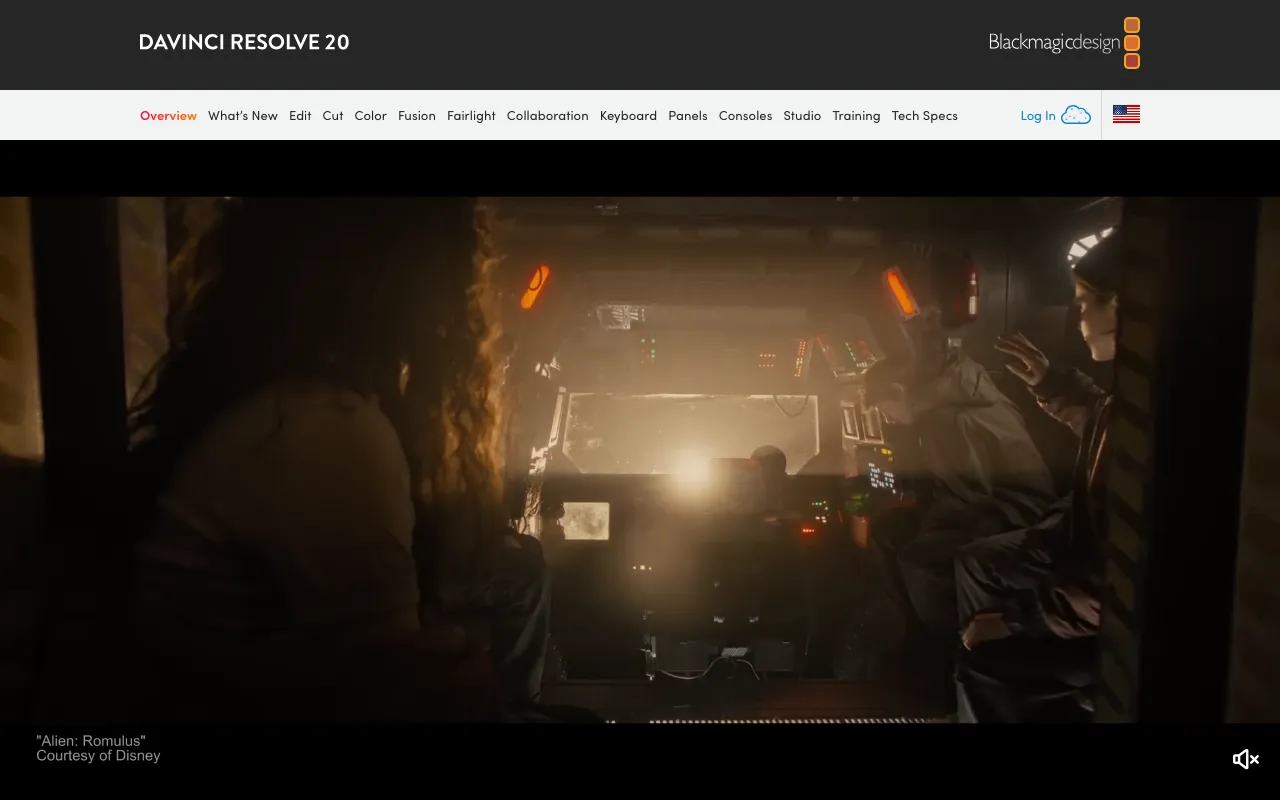
Image of DaVinci Resolve – The Best Free Professional Video Editor

DaVinci Resolve – The Best Free Professional Video Editor

DaVinci Resolve is the industry's only all-in-one solution that integrates professional non-linear editing (NLE), Hollywood's most advanced color corrector, a powerful node-based visual effects (VFX) suite, and Fairlight's professional digital audio workstation (DAW). Trusted by major film studios and independent creators, its free version delivers an unparalleled, complete post-production workflow without subscription fees.

What is DaVinci Resolve?

DaVinci Resolve is a complete post-production software suite designed for professional video editors, colorists, VFX artists, and sound engineers. It consolidates four high-end applications—the Cut and Edit pages, the Color page, the Fusion VFX page, and the Fairlight audio page—into a single, unified environment. Originally renowned as the world's best color grading tool, it has evolved into a formidable competitor to Adobe Premiere Pro and Apple Final Cut Pro, offering a streamlined workflow that eliminates the need to switch between separate programs, saving time and preserving media quality throughout the entire editing pipeline.

Key Features of DaVinci Resolve

Professional Non-Linear Editing

The Edit page provides a traditional, feature-rich timeline for precise cutting, trimming, and arranging of clips. The revolutionary Cut page is optimized for speed, offering an intuitive interface with smart editing tools like the Source Tape and Sync Bin for rapid assembly, making it perfect for fast-turnaround projects like social media content, documentaries, and news.

Industry-Leading Color Correction & Grading

DaVinci Resolve's Color page is the gold standard, used on Hollywood blockbusters. It offers primary and secondary color correction, advanced qualifiers for isolating colors and objects, Power Windows for targeted adjustments, and HDR grading tools. Its node-based workflow provides limitless creative flexibility and non-destructive editing.

Fusion Visual Effects & Motion Graphics

Built directly into the software, the Fusion page is a powerful node-based compositing and VFX environment. You can create cinematic visual effects, dynamic titles, animated graphics, and 3D compositions without leaving your project, ensuring a seamless round-trip workflow that maintains maximum image quality.

Fairlight Professional Audio Post-Production

The Fairlight page delivers a full-featured digital audio workstation with support for over 2,000 tracks, ADR tools, Fairlight FX, and a massive sound library. You can record, edit, mix, and master audio with precision equalization, dynamic processing, and spatial audio tools for immersive sound design.

Who Should Use DaVinci Resolve?

DaVinci Resolve is ideal for professional filmmakers, video editors, colorists, YouTubers, content creators, and post-production studios seeking a high-end, integrated workflow. It's perfect for anyone frustrated with subscription models or juggling multiple applications. From Hollywood colorists performing final grading on feature films to indie creators producing polished YouTube videos, its scalable power and $0 entry point make it accessible to all skill levels. Beginners can start with the intuitive Cut page, while experts can leverage its deep professional toolset.

DaVinci Resolve Pricing and Free Tier

DaVinci Resolve offers one of the most generous models in professional software. The standard version, **DaVinci Resolve**, is completely free and includes the vast majority of features needed for professional work—the full Edit, Cut, Color, Fusion, and Fairlight pages. The paid **DaVinci Resolve Studio** is a one-time purchase that unlocks advanced features essential for high-end production, such as support for resolutions beyond 4K (up to 32K), stereoscopic 3D tools, multiple GPU rendering, advanced noise reduction, HDR grading, and dozens of additional Fairlight FX plugins and Resolve FX filters.

Common Use Cases

Key Benefits

Pros & Cons

Pros

  • Unmatched value: A complete professional suite available for free
  • Industry-best color grading tools used on major motion pictures
  • Seamless, unified workflow between editing, color, VFX, and audio
  • One-time purchase for Studio version with free lifetime updates
  • Excellent performance and optimization, especially on Apple Silicon and Windows systems

Cons

  • Steeper learning curve due to its vast and deep feature set
  • Requires a powerful computer with a dedicated GPU for optimal performance, especially in Fusion
  • Some advanced collaboration features are reserved for the paid Studio version

Frequently Asked Questions

Is DaVinci Resolve completely free to use?

Yes, the standard version of DaVinci Resolve is completely free for personal and commercial use. It includes the full editing, color correction, basic VFX, and audio post-production suites. The paid Studio version is a one-time purchase that adds advanced features for high-end professional workflows.

Is DaVinci Resolve good for beginners in video editing?

DaVinci Resolve is excellent for beginners due to its free price point and the intuitive 'Cut' page designed for fast, easy editing. While the software is deep, beginners can start with the core editing features and gradually learn color grading and effects as their skills grow, making it a tool that scales with you.

How does DaVinci Resolve compare to Adobe Premiere Pro?

DaVinci Resolve offers a more integrated all-in-one workflow (editing, color, VFX, audio) compared to Premiere Pro, which often requires Adobe After Effects and Audition. Resolve's color grading is superior. While Premiere has wider third-party plugin support and familiarity, Resolve provides incredible value, especially with its robust free version and one-time Studio purchase versus Adobe's subscription model.

Can I use DaVinci Resolve on my computer?

DaVinci Resolve is available for Windows, macOS, and Linux. It is a demanding application, so a computer with a dedicated GPU (from NVIDIA, AMD, or Apple Silicon), at least 16GB of RAM (32GB recommended), and a fast SSD is required for smooth performance, particularly when working with 4K footage or complex effects.

Conclusion

DaVinci Resolve stands as a monumental achievement in creative software, democratizing Hollywood-grade post-production tools. For any video editor—from aspiring YouTuber to seasoned professional—its combination of a fully-featured free version, an integrated all-in-one workflow, and industry-leading color science makes it an essential and often superior choice. Whether you're cutting a vlog or grading a feature film, DaVinci Resolve provides the power, flexibility, and value to bring your creative vision to life without compromise.