Go back
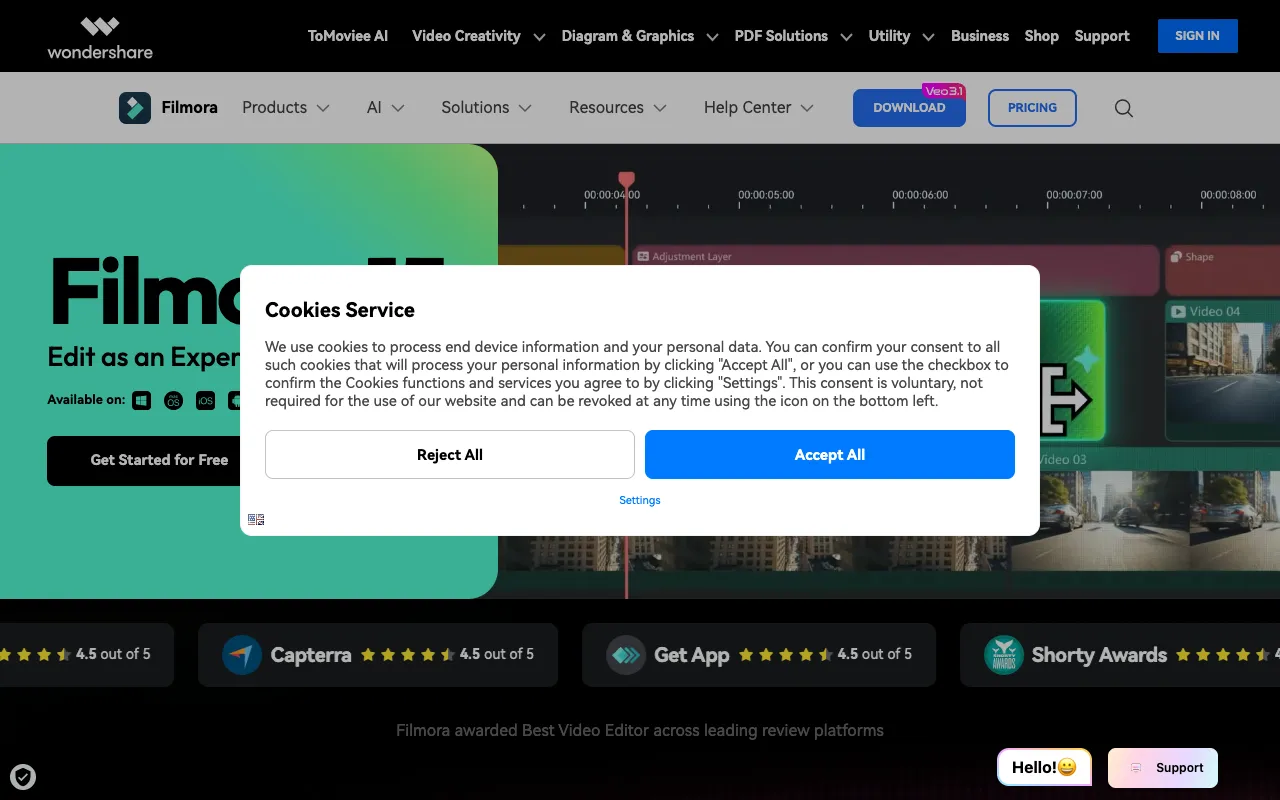
Image of Filmora – Best Video Editing Software for Beginners & Enthusiasts

Filmora – Best Video Editing Software for Beginners & Enthusiasts

Filmora by Wondershare is a powerful yet user-friendly desktop video editing application designed specifically for beginners, content creators, and video enthusiasts. It bridges the gap between basic mobile editors and complex professional suites, offering an intuitive interface packed with creative effects, transitions, and tools. Whether you're editing YouTube videos, social media clips, family memories, or personal projects, Filmora provides the functionality to produce polished, engaging content without a steep learning curve.

What is Filmora?

Filmora is a flagship video editing software from Wondershare, developed to make professional video editing accessible to non-professionals. It operates as a desktop application for Windows and macOS, providing a streamlined workflow that simplifies complex editing tasks. Its core purpose is to empower creators—from vloggers and marketers to educators and hobbyists—to tell their stories through video without needing advanced technical skills. By combining essential editing features with a library of drag-and-drop effects, Filmora stands out as a top-tier solution for anyone entering the world of video production.

Key Features of Filmora

Intuitive Drag-and-Drop Interface

Filmora's clean, logically organized timeline and media library allow you to import clips, audio, and images seamlessly. The drag-and-drop functionality makes assembling your project straightforward, significantly reducing the time spent learning software navigation.

Vast Library of Effects and Assets

Access thousands of royalty-free music tracks, animated titles, transitions, filters, and overlays (including popular glitch and distortion effects). This built-in asset library eliminates the need for external sources for most projects, speeding up your creative process.

Advanced Editing Tools Made Simple

Perform keyframing for smooth animations, apply green screen (chroma key) effects, correct color with presets and custom adjustments, and stabilize shaky footage—all through simplified controls designed for ease of use.

Direct Export and Sharing

Export your finished videos in optimized formats for YouTube, Vimeo, Instagram, TikTok, and other platforms directly from the software. Filmora also allows burning to DVD and saving to various device formats, including iPhone and Android.

Who Should Use Filmora?

Filmora is the ideal video editing solution for a wide range of users within the creative and professional spectrum. It's perfect for beginners taking their first steps in video editing, YouTube creators and vloggers needing efficient workflows, social media managers producing platform-specific content, educators creating instructional videos, small business owners making promotional material, and enthusiasts editing travel or family videos. If you need professional-looking results but want to avoid the complexity and cost of software like Adobe Premiere Pro or DaVinci Resolve, Filmora is your best bet.

Filmora Pricing and Free Tier

Filmora operates on a premium perpetual license or annual subscription model. While it does not have a completely free tier, it offers a fully-featured free trial with a watermark on exports, allowing you to test all functionalities before purchasing. Paid plans remove the watermark, provide access to the full effects library, and include ongoing updates and premium support. This model ensures you invest in a powerful tool only after verifying it meets your editing needs.

Common Use Cases

Key Benefits

Pros & Cons

Pros

  • Exceptionally user-friendly interface ideal for video editing beginners
  • Massive built-in library of effects, music, and titles saves time and money
  • Powerful enough for advanced effects like keyframing and color grading
  • Regular updates with new features and trendy assets

Cons

  • Export watermark on the free trial requires purchase for clean videos
  • Can feel limited for professional editors requiring ultra-precise control

Frequently Asked Questions

Is Filmora free to use?

Filmora offers a full-featured free trial that includes all editing tools and effects. Exports from the trial version will contain a watermark. To remove the watermark and gain access to premium assets and support, a one-time perpetual license or an annual subscription is required.

Is Filmora good for beginners in video editing?

Yes, Filmora is widely regarded as one of the best video editing software options for beginners. Its intuitive drag-and-drop interface, straightforward timeline, and abundance of pre-set templates and effects allow new users to create impressive videos quickly, making it an excellent starting point for learning video editing fundamentals.

Can I use Filmora for professional work?

Absolutely. While beginner-friendly, Filmora includes advanced features like audio ducking, color correction, keyframing, and motion tracking, making it suitable for professional projects like client videos, social media ads, and online course content. Its output quality meets the standards for most digital platforms.

Conclusion

For anyone seeking capable, user-friendly video editing software that delivers professional results without complexity, Filmora is a top-tier choice. It successfully demystifies video production for beginners while packing enough advanced features to satisfy growing creators and enthusiasts. If your goal is to efficiently produce high-quality videos for YouTube, social media, business, or personal projects, Filmora provides the perfect balance of power and simplicity. Start with its free trial to experience its intuitive workflow and vast creative potential firsthand.