Go back
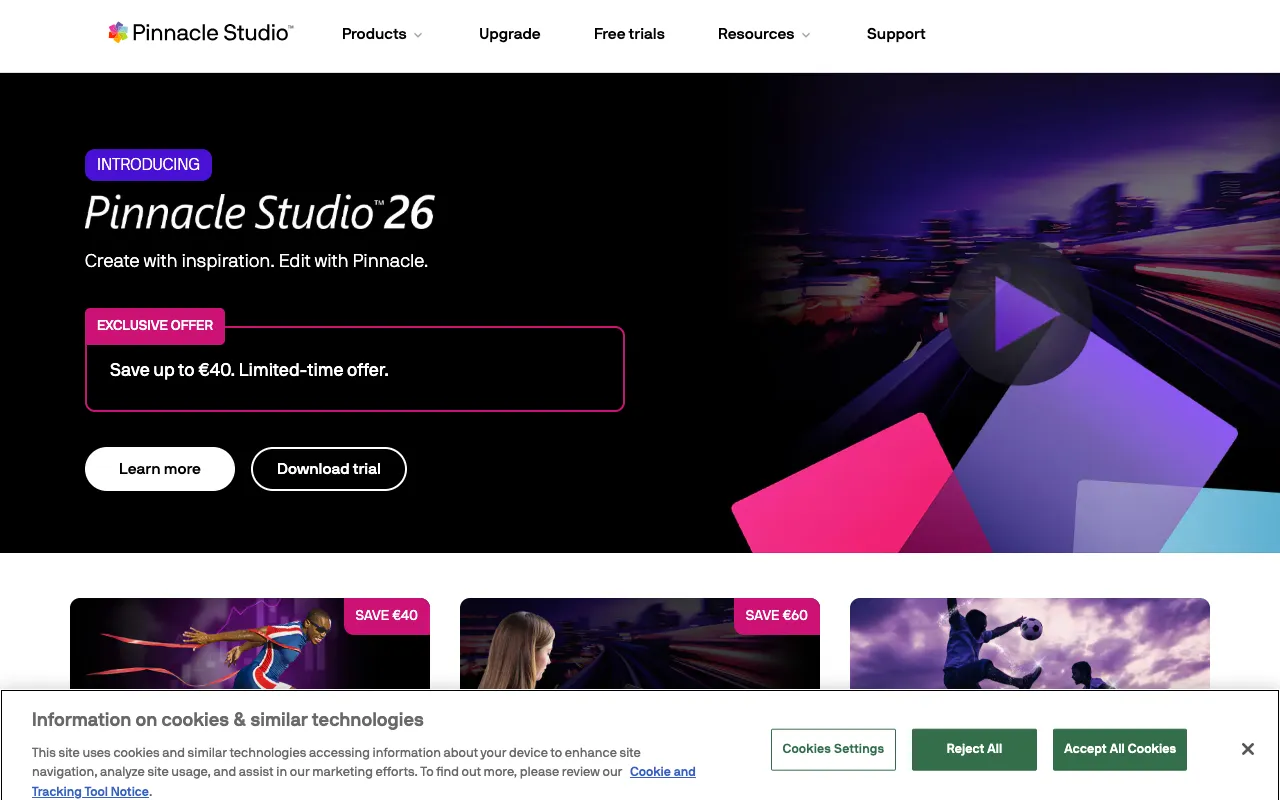
Image of Pinnacle Studio – Best Professional Video Editing Software

Pinnacle Studio – Best Professional Video Editing Software

Pinnacle Studio is a professional-grade desktop video editing software designed for creators who demand precision, creative control, and powerful post-production capabilities. As a leading solution for filmmakers, content creators, and professional editors, it combines an intuitive multi-track timeline with a vast library of advanced effects, transitions, and color grading tools. Unlike cloud-based or entry-level editors, Pinnacle Studio delivers robust performance for complex projects, 4K editing, and cinematic output, making it a top-tier choice for serious video production.

What is Pinnacle Studio?

Pinnacle Studio is a feature-rich desktop video editing application developed by Corel. It serves as a comprehensive post-production suite for editing, enhancing, and finishing video projects. With its focus on providing professional-caliber tools in a streamlined interface, it bridges the gap between consumer-friendly software and high-end professional suites. Its core purpose is to empower video editors, indie filmmakers, marketers, and content creators to produce broadcast-quality videos with advanced effects, precise audio control, and efficient workflow management—all from a single, powerful desktop application.

Key Features of Pinnacle Studio

Multi-Track Timeline Editing

Work with unlimited video, audio, title, and graphic tracks for complex compositions. This professional-grade timeline offers precise clip trimming, keyframing, and nested sequence support, enabling editors to manage intricate projects like documentaries, music videos, and short films with complete control.

Advanced Effects & Motion Graphics

Access a vast library of professional visual effects, including chroma key (green screen), particle effects, lens flares, and customizable motion titles. The integrated effects library and title editor allow for the creation of Hollywood-style graphics and animations directly within the timeline.

Precision Color Grading & Correction

Achieve cinematic looks with professional color wheels, curves, and scopes. Pinnacle Studio includes advanced color matching, HDR support, and LUT (Look-Up Table) compatibility, giving editors the tools needed for consistent color correction and creative grading across all clips.

High-Performance 4K & 360° Editing

Edit natively in 4K Ultra HD and 360-degree video formats with optimized playback. The software leverages GPU acceleration for smooth scrubbing and rendering, handling high-resolution footage efficiently for modern video production demands.

Who Should Use Pinnacle Studio?

Pinnacle Studio is ideally suited for video professionals and ambitious creators who have outgrown basic editing apps. Its primary users include independent filmmakers requiring robust timeline features and color grading, YouTube creators and marketers producing high-quality branded content, corporate video producers needing efficient workflow tools, and advanced hobbyists pursuing cinematic personal projects. It's particularly valuable for editors who work with multi-camera footage, require precise audio syncing, or need to deliver projects in professional formats for clients or broadcast.

Pinnacle Studio Pricing and Free Tier

Pinnacle Studio operates on a perpetual license model (one-time purchase) rather than a subscription, which is a significant advantage for professionals seeking predictable costs. While it does not offer a traditional free tier with full functionality, prospective users can download a free trial version from the official website to evaluate all features before purchasing. Paid licenses are typically offered in tiered editions (Standard, Plus, Ultimate), with the higher tiers including more premium effects, additional plugins, and advanced features like 360° video editing and multi-camera support.

Common Use Cases

Key Benefits

Pros & Cons

Pros

  • Professional multi-track timeline ideal for complex video projects
  • Extensive library of high-quality visual effects and motion graphics tools
  • Perpetual license model provides long-term cost certainty compared to subscriptions
  • Strong performance with GPU acceleration for 4K and 360-degree video editing

Cons

  • Steeper learning curve compared to beginner-friendly or mobile editing apps
  • No free version available, only a limited-time trial
  • Advanced features like 360° editing are locked in the highest-tier Ultimate edition

Frequently Asked Questions

Is Pinnacle Studio free to use?

Pinnacle Studio is not a free software. It operates on a paid perpetual license model. However, you can download a fully-featured free trial from the official Pinnacle Systems website to test all its capabilities before deciding to purchase a license.

Is Pinnacle Studio good for professional video editing?

Yes, Pinnacle Studio is an excellent choice for professional video editing. It offers a robust multi-track timeline, advanced color grading tools, support for 4K and 360° video, and a vast effects library—features that meet the demands of indie filmmakers, corporate producers, and serious content creators seeking professional results outside of expensive subscription-based suites.

What is the difference between Pinnacle Studio and simpler editors like iMovie?

Pinnacle Studio is designed for advanced editing, offering significantly more power and control than consumer editors like iMovie. Key differences include unlimited multi-track timelines for complex layering, professional color correction tools (color wheels, scopes), advanced keyframing for effects and animation, chroma key (green screen), and support for more export formats and codecs required for professional delivery.

Conclusion

For video editors ready to elevate their work beyond basic cuts and simple transitions, Pinnacle Studio stands as a powerful and cost-effective professional solution. Its combination of a deep feature set—including a professional multi-track timeline, advanced color grading, and a massive effects library—with a one-time purchase model makes it a compelling alternative to monthly subscriptions. If your projects demand precision, creative flexibility, and professional output for platforms like YouTube, broadcast, or client delivery, Pinnacle Studio provides the robust toolkit needed to produce stunning, high-quality video content efficiently.