Go back
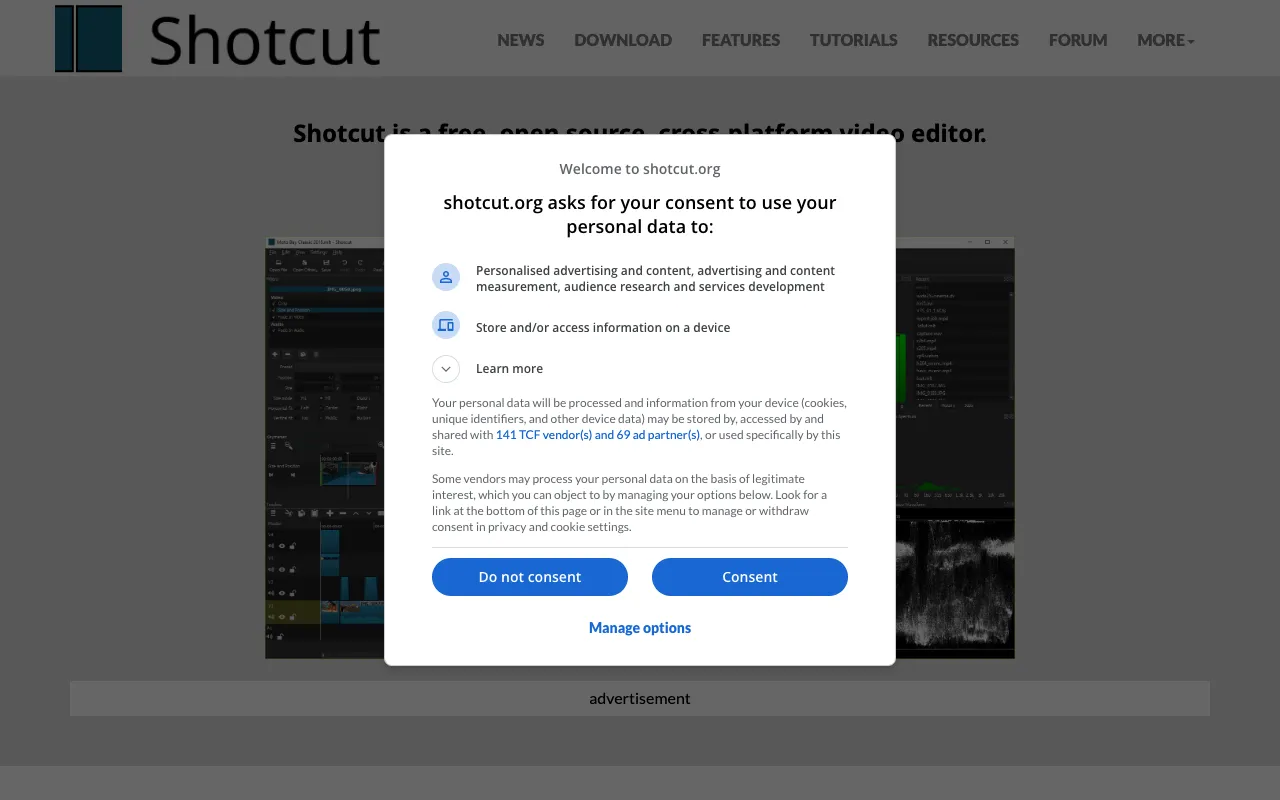
Image of Shotcut – The Best Free & Open-Source Video Editor

Shotcut – The Best Free & Open-Source Video Editor

Shotcut stands as a powerful testament to what free software can achieve. As a 100% free, open-source, and cross-platform video editor, it delivers professional-grade editing capabilities to YouTubers, indie filmmakers, educators, and content creators worldwide. Running natively on Windows, macOS, and Linux, Shotcut removes the financial barrier to high-quality video production, offering a robust feature set that rivals many paid alternatives. If you're seeking a capable, reliable, and completely free video editing solution, Shotcut is a top-tier choice.

What is Shotcut Video Editor?

Shotcut is a feature-rich, non-linear video editing application developed as a free and open-source project. Unlike freemium models with watermarks or export limitations, Shotcut provides unrestricted access to all its tools. Its core philosophy centers on accessibility and power, built on the FFmpeg framework for wide format support. It's designed for users who need serious editing capabilities—multi-track timelines, advanced audio controls, color grading, and a vast array of filters and effects—without the subscription fees or one-time costs associated with software like Adobe Premiere Pro or Final Cut Pro. It's the go-to editor for budget-conscious professionals and hobbyists alike.

Key Features of Shotcut

Native Timeline Editing & Format Support

Shotcut's timeline supports unlimited video, audio, and playlist tracks. Its most significant advantage is native editing, meaning you can edit most video and audio formats without needing to convert or transcode files first. This saves tremendous time and preserves original video quality, supporting everything from common MP4s to professional codecs like ProRes and DNxHD.

Advanced Audio & Video Filters

Go beyond basic cuts with Shotcut's extensive filter ecosystem. Apply color correction with waveforms and vectorscopes, use professional audio filters like compression and EQ, and experiment with visual effects like blur, chroma key (green screen), and glitch. The modular filter design allows for complex, layered effects to achieve a cinematic look.

Cross-Platform Compatibility & Performance

As a true cross-platform editor, Shotcut offers a consistent experience on Windows, macOS, and Linux. It leverages GPU acceleration for smoother playback and faster rendering where supported, handling 4K and higher resolutions efficiently. This makes it a versatile choice for editing studios or individuals who work across different operating systems.

Open-Source Freedom & Community-Driven Development

Being open-source means Shotcut is transparent, secure, and shaped by its user community. There are no hidden costs, data mining, or vendor lock-in. The development roadmap is public, and users can contribute or modify the code. This model fosters rapid innovation and ensures the tool evolves based on real user needs, not just corporate profit motives.

Who Should Use Shotcut?

Shotcut is ideal for a wide range of video creators. It's perfect for YouTubers and content creators who need a reliable, feature-packed editor without monthly fees. Indie filmmakers and documentary producers appreciate its support for high-quality formats and color grading tools. Educators, non-profits, and small businesses benefit from its zero-cost entry point for producing promotional or educational content. Even experienced editors transitioning from paid software find Shotcut a powerful, liberty-respecting alternative. Its learning curve is more approachable than some professional suites but offers the depth to grow with your skills.

Shotcut Pricing and Free Tier

Shotcut's pricing model is uniquely straightforward: it is completely free. There is no 'free tier' with limitations—it's the full software, offered at no cost, forever. There are no watermarks on exports, no trial periods, no feature locks behind a paywall, and no subscription plans. The project is supported by donations, sponsorships, and a passionate community. This makes Shotcut one of the most cost-effective and honest video editing solutions available, providing professional capabilities with a $0 price tag.

Common Use Cases

Key Benefits

Pros & Cons

Pros

  • 100% free with no restrictions, watermarks, or hidden costs
  • Genuine cross-platform support (Windows, Mac, Linux)
  • Powerful native editing for a vast range of video and audio formats
  • Active open-source community ensures continuous improvements and security

Cons

  • The user interface can feel less polished and intuitive compared to some commercial alternatives
  • Some advanced features may require a steeper learning curve due to technical terminology
  • Performance on very complex projects may vary compared to optimized premium software

Frequently Asked Questions

Is Shotcut completely free to use?

Yes, Shotcut is 100% free and open-source software. There are no subscription fees, one-time purchases, or 'premium' features locked behind a paywall. You can download, use, and export videos without any watermarks or limitations, completely free of charge.

Is Shotcut good for professional video editing?

Absolutely. While it's free, Shotcut is packed with professional-grade features including multi-track editing, advanced audio filters, color correction tools with scopes, and support for 4K resolution and high-quality codecs. Many indie filmmakers, documentarians, and professional content creators use Shotcut for serious projects, valuing its power and freedom over costly alternatives.

What are the system requirements for Shotcut?

Shotcut runs on Windows (7+), macOS (10.14+), and most modern Linux distributions. It is relatively lightweight but performs best with a dedicated GPU for hardware acceleration, especially when working with high-resolution (4K) footage. It requires a 64-bit operating system.

How does Shotcut compare to DaVinci Resolve?

Both are powerful, free video editors. DaVinci Resolve is renowned for its Hollywood-grade color grading. Shotcut's advantages lie in its being truly open-source (offering more user freedom), having a less resource-intensive installation, and offering native editing for more formats without mandatory media management. The choice often comes down to specific workflow needs and personal interface preference.

Conclusion

Shotcut redefines value in the video editing landscape. It proves that powerful, professional creative tools can be accessible to everyone, regardless of budget. For creators who prioritize freedom, transparency, and capable software without recurring costs, Shotcut is not just an alternative—it's a premier choice. Its commitment to open-source principles, combined with a robust and ever-expanding feature set, makes it an essential tool for any video editor's arsenal. Download Shotcut today and experience professional-grade editing on your terms.