Go back
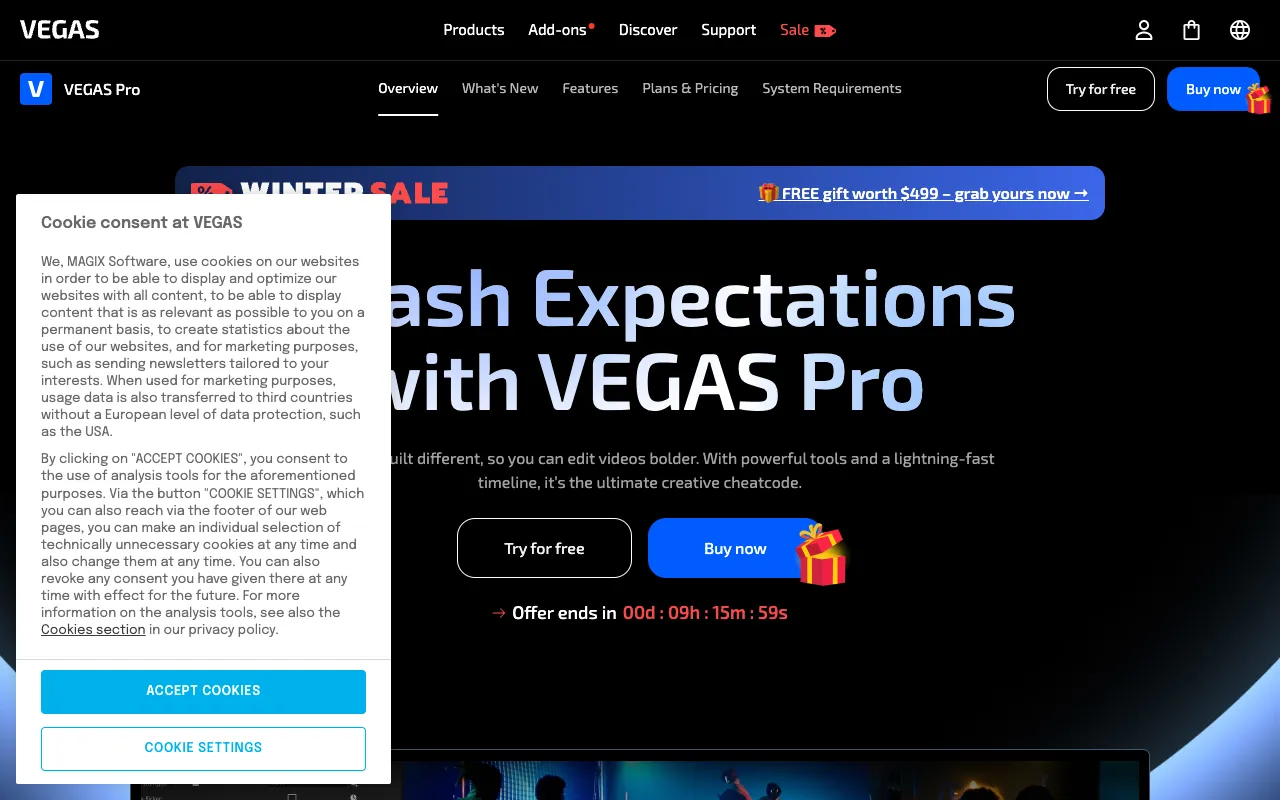
Image of VEGAS Pro – Professional Video & Audio Editing Software

VEGAS Pro – Professional Video & Audio Editing Software

VEGAS Pro is a professional-grade, non-linear video and audio editing suite designed for content creators, independent filmmakers, and post-production studios. Built on a robust engine, it delivers high-performance editing, advanced color correction, comprehensive audio tools, and powerful effects in a streamlined desktop application. It stands out for its efficient workflow, GPU acceleration, and professional feature set tailored for demanding projects.

What is VEGAS Pro?

VEGAS Pro is a comprehensive desktop video editing software that provides a professional environment for video and audio post-production. Unlike basic or subscription-based editors, VEGAS Pro offers a powerful, timeline-based NLE (Non-Linear Editor) with deep customization, support for high-resolution formats (including 4K, 8K, and HDR), and a wide array of professional tools for compositing, motion graphics, and sound design. Its primary audience includes serious content creators, video production agencies, corporate video teams, and filmmakers who require reliability, speed, and advanced capabilities.

Key Features of VEGAS Pro

Advanced NLE Timeline & Workflow

Experience a highly flexible, drag-and-drop timeline with unlimited video and audio tracks. Smart tools like magnetic snapping, ripple editing, and nested timelines accelerate editing. The workflow is optimized for speed, allowing for real-time previews and multi-camera editing without rendering.

Professional Color Grading Suite

Utilize a full-featured color grading panel with secondary color correction, HDR scopes, and Look-Up Tables (LUTs). Achieve cinematic looks with precise control over shadows, midtones, and highlights, supporting industry-standard color spaces.

Comprehensive Audio Post-Production

Edit and mix audio with professional tools directly on the timeline. Features include VST3 plugin support, surround sound mixing, audio ducking, and the integrated Sound Forge audio editor for detailed waveform editing and restoration.

Powerful Video Effects & Compositing

Apply a vast library of GPU-accelerated effects, transitions, and titles. Leverage planar motion tracking for object removal or graphic insertion, chroma keying for green screen work, and advanced masking tools for precise visual effects.

Who Should Use VEGAS Pro?

VEGAS Pro is ideal for professional and prosumer users who need a powerful, standalone editing solution. This includes independent filmmakers creating feature films or documentaries, YouTube creators producing high-production-value content, marketing teams creating promotional videos, and corporate video producers. It's suited for those who prioritize a perpetual license model, require advanced audio-video synchronization, and work with complex, multi-format projects.

VEGAS Pro Pricing and Free Tier

VEGAS Pro operates on a traditional software purchase model, offering perpetual licenses for major versions, often with optional upgrade plans. There is no traditional free tier or freemium version of VEGAS Pro. However, the developer, VEGAS Creative Software, frequently offers a fully-functional free trial period, allowing users to test all professional features before committing to a purchase. This model provides full ownership of the software without recurring subscription fees.

Common Use Cases

Key Benefits

Pros & Cons

Pros

  • Powerful perpetual license model without ongoing subscription costs
  • Extensive professional features for video, audio, and effects in one package
  • Highly customizable interface and efficient, timeline-focused workflow
  • Excellent performance and stability for large, complex projects

Cons

  • Higher upfront cost compared to some subscription-based competitors
  • Steeper learning curve for beginners transitioning from simpler software
  • No native free version, only a time-limited trial

Frequently Asked Questions

Is VEGAS Pro free to use?

No, VEGAS Pro is not a free software. It is a professional-grade video editing application sold via a perpetual license. However, a full-featured free trial is typically available from the official website, allowing you to evaluate the software before purchasing.

Is VEGAS Pro good for professional video editing?

Absolutely. VEGAS Pro is a top-tier choice for professional video editing. It offers a comprehensive suite of tools for advanced color grading, audio post-production, visual effects, and supports high-resolution formats like 4K and 8K, making it suitable for film, broadcast, and high-end commercial projects.

What is the main advantage of VEGAS Pro over other editors?

A key advantage is its combination of a powerful, flexible NLE workflow with deep audio editing capabilities (thanks to integrated Sound Forge technology) in a single application. Its efficient performance, driven by strong GPU acceleration, and its perpetual license model are also significant differentiators for professionals.

Conclusion

VEGAS Pro establishes itself as a formidable powerhouse in the professional video editing landscape. It delivers an exceptional balance of raw editing power, comprehensive audio-video tool integration, and a workflow designed for efficiency. For creators and professionals seeking a robust, standalone editing suite with a one-time purchase option—capable of handling everything from social media content to feature films—VEGAS Pro represents a compelling and authoritative choice. It is best suited for users ready to leverage advanced features to elevate their production quality and workflow speed.