Go back
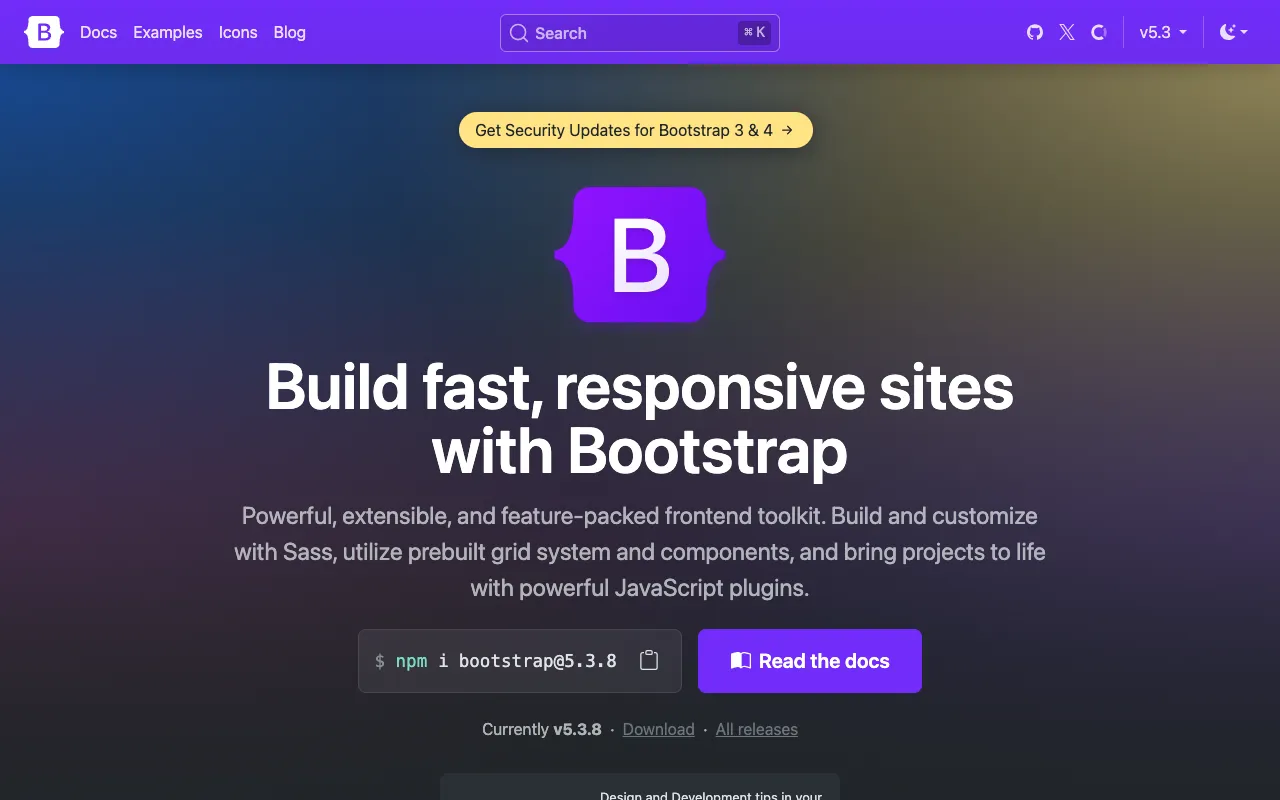
Image of Bootstrap – The Best CSS Framework for Web Developers

Bootstrap – The Best CSS Framework for Web Developers

Bootstrap is the definitive open-source toolkit for building responsive, mobile-first websites and applications. Trusted by millions of developers worldwide, it provides a robust foundation of pre-designed CSS and JavaScript components, allowing you to prototype and deploy professional-grade interfaces with remarkable speed and consistency. Whether you're a front-end beginner or a seasoned full-stack developer, Bootstrap streamlines your workflow and ensures your projects look great on any device.

What is Bootstrap?

Bootstrap is a comprehensive, feature-packed CSS framework that simplifies front-end web development. Originally created at Twitter, it has evolved into an independent, open-source project maintained by a global community. Its core philosophy is mobile-first responsiveness, meaning styles are designed for small screens first and then scaled up with CSS media queries. Bootstrap provides a powerful 12-column responsive grid system, a vast library of reusable UI components (like buttons, forms, navbars, and cards), and interactive JavaScript plugins—all designed to work seamlessly together. It eliminates the need to write repetitive CSS from scratch, enforcing design consistency and dramatically reducing development time.

Key Features of Bootstrap

Responsive Grid System

Bootstrap's fluid grid system is its backbone. Using containers, rows, and columns, you can easily create complex, responsive layouts that automatically adapt to phones, tablets, and desktops. The system uses a series of breakpoints and a mobile-first approach, making it incredibly efficient to build interfaces that work perfectly across all viewports.

Extensive Component Library

Jumpstart development with dozens of pre-styled components. From navigation bars and dropdowns to modals, carousels, and alerts, Bootstrap provides ready-to-use HTML and CSS. These components are fully customizable with Sass variables and utilities, allowing you to match your brand's design language while maintaining accessibility standards.

Powerful JavaScript Plugins

Bring your interfaces to life with jQuery-powered plugins that are included by default. Easily add functionality like modal popups, tooltips, popovers, and dynamic tabs without writing custom JavaScript. The plugins are designed to be data-attribute driven, making them simple to implement directly in your HTML markup.

Customization with Sass

Bootstrap is built with Sass, a powerful CSS preprocessor. Developers can deeply customize the framework by modifying Sass variables for colors, spacing, fonts, and more. You can import only the components you need, creating a lean, optimized stylesheet tailored to your specific project requirements.

Who Should Use Bootstrap?

Bootstrap is an essential tool for a wide range of web professionals. Front-end developers and UI/UX designers use it to rapidly prototype and build consistent interfaces. Full-stack and back-end developers appreciate how it provides a polished, professional front-end with minimal CSS expertise. It's ideal for startups and agencies that need to deliver client projects quickly and responsively. While particularly welcoming for beginners due to its extensive documentation and community support, advanced developers leverage its Sass architecture and build tools for large-scale, customized applications.

Bootstrap Pricing and Free Tier

Bootstrap is completely free and open-source, released under the MIT license. There is no paid tier, subscription, or premium version. You can download the source code, use it in any project (personal or commercial), modify it, and distribute it without any cost. The entire framework, including all CSS, JavaScript, and icons, is available for free from the official website or via package managers like npm.

Common Use Cases

Key Benefits

Pros & Cons

Pros

  • Massive community support with extensive documentation and tutorials
  • Incredibly fast for prototyping and building MVPs
  • Strong focus on accessibility and responsive design principles
  • Highly customizable through Sass variables and modular imports

Cons

  • Websites can have a recognizable 'Bootstrap look' if not heavily customized
  • Includes unused CSS and JavaScript by default, requiring optimization for production
  • Relies on jQuery for its plugins, which may be unnecessary for modern JS frameworks

Frequently Asked Questions

Is Bootstrap free to use?

Yes, Bootstrap is 100% free and open-source. You can use it for any project, commercial or personal, without paying any fees, thanks to its MIT license.

Is Bootstrap good for modern web development?

Absolutely. Bootstrap remains one of the best tools for web developers, especially for rapid prototyping, building admin panels, and creating responsive websites efficiently. Its integration with build tools like Webpack and its Sass-based customization make it suitable for modern development workflows.

Do I need to know CSS to use Bootstrap?

While you can build basic layouts using Bootstrap's classes without deep CSS knowledge, a foundational understanding of CSS and HTML is highly beneficial. To fully leverage and customize Bootstrap, knowledge of CSS and Sass is recommended.

Can I use Bootstrap with React or Vue.js?

Yes. While Bootstrap's jQuery plugins don't integrate natively with React/Vue's virtual DOM, you can use the framework's CSS classes directly. For better integration, the community has created dedicated libraries like React-Bootstrap or BootstrapVue, which rebuild the components as native framework components.

Conclusion

Bootstrap stands as a cornerstone of modern web development, offering an unparalleled combination of speed, consistency, and community support. For developers seeking to build responsive, professional websites without reinventing the wheel, it remains a top-tier choice. Its free and open-source nature, coupled with continuous updates and a massive ecosystem, ensures it will be a valuable asset in any web developer's toolkit for prototyping, production applications, and everything in between.