Go back
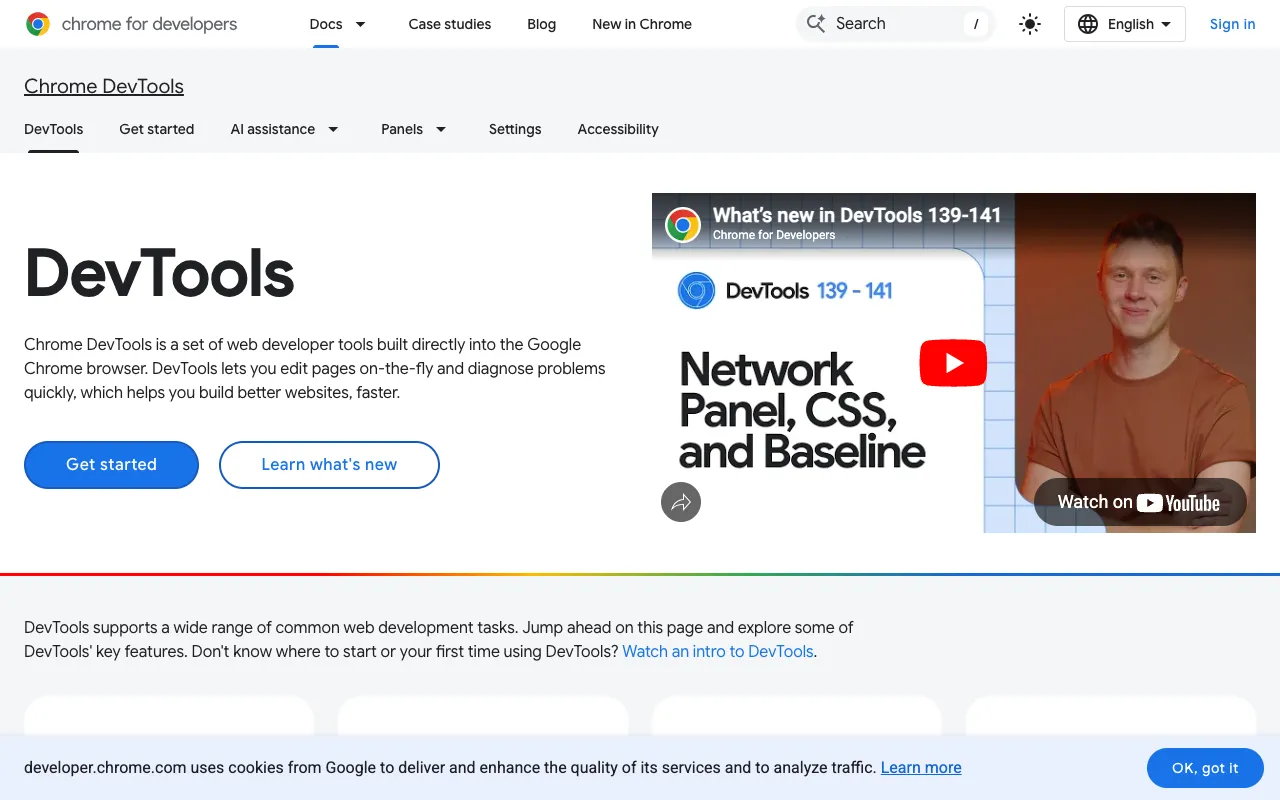
Image of Chrome DevTools – The Essential Toolkit for Web Developers

Chrome DevTools – The Essential Toolkit for Web Developers

Chrome DevTools is the indispensable, built-in suite of developer tools within the Google Chrome browser. It empowers frontend, backend, and full-stack developers to debug JavaScript in real-time, experiment with CSS and HTML edits live, audit website performance, test mobile responsiveness, and analyze network activity—all without leaving the browser. As the most widely used developer toolset globally, it's the foundation of modern web development workflows.

What is Chrome DevTools?

Chrome DevTools is not a separate application but a powerful set of utilities deeply integrated into the Google Chrome browser. It provides developers with unparalleled access to the inner workings of any web page or web application. From inspecting and manipulating the DOM and CSS in real-time to setting breakpoints in JavaScript and analyzing runtime performance bottlenecks, DevTools turns the browser into a comprehensive development environment. It's designed for professionals who need to build, test, and debug with precision and speed.

Key Features of Chrome DevTools

Elements Panel for Live DOM & CSS Editing

Inspect and modify the HTML and CSS of any page on the fly. Change styles, edit text content, add or remove DOM elements, and see visual updates instantly. This is perfect for debugging layout issues and prototyping design changes without refreshing the page.

Console for JavaScript Debugging & Logging

Execute JavaScript commands, log diagnostic information, and interact with the page's JavaScript context. It's essential for debugging scripts, testing APIs, and diagnosing runtime errors with detailed stack traces.

Sources Panel for Advanced JavaScript Debugging

Set breakpoints, step through code, watch variables, and debug even minified source code with the help of source maps. This turns complex JavaScript debugging into a manageable, visual process.

Network Panel for Performance Auditing

Monitor all network requests made by a page. Analyze request/response headers, timing, payload sizes, and identify slow-loading resources that impact your site's speed and user experience.

Performance & Memory Profiling

Record runtime performance to identify JavaScript execution bottlenecks, costly style recalculations, and jank. The Memory panel helps detect and fix memory leaks in complex web applications.

Device Mode & Mobile Emulation

Simulate a wide range of mobile devices, screen sizes, and network conditions (like 3G) to test responsive designs and performance without needing physical hardware.

Application Panel for PWA & Storage

Inspect and manage client-side storage (LocalStorage, IndexedDB, Cookies), service workers, and cache for Progressive Web Apps (PWAs), ensuring your offline capabilities work flawlessly.

Security & Lighthouse Audits

The Security panel reveals HTTPS/TLS issues, while the integrated Lighthouse tool runs automated audits for performance, accessibility, SEO, and best practices, providing actionable improvement reports.

Who Should Use Chrome DevTools?

Chrome DevTools is a non-negotiable tool for virtually every web professional. Frontend developers rely on it for daily CSS/HTML debugging and JavaScript work. Full-stack and backend developers use it to debug API calls and inspect server responses. QA engineers utilize it for testing and bug reporting. UX/UI designers employ the device emulator and style editor for responsive design checks. SEO specialists leverage the Lighthouse audits. It's the central hub for anyone involved in creating, optimizing, or maintaining websites and web applications.

Chrome DevTools Pricing and Free Tier

Chrome DevTools is completely free and comes bundled with the Google Chrome browser at no additional cost. There is no paid tier, subscription, or premium version—all its powerful features are available to every user immediately upon installing Chrome. This makes it the most accessible and cost-effective professional-grade development tool available.

Common Use Cases

Key Benefits

Pros & Cons

Pros

  • Completely free and integrated directly into the world's most popular browser.
  • Unmatched depth of features covering every aspect of web development and debugging.
  • Continuously updated by Google with new capabilities aligned with modern web standards.
  • Excellent documentation and a massive community for support and tutorials.
  • Works seamlessly for both local development and debugging live production sites.

Cons

  • Exclusive to the Chrome/Chromium browser ecosystem, though other browsers have similar tools.
  • The vast array of features can have a steep initial learning curve for complete beginners.
  • Advanced performance profiling requires a solid understanding of browser rendering processes.

Frequently Asked Questions

Is Chrome DevTools free to use?

Yes, Chrome DevTools is 100% free. It is built directly into the Google Chrome browser, which is also free to download and use. There are no hidden costs, subscriptions, or premium features locked behind a paywall.

Is Chrome DevTools good for web developers?

Chrome DevTools is not just good—it's essential for web developers. It is the industry-standard toolkit used by professionals worldwide for daily debugging, performance optimization, and responsive testing. Its deep integration with the browser provides insights and control that external tools cannot match.

How do I open Chrome DevTools?

You can open Chrome DevTools quickly by right-clicking on any webpage element and selecting 'Inspect,' or by using keyboard shortcuts: F12 (Windows/Linux) or Cmd+Option+I (Mac). You can also find it in the Chrome menu under More Tools > Developer Tools.

Can I use Chrome DevTools for mobile web development?

Absolutely. The Device Toolbar (Toggle Device Emulation) allows you to simulate various mobile devices, screen resolutions, touch events, and even throttle network speed to 3G. This is crucial for developing and testing responsive, mobile-first websites.

Conclusion

For any web developer, Chrome DevTools is far more than a simple utility—it's the foundational workstation for modern web creation. Its comprehensive, free, and integrated nature makes it the definitive first tool you should master. Whether you're fixing a subtle CSS bug, profiling a slow JavaScript function, or auditing your site's SEO, Chrome DevTools provides the precision and power needed to build faster, more robust, and user-friendly web experiences. It remains the undisputed top choice in the web developer's toolkit.