Go back
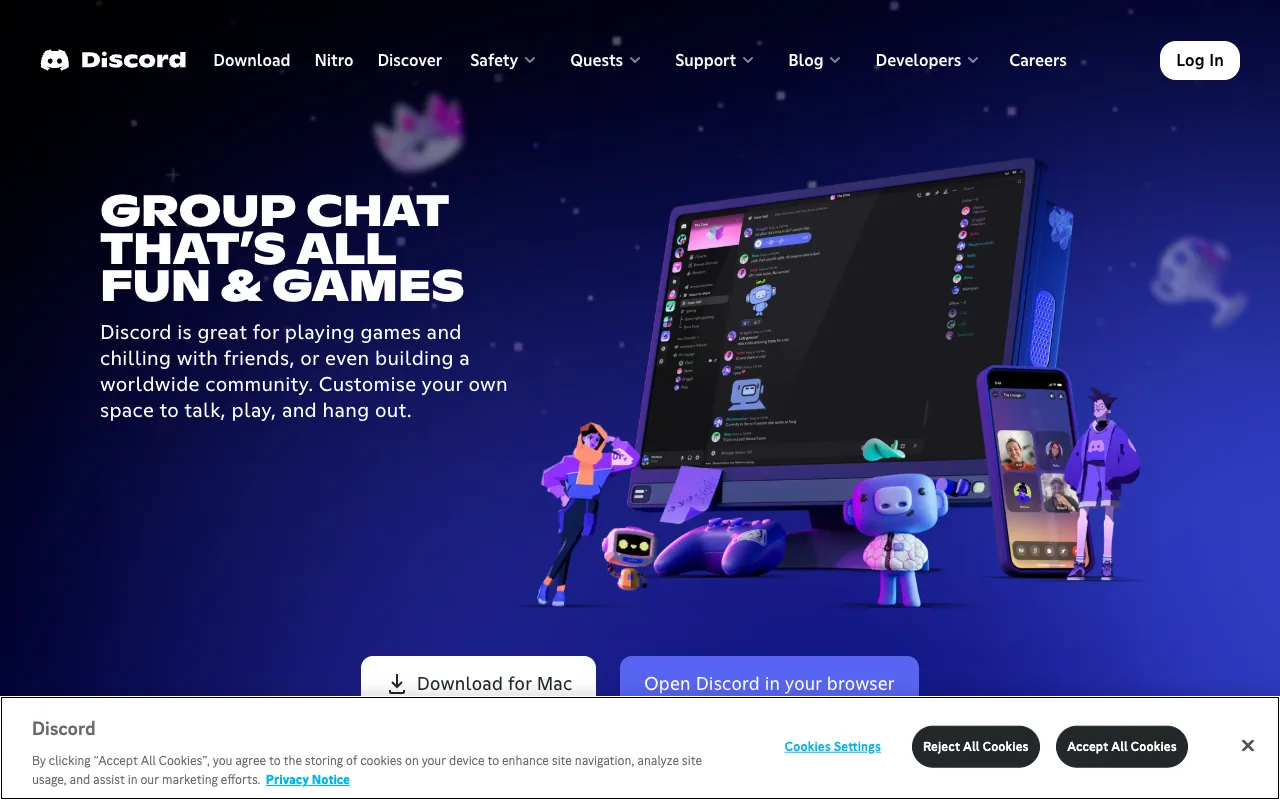
Image of Discord – Best Communication & Community Platform for Developers

Discord – Best Communication & Community Platform for Developers

Discord has evolved from a gamers' chat app into the definitive communication hub for developers worldwide. It combines robust voice chat, persistent text channels, file sharing, and bot integrations into a single, free platform perfect for coding teams, open-source communities, and tech education. Unlike fragmented email threads or limited Slack free tiers, Discord offers unparalleled flexibility for building scalable, engaged developer ecosystems.

What is Discord?

Discord is a feature-rich communication platform that provides persistent servers where communities can interact via text, voice, and video. Originally popular with gamers, its stability, high-quality voice codec, and extensibility via bots have made it the go-to choice for developer communities of all sizes. It functions as a digital headquarters where teams can collaborate on projects, share code snippets, host live Q&A sessions, and build lasting professional networks in dedicated, organized channels.

Key Features of Discord for Developers

Persistent, Organized Servers

Create a dedicated server for your project or community with customizable text and voice channels. Organize discussions by topic (e.g., #general, #help, #showcase, #off-topic) to keep conversations focused and searchable, reducing noise and improving knowledge retention.

High-Fidelity Voice & Video Chat

Host crystal-clear voice meetings, pair programming sessions, or live streams with screen sharing. Discord's low-latency voice chat is ideal for daily stand-ups, debugging sessions, and community AMAs, fostering real-time collaboration regardless of location.

Powerful Bot Integrations

Extend your server's functionality with bots like GitHub, Zapier, or custom-built bots using the Discord API. Automate welcome messages, display live commit status, moderate content, run polls, or integrate with CI/CD pipelines, turning your server into a dynamic development dashboard.

Rich Media & Code Sharing

Share code snippets with syntax highlighting, upload project files, and embed images/gifs directly in chat. Threaded conversations keep discussions attached to specific messages, making it easy to track bug reports or feature requests without losing context.

Role-Based Permissions & Security

Assign granular roles (Admin, Moderator, Contributor, etc.) to manage channel access and permissions securely. Control who can send messages, manage channels, or mention everyone, ensuring a safe and well-moderated environment for your community.

Who Should Use Discord?

Discord is essential for open-source project maintainers building a contributor base, startup and remote development teams needing a free, reliable communication tool, tech educators running coding bootcamps or tutorial communities, and indie developers or digital creators engaging with their audience. It's also perfect for hackathon organizers, programming language communities (like Python or Rust), and API/platforms (like Discord itself) supporting their developer users.

Discord Pricing and Free Tier

Discord operates on a generous freemium model. The core platform—including unlimited servers, text/voice channels, video calls, screen sharing, and file uploads (with limits)—is completely free. Discord Nitro, the paid subscription, offers enhanced perks for individual users like higher quality screen share, larger file uploads (up to 500MB), custom emojis, and server boosting for better audio quality and more emoji slots. For most developer communities and teams, the free tier is exceptionally powerful and sufficient.

Common Use Cases

Key Benefits

Pros & Cons

Pros

  • Completely free core functionality with no user or message limits
  • Superior voice chat quality and stability compared to many alternatives
  • Highly extensible via a vast ecosystem of community and official bots
  • Intuitive interface that scales from small teams to communities of millions

Cons

  • Can feel overwhelming or informal for teams accustomed to traditional business communication tools
  • Advanced moderation and administrative features require careful setup for very large communities

Frequently Asked Questions

Is Discord free to use for developer teams?

Yes, Discord's core platform is completely free and includes unlimited text/voice channels, video calls, screen sharing, and file uploads. This makes it an outstanding, zero-cost solution for startups, open-source projects, and remote developer teams.

Is Discord good for professional software development?

Absolutely. Discord has become a standard in professional software development for community building and team collaboration. Its persistent servers, high-quality voice chat for pair programming, bot integrations for GitHub and other DevOps tools, and organized channel structure make it a powerful hub for technical communication and project management.

How does Discord compare to Slack for developers?

Discord often wins for developer communities due to its unlimited free message history, superior voice chat built-in, and more flexible server structure. Slack's free tier has significant limitations, while Discord provides a robust, scalable platform at no cost, making it ideal for growing communities and bootstrapped teams.

Can I host private code repositories or run CI/CD on Discord?

Discord is a communication platform, not a version control or CI/CD system. However, you can seamlessly integrate it with tools like GitHub, GitLab, or Jenkins using bots. These bots can post commit notifications, pull request updates, and build statuses directly into your channels, creating a unified activity feed.

Conclusion

For developers seeking a powerful, free, and scalable platform to build communities and collaborate, Discord is arguably the best tool available. It successfully bridges the gap between informal chat and professional-grade communication, offering features specifically valuable to technical users. Whether you're managing a global open-source project, coordinating a remote dev team, or building a learning community, Discord provides the reliable infrastructure and flexibility needed to connect, share, and create together. Its dominance in the space is a testament to its utility, making it a foundational tool in any web developer's toolkit.