Go back
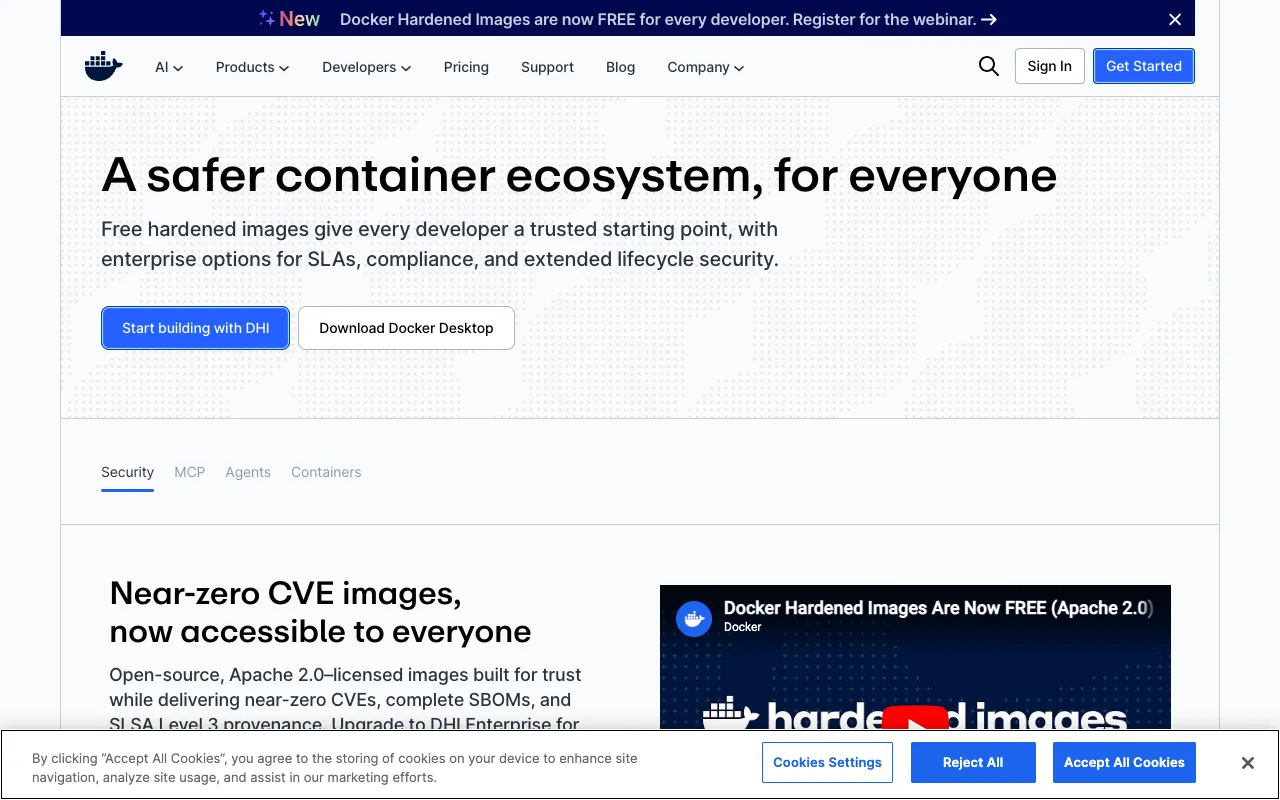
Image of Docker – The Essential Container Platform for Web Developers

Docker – The Essential Container Platform for Web Developers

Docker revolutionizes how web developers build, test, and deploy applications by packaging them with all their dependencies into standardized units called containers. This containerization ensures your application runs identically on any machine, eliminating the infamous 'it works on my machine' problem and streamlining collaboration, CI/CD pipelines, and production deployments. As the industry-standard container platform, Docker empowers developers to focus on code, not environment configuration.

What is Docker?

Docker is an open-source containerization platform that allows developers to package applications and their entire runtime environment—including code, libraries, system tools, and settings—into a single, lightweight, and portable container image. These containers run consistently and isolated from the underlying infrastructure, whether on a developer's local macOS/Windows/Linux machine, a testing server, or a cloud production cluster. Docker provides the tools and a unified API to manage the lifecycle of these containers: building, distributing, and running them.

Key Features of Docker

Containerization & Isolation

Docker containers provide process and filesystem isolation, ensuring applications run independently without interfering with each other or the host system. This isolation improves security, allows multiple apps with conflicting dependencies to run on the same host, and guarantees consistent behavior.

Docker Images and Dockerfile

Applications are defined as immutable Docker images built from a simple, declarative text file called a Dockerfile. This file contains step-by-step instructions (like installing packages or copying code) to assemble the image, making the application environment reproducible and version-controlled alongside the source code.

Docker Hub and Image Registry

Docker Hub is the world's largest public repository for container images. Developers can pull pre-built, official images for languages (Node.js, Python) and services (NGINX, PostgreSQL), significantly speeding up development. You can also push your private images for team sharing or deployment.

Docker Compose for Multi-Container Apps

For modern web apps that use multiple services (e.g., a web app, a database, and a cache), Docker Compose allows you to define and run a multi-container application with a single YAML configuration file. This simplifies local development and testing of complex, service-oriented architectures.

Consistent Development Environment

By using Docker, every developer on a team works in an identical environment defined by the Docker image. This eliminates setup friction, onboarding time, and environment-specific bugs, making collaboration seamless and predictable.

Who Should Use Docker?

Docker is indispensable for modern software teams, particularly web developers building microservices, full-stack applications, or any software requiring consistent deployment. It's ideal for: Development teams seeking to standardize environments and streamline onboarding; DevOps engineers implementing CI/CD pipelines and infrastructure-as-code practices; Solo developers and freelancers who need to ensure their projects run reliably on client systems; and Companies adopting cloud-native architectures and scalable deployment strategies on AWS, Azure, or Google Cloud.

Docker Pricing and Free Tier

Docker offers a robust and completely free tier for individual developers, open-source projects, and small teams. Docker Desktop (for Mac and Windows) and the Docker Engine (for Linux) are free for personal use, education, and non-commercial open-source projects. For larger businesses requiring advanced features like centralized management, security scanning, and team collaboration, Docker provides paid subscriptions like Docker Pro, Team, and Business. These plans offer private image repositories, automated builds, vulnerability scanning, and policy-based access controls.

Common Use Cases

Key Benefits

Pros & Cons

Pros

  • Industry standard with massive community support and extensive documentation.
  • Vast ecosystem of pre-built images on Docker Hub accelerates development.
  • Lightweight compared to traditional virtual machines, leading to faster startup times and lower overhead.
  • Integrates seamlessly with major cloud providers and orchestration tools like Kubernetes.

Cons

  • Has a learning curve, especially for understanding concepts like images, layers, volumes, and networking.
  • Running Docker on Windows or macOS requires a virtual machine (managed by Docker Desktop), which can consume significant RAM.
  • Container security requires careful management of images, user privileges, and network exposure to avoid vulnerabilities.

Frequently Asked Questions

Is Docker free to use?

Yes, Docker is free for individual developers, open-source projects, education, and small-scale use. Docker Desktop and the Docker Engine are available at no cost. Paid subscriptions (Docker Pro, Team, Business) are available for organizations needing advanced security, management, and collaboration features.

Is Docker good for web development?

Absolutely. Docker is considered a best-practice tool for modern web development. It ensures your web application, along with its database, cache, and other services, runs identically on every developer's machine and in production. This consistency is critical for building reliable, scalable web applications and APIs, especially when working with microservices or complex tech stacks.

What is the difference between Docker and Kubernetes?

Docker is a platform for creating and running individual containers. Kubernetes (often abbreviated as K8s) is a container orchestration system for automating the deployment, scaling, and management of many Docker containers across a cluster of machines. Think of Docker as the tool that packages and runs your app, and Kubernetes as the system that manages hundreds of those packaged apps in production.

Can I use Docker for frontend development?

Yes, Docker is excellent for frontend development. You can containerize your build tools (like Webpack or Vite) and development servers to ensure every team member has the same Node.js version and dependencies. It's also perfect for creating isolated environments to test your frontend against different backend API versions or for building static sites in a predictable environment.

Conclusion

For web developers committed to building robust, scalable, and consistently deployable applications, Docker is not just a tool—it's a foundational component of the modern development stack. Its ability to containerize applications solves critical problems in environment management, team collaboration, and deployment pipelines. Whether you're a solo developer or part of a large enterprise team, adopting Docker will streamline your workflow, reduce environment-related bugs, and prepare your projects for cloud-native success. Start with the free tier today to containerize your next web project and experience the difference firsthand.