Go back
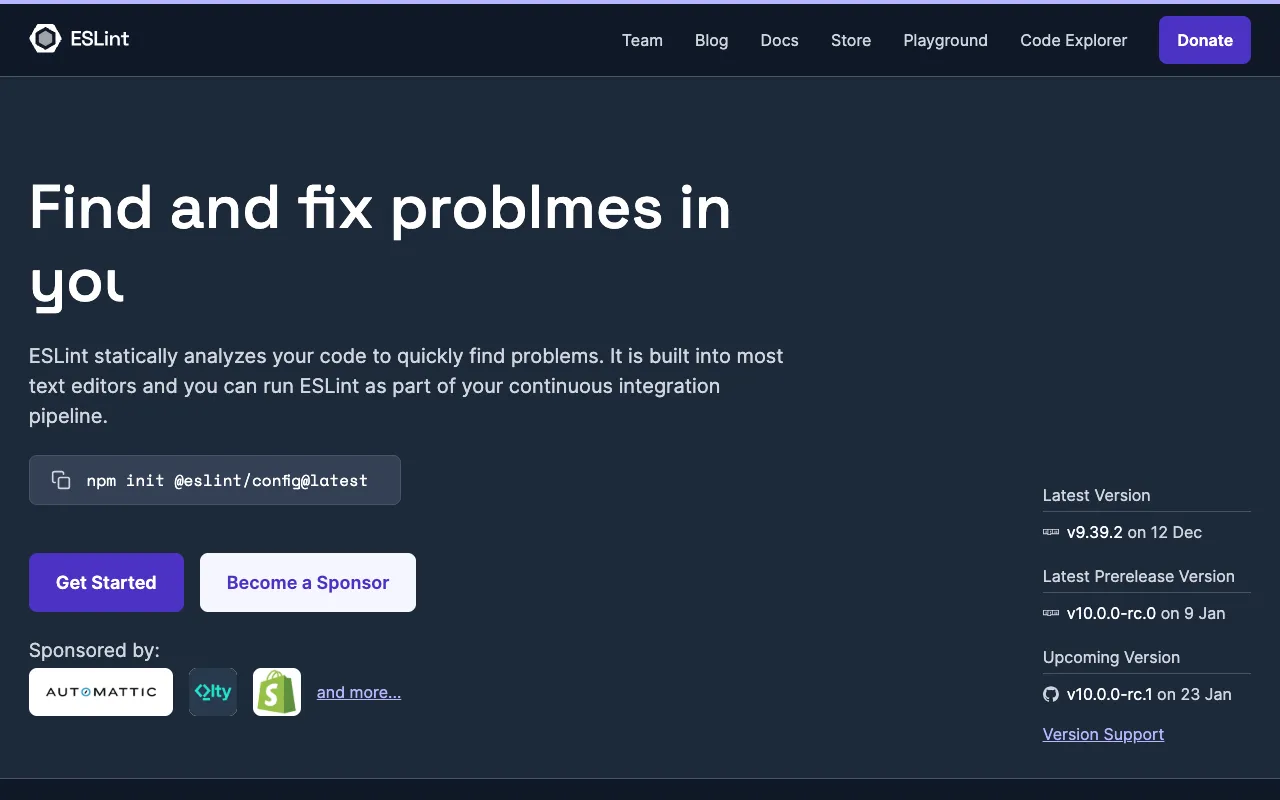
Image of ESLint – The Essential JavaScript & TypeScript Linter for Web Developers

ESLint – The Essential JavaScript & TypeScript Linter for Web Developers

ESLint is the industry-standard static analysis tool for JavaScript and TypeScript, designed to catch bugs, enforce code style, and improve overall code quality before runtime. As a foundational pillar of modern web development, it integrates seamlessly into any workflow—from command-line use to full CI/CD pipelines—helping developers and teams maintain consistent, readable, and error-resistant codebases. Its plugin-based architecture and vast ecosystem make it the most adaptable and powerful linter available.

What is ESLint?

ESLint is an open-source, pluggable linting utility for JavaScript and TypeScript. It parses your code and uses a comprehensive set of predefined or custom rules to identify problematic patterns, potential bugs, stylistic errors, and deviations from coding standards. Unlike runtime debugging, ESLint performs static analysis, meaning it examines code without executing it, catching issues early in the development cycle. It's the tool of choice for enforcing code quality across projects of all sizes, from solo ventures to enterprise-scale applications.

Key Features of ESLint

Pluggable Architecture

ESLint's core is a rule engine. Its true power comes from its vast ecosystem of plugins and shareable configs. You can extend it with frameworks like React (eslint-plugin-react), Vue, or Node.js, and adopt style guides from companies like Airbnb or Google with a single configuration line.

Fully Customizable Rules

Every rule in ESLint is configurable. You can set rules to 'error', 'warn', or 'off', and many rules have additional options. This allows teams to define their own unique quality standards, balancing strictness with practicality for their specific project needs.

Automatic Fixing

ESLint can automatically fix many common issues—like missing semicolons, incorrect spacing, or unused variables—with the `--fix` flag. This saves significant development time and ensures consistency is maintained automatically, not manually.

Seamless Editor Integration

Integrate ESLint directly into your IDE (VS Code, WebStorm, Sublime Text, etc.) for real-time feedback. Errors and warnings are highlighted as you type, providing immediate guidance and preventing bad patterns from being committed.

TypeScript & Modern JS Support

Through official parsers like `@typescript-eslint/parser`, ESLint fully supports modern ECMAScript features, JSX, and TypeScript syntax. It can lint TypeScript-specific constructs and enforce type-aware rules, making it a unified tool for both JS and TS projects.

Who Should Use ESLint?

ESLint is indispensable for any developer or team working with JavaScript or TypeScript. It is particularly critical for: Development teams needing to enforce consistent coding standards across contributors; Solo developers who want to adopt best practices and avoid common pitfalls; Open-source maintainers ensuring code quality in public repositories; Educators and students learning proper JavaScript patterns; DevOps engineers integrating code quality gates into CI/CD pipelines. Essentially, if you write JavaScript, ESLint will make you a more effective developer.

ESLint Pricing and Free Tier

ESLint is 100% free and open-source software released under the permissive MIT License. There is no paid tier, premium version, or subscription. The core tool, all official plugins, and the vast majority of community plugins are freely available for commercial and personal use without restriction. The project is supported by sponsorships and a dedicated community, ensuring it remains a free foundational tool for the web ecosystem.

Common Use Cases

Key Benefits

Pros & Cons

Pros

  • Extremely flexible and configurable to fit any project or team style guide.
  • Massive ecosystem with plugins for every major framework and library.
  • Powerful automatic fixing capability for rapid code cleanup.
  • Seamless integration with all major code editors and CI/CD systems.
  • Completely free and open-source with a vibrant, supportive community.

Cons

  • Initial configuration can be complex for beginners due to the sheer number of rule options.
  • Performance can slow down in very large monorepos without proper caching setup.
  • Requires discipline from the team to address warnings and not just ignore them.

Frequently Asked Questions

Is ESLint free to use?

Yes, ESLint is completely free and open-source. There is no cost for using it in personal, commercial, or enterprise projects. The entire tool and its core ecosystem are available under the MIT License.

Is ESLint good for TypeScript?

Absolutely. With the official `@typescript-eslint` parser and plugin suite, ESLint is the recommended linter for TypeScript projects. It can enforce TypeScript-specific best practices and even leverage type information for advanced, type-aware linting rules, making it superior to older alternatives like TSLint.

What's the difference between ESLint and Prettier?

ESLint is primarily a code quality linter that finds bugs and enforces coding patterns. Prettier is an opinionated code formatter that focuses solely on style (indentation, line length, quotes). They are complementary tools. Most teams use Prettier for formatting and ESLint for finding logic errors, often disabling ESLint's stylistic rules that Prettier handles.

How do I get started with ESLint?

The fastest way to start is by running `npx eslint --init` in your project directory. This interactive setup wizard will ask about your project's framework, style guide preferences, and file format, generating a tailored `.eslintrc` configuration file for you to build upon.

Conclusion

For any serious JavaScript or TypeScript project, ESLint is not just a helpful tool—it's a non-negotiable component of a professional development workflow. Its ability to catch bugs preemptively, enforce consistency automatically, and adapt to any tech stack through plugins makes it the single most effective tool for improving code quality. Whether you're a solo developer or part of a large engineering organization, integrating ESLint will lead to more robust, maintainable, and collaborative code. It is, without a doubt, a foundational tool every web developer should master.