Go back
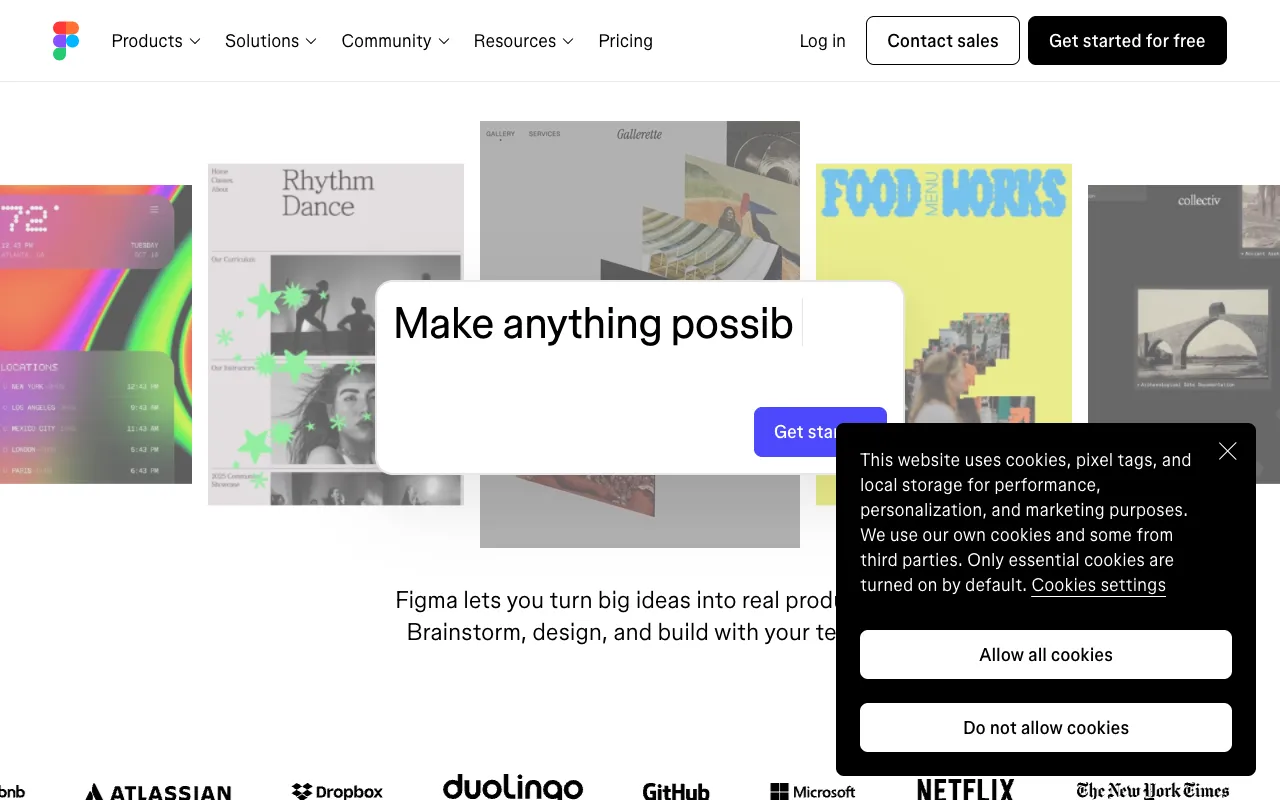
Image of Figma – The Ultimate UI/UX Design Tool for Web Developers

Figma – The Ultimate UI/UX Design Tool for Web Developers

Figma is the industry-standard, cloud-based design platform that empowers web developers and designers to create, prototype, and collaborate on user interfaces in real-time. Unlike traditional design software, Figma runs entirely in your browser, facilitating seamless teamwork, instant feedback, and streamlined developer handoff. It's the essential tool for building modern, user-centered web applications.

What is Figma?

Figma is a powerful, collaborative interface design application built for the web. It combines vector graphics editing, prototyping, and design system management into a single, accessible platform. Its primary purpose is to bridge the gap between design and development, allowing teams to design user interfaces (UI), create interactive prototypes for user experience (UX) testing, and generate production-ready assets and code snippets. Its cloud-native architecture makes it the go-to solution for distributed teams and agile web development workflows.

Key Features of Figma

Real-Time Multiplayer Collaboration

Work simultaneously with your entire team on the same design file. See cursor movements, leave comments, and co-edit designs live, eliminating version conflicts and endless email threads. This feature is a game-changer for remote teams and agile sprints.

Interactive Prototyping & User Testing

Transform static designs into clickable, interactive prototypes without writing code. Define transitions, overlays, and micro-interactions to simulate the final product, enabling effective user testing and stakeholder feedback before development begins.

Developer Handoff & Code Export

Figma generates precise CSS, iOS, and Android code snippets for styles, measurements (including auto-layout), and assets. Developers can inspect designs, copy code, and export SVGs, PNGs, and PDFs directly, dramatically speeding up the implementation phase.

Design Systems & Component Libraries

Create reusable, responsive components and publish shared libraries. Maintain visual consistency across your entire project with master components that update everywhere when changed, ensuring your design system scales with your application.

Vector Networks & Advanced Pen Tool

Move beyond traditional Bézier curves with Figma's intuitive vector networks. This allows for more flexible and powerful vector editing, making complex icon and illustration design faster and more efficient directly within the interface design tool.

Who Should Use Figma?

Figma is indispensable for UI/UX designers, product managers, and especially front-end web developers. It's perfect for startups, enterprise product teams, and freelance developers who need to visualize ideas, create wireframes, design high-fidelity mockups, or collaborate with designers. If you're involved in building websites, web apps, or mobile applications, Figma streamlines the entire design-to-development pipeline.

Figma Pricing and Free Tier

Figma offers a robust and perpetually free Starter plan for individual use, which includes up to 3 Figma and 3 FigJam files, unlimited collaborators, and access to plugins. For professional teams, the Professional plan unlocks unlimited files, shared libraries, team libraries, and advanced prototyping. Organization and Enterprise tiers add advanced security, centralized file management, and dedicated support. This tiered structure makes Figma accessible for students, freelancers, and scalable for growing businesses.

Common Use Cases

Key Benefits

Pros & Cons

Pros

  • Unmatched real-time collaboration features for distributed teams.
  • Powerful, free tier suitable for individual developers and small projects.
  • Extensive plugin ecosystem and community resources to extend functionality.
  • Continuous updates and improvements driven by user feedback.

Cons

  • Requires a stable internet connection for full functionality, as it's cloud-based.
  • Advanced animation capabilities are less robust than dedicated motion design tools.
  • Offline editing is limited compared to traditional desktop applications.

Frequently Asked Questions

Is Figma free to use?

Yes, Figma offers a powerful free Starter plan with core features including unlimited collaborators, up to 3 Figma and 3 FigJam files, and plugin access. It's fully functional for individual learning, small projects, and freelance work.

Is Figma good for web developers?

Absolutely. Figma is one of the best tools for web developers. It provides precise code export (CSS, SVG), easy inspection of design specs (spacing, fonts, colors), and seamless collaboration with designers, making the implementation of UI designs faster and more accurate.

Can Figma be used for prototyping?

Yes, Figma includes robust interactive prototyping features. You can create clickable prototypes with transitions, smart animate effects, and overlays to demonstrate user flows, test usability, and gather feedback without any coding.

How does Figma compare to Adobe XD or Sketch?

Figma's primary advantage is its cloud-based, collaborative nature, allowing multiple users to edit simultaneously. Unlike Sketch (macOS-only) or Adobe XD (which has collaboration but different integration), Figma works on any platform via a browser and is often praised for its superior collaboration and developer handoff tools.

Conclusion

For web developers seeking to integrate seamlessly into modern design workflows, Figma is not just a tool—it's a foundational platform. Its combination of real-time collaboration, precise developer handoff, and a generous free tier makes it the undisputed leader for UI/UX design and prototyping. Whether you're a solo developer mocking up an idea or part of a large team building a complex product, Figma streamlines communication, ensures design consistency, and accelerates the journey from concept to code. Adopting Figma is a strategic investment in a more efficient and collaborative web development process.