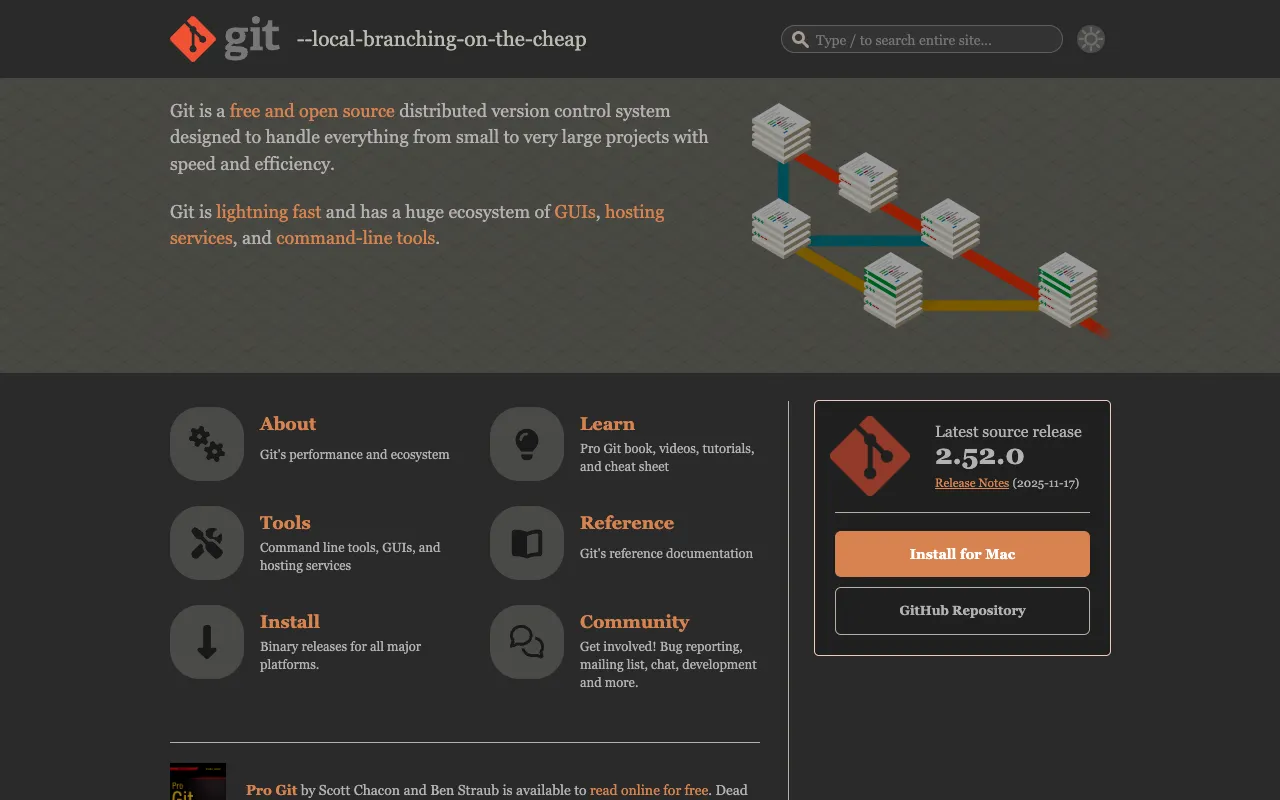
Git – The Essential Version Control System for Web Developers
Git is the foundational, free, and open-source distributed version control system that has become indispensable for modern software development. It empowers developers and teams to track every change in their source code, collaborate seamlessly without overwriting each other's work, and maintain a complete history of their project. Unlike centralized systems, Git gives every developer a full local repository, enabling fast operations, offline work, and robust branching workflows, making it the top choice for projects of any size, from solo scripts to enterprise applications.
What is Git?
Git is a powerful distributed version control system (DVCS) specifically designed for tracking changes in source code during software development. Created by Linus Torvalds for Linux kernel development, its core purpose is to enable efficient, non-linear collaboration among programmers. Every Git directory on every computer is a full-fledged repository with a complete history and version-tracking capabilities, independent of network access or a central server. This architecture makes it incredibly fast, flexible, and secure, establishing Git as the de facto standard for version control in web development, open-source projects, and professional software teams worldwide.
Key Features of Git
Distributed Version Control
Unlike older centralized systems, Git provides every developer with a complete local copy of the entire project history. This means you can commit changes, create branches, and review history entirely offline. It also provides redundancy, as every clone is a full backup of the repository.
Efficient Branching and Merging
Git's branching model is lightweight and incredibly fast. Creating, switching, and merging branches takes seconds, encouraging workflows like feature branching and Git Flow. This allows developers to experiment, work on new features, or fix bugs in isolation before seamlessly integrating changes back into the main codebase.
Data Integrity and Security
Every file and commit in Git is checksummed with a SHA-1 hash. This means it's impossible to change any file, commit, or directory without Git knowing about it. This cryptographic integrity of the history ensures that your project's timeline is tamper-proof and reliable.
Staging Area (Index)
The unique staging area, or index, allows you to format and review your commits before finalizing them. You can selectively stage specific changes from a file, crafting precise, logical commits that make the project history cleaner and easier to understand.
Who Should Use Git?
Git is essential for anyone involved in writing or managing code. This includes solo web developers looking to maintain a reliable project history, freelance developers collaborating with clients, and large distributed engineering teams. It is the backbone for open-source contributors on platforms like GitHub and GitLab, DevOps engineers managing infrastructure as code, and data scientists tracking changes in analytical notebooks and scripts. If your work involves code that changes over time, Git provides the safety net and collaboration framework you need.
Git Pricing and Free Tier
Git itself is completely free and open-source software, released under the GNU General Public License version 2.0. There is no cost to download, use, or modify Git for any purpose. While the core tool is free, many developers use hosted services like GitHub, GitLab, or Bitbucket for remote repository hosting and collaboration features. These platforms typically offer robust free tiers for public and private repositories, with paid plans for advanced team features, security, and enterprise support.
Common Use Cases
- Managing version history for a personal web development portfolio
- Collaborating on open-source JavaScript frameworks with a global team
- Implementing continuous integration and deployment (CI/CD) pipelines for a SaaS application
Key Benefits
- Enables fearless experimentation with code through cheap, isolated branches that can be created and merged effortlessly.
- Provides a complete, verifiable audit trail of who changed what and why, which is critical for debugging and regulatory compliance.
- Facilitates scalable collaboration, allowing hundreds of developers to work on the same project concurrently without conflict.
Pros & Cons
Pros
- Free, open-source, and universally adopted with massive community support.
- Extremely fast performance for nearly all operations, especially branching and committing.
- Powerful, flexible workflow that can be adapted to any team's needs, from simple to complex.
- Guarantees data integrity with cryptographically secure version history.
Cons
- The command-line interface has a steep initial learning curve for beginners new to version control concepts.
- Some advanced operations, like interactive rebasing or resolving complex merge conflicts, can be challenging to master.
- As a decentralized tool, establishing and enforcing a consistent team workflow requires additional planning and tooling.
Frequently Asked Questions
Is Git free to use?
Yes, Git is completely free and open-source software. You can download, use, and modify it at no cost for any project, personal or commercial. While Git itself is free, some remote hosting platforms (like GitHub) offer both free and paid tiers for collaboration features.
Is Git good for web development?
Absolutely. Git is the industry standard for web development. It is perfectly suited for managing HTML, CSS, JavaScript, and backend code. Its branching features are ideal for testing new features, its history is crucial for debugging, and its collaboration tools are essential for any multi-developer project, making it a non-negotiable tool in a modern web developer's toolkit.
What's the difference between Git and GitHub?
Git is the version control software you install on your local machine to track changes. GitHub is a commercial web-based hosting service for Git repositories. Think of Git as the engine (the tool itself) and GitHub as a popular garage (a remote hosting and collaboration platform) where you can store and share your Git-powered projects.
Conclusion
For any developer serious about writing maintainable, collaborative, and professional-grade code, mastering Git is not optional—it's essential. Its powerful distributed architecture, robust branching model, and unwavering commitment to data integrity have solidified its position as the cornerstone of modern software development workflows. Whether you're building a simple website or a complex web application, integrating Git into your process provides the safety, efficiency, and collaborative power needed to succeed. Start with the free command-line tool or a graphical client today to take full control of your code's history.