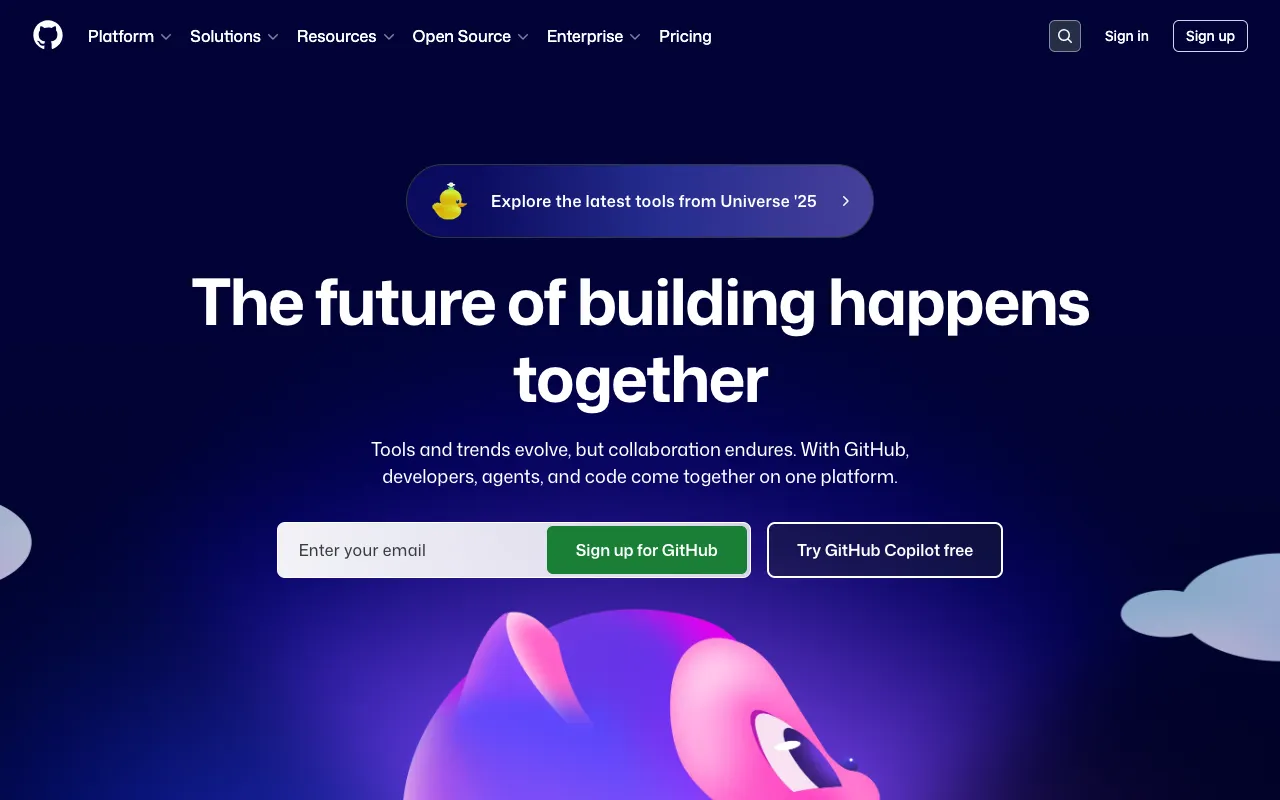
GitHub – The Essential Platform for Modern Web Development
GitHub is the cornerstone of modern software development, providing a robust platform for version control, code hosting, and team collaboration. As the world's largest host of source code, GitHub empowers millions of developers—from solo creators to enterprise teams—to build, review, deploy, and maintain software more efficiently. It's not just a tool; it's the central hub for the global developer ecosystem, integrating everything from simple Git repositories to advanced CI/CD, project management, and security scanning.
What is GitHub?
GitHub is a cloud-based platform built around the Git version control system. It enables developers to store and manage their code in repositories, track changes with precision, and collaborate seamlessly with others through features like pull requests, issue tracking, and code review. Beyond basic version control, GitHub has evolved into a complete Software Development Lifecycle (SDLC) platform, offering integrated tools for automation, security, package management, and project planning. It's the foundational tool that supports everything from open-source projects to private enterprise development.
Key Features of GitHub
Git-Based Version Control
At its core, GitHub provides powerful Git repository hosting. This allows developers to track every change to their codebase, create branches for new features or experiments, and merge changes with confidence. The complete history of your project is preserved, enabling you to revert to any previous state, compare differences, and understand the evolution of your code.
Pull Requests & Code Review
GitHub revolutionized collaboration with Pull Requests (PRs). This feature provides a structured workflow for proposing changes, discussing implementations line-by-line, and requiring approvals before merging. It enforces code quality, facilitates knowledge sharing, and is essential for team-based development and open-source contributions.
GitHub Actions (CI/CD)
Automate your software workflows directly within GitHub. GitHub Actions lets you build, test, and deploy your code with custom, event-driven automation. Create CI/CD pipelines that trigger on pushes, pull requests, or schedules, integrating seamlessly with your repository without needing external services.
Integrated Project Management
Manage your entire project alongside your code. GitHub Issues, Projects, and Discussions provide tools for tracking bugs, planning features, organizing tasks on Kanban-style boards, and having community conversations—all tightly integrated with your commits and pull requests.
Advanced Security & Dependencies
Secure your code from the start. GitHub offers automated vulnerability scanning for dependencies (Dependabot), secret scanning to detect accidentally committed credentials, and code scanning for identifying security flaws and bugs in your own code as you develop.
Who Should Use GitHub?
GitHub is indispensable for virtually anyone involved in software creation. Solo developers use it for version control and portfolio building. Startup and agency teams rely on it for collaboration and streamlined workflows. Large enterprises leverage GitHub for secure, scalable development with advanced compliance and administration features. Open-source maintainers and contributors depend on it as the central platform for community-driven projects. From students learning Git to Fortune 500 companies deploying critical applications, GitHub serves the entire spectrum of the development community.
GitHub Pricing and Free Tier
GitHub offers a generous and fully-featured free tier that is more than sufficient for most individual developers and small projects. This includes unlimited public and private repositories, collaborators on public repos, and core features like Issues and Projects. For advanced needs, GitHub Teams provides enhanced features like required reviewers, code owners, and GitHub Pages for private repos. GitHub Enterprise caters to large organizations with additional security, compliance, deployment controls, and enterprise support. The robust free plan makes GitHub accessible to everyone starting their development journey.
Common Use Cases
- Managing personal coding projects and building a public developer portfolio
- Collaborating on open-source software with contributors from around the world
- Implementing automated CI/CD pipelines for testing and deployment
- Hosting static websites and documentation using GitHub Pages
Key Benefits
- Streamlines collaboration and code review, reducing integration conflicts and improving code quality.
- Centralizes the entire development workflow from planning to deployment in one integrated platform.
- Provides a public profile of your work, essential for career advancement and networking in the tech industry.
- Enhances project security with automated scanning for vulnerabilities in both code and dependencies.
Pros & Cons
Pros
- Industry-standard platform with unparalleled network effects and community
- Extremely powerful and generous free tier for individuals and small teams
- Comprehensive ecosystem of integrated tools (Actions, Packages, Pages, Codespaces)
- Excellent documentation, learning resources, and widespread third-party integration support
Cons
- The user interface can feel complex and overwhelming for absolute beginners to Git
- Advanced security and compliance features are locked behind higher-tier enterprise plans
- As a centralized platform, service outages can temporarily disrupt development workflows for all users
Frequently Asked Questions
Is GitHub free to use?
Yes, GitHub offers a robust free plan that includes unlimited public and private repositories, unlimited collaborators on public repos, 500MB of Packages storage, and core features like Issues, Projects, and GitHub Pages for public repos. This makes it completely free for most individual developers and open-source projects.
Is GitHub good for beginner web developers?
Absolutely. GitHub is an essential tool for beginners to learn. It teaches fundamental version control skills with Git, provides a platform to showcase projects to potential employers, and offers access to millions of open-source projects for learning. While Git has a learning curve, GitHub's desktop application and web interface make the basics accessible, and mastering it is a critical career skill.
What is the difference between Git and GitHub?
Git is a distributed version control system—a command-line tool that tracks changes in your code locally on your computer. GitHub is a cloud-based hosting service and platform built around Git. It provides a graphical interface, collaboration features (pull requests, issues), and remote storage for your Git repositories, turning the local Git tool into a powerful collaborative ecosystem.
Can I use GitHub for project management?
Yes, GitHub includes integrated project management tools. You can use GitHub Issues to track bugs and feature requests, organize them into milestone releases, and manage tasks using GitHub Projects (a flexible, table/Kanban-style board). These tools are directly linked to your code, so you can reference issues in commits and close them automatically with pull requests.
Conclusion
For web developers, GitHub is far more than a convenient place to store code—it's the definitive platform for modern software development. Its combination of powerful Git hosting, industry-standard collaboration workflows, and an ever-expanding suite of integrated automation and security tools makes it an indispensable part of any developer's toolkit. Whether you're building your first portfolio website or maintaining a mission-critical enterprise application, GitHub provides the foundation, the community, and the tools to build better software, together. Starting with its excellent free tier is one of the best decisions a developer can make.