Go back
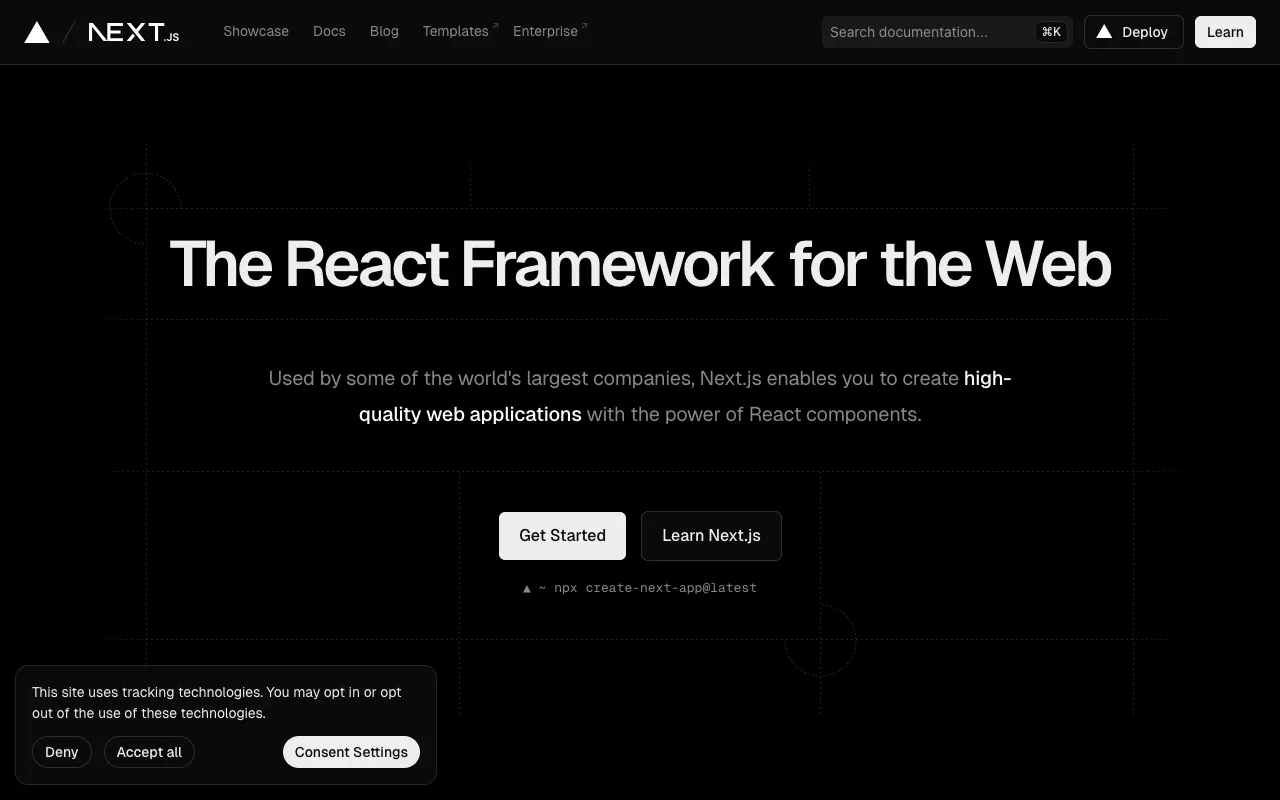
Image of Next.js – The Premier React Framework for Modern Web Development

Next.js – The Premier React Framework for Modern Web Development

Next.js is the definitive open-source React framework trusted by developers worldwide to build lightning-fast, SEO-optimized web applications. By enabling hybrid rendering with server-side rendering (SSR) and static site generation (SSG), Next.js solves critical performance and SEO challenges that traditional client-side React apps face. Whether you're building a marketing site, e-commerce platform, or SaaS application, Next.js provides the production-ready tooling and optimizations needed to deliver exceptional user experiences.

What is Next.js?

Next.js is a comprehensive React framework that extends React's capabilities with powerful server-side features. Unlike standard React applications that render entirely in the browser, Next.js enables hybrid rendering where pages can be pre-rendered on the server or at build time. This approach delivers content immediately to users, improving perceived performance, Core Web Vitals scores, and search engine visibility. Originally created by Vercel, Next.js has become the go-to solution for developers who need the interactivity of React combined with the performance and SEO benefits of server rendering.

Key Features of Next.js

Hybrid Static & Server Rendering

Next.js provides flexible rendering strategies: Static Generation (SSG) for pages that can be pre-built, Server-Side Rendering (SSR) for dynamic content, and Incremental Static Regeneration (ISR) for updating static content without full rebuilds. This hybrid approach allows developers to choose the optimal rendering method for each page, maximizing performance while maintaining dynamic capabilities.

Built-in Image Optimization

The Next.js Image component automatically optimizes images for modern formats like WebP, resizes them appropriately, and implements lazy loading. This dramatically improves loading performance and Core Web Vitals scores while reducing bandwidth usage, all with minimal developer configuration.

File-System Based Routing

Next.js uses an intuitive file-system router where pages are automatically mapped to routes based on their location in the `pages` or `app` directory. This convention-over-configuration approach simplifies navigation structure, supports dynamic routes with brackets, and includes built-in API routes for backend functionality.

API Routes for Full-Stack Development

Developers can build backend API endpoints directly within their Next.js application by creating files in the `pages/api` directory. These serverless functions run on Vercel's edge network or your own infrastructure, enabling full-stack development without managing separate backend services.

Zero-Configuration Tooling

Next.js includes optimized tooling for development and production out of the box: fast refresh during development, intelligent code splitting, pre-fetching for faster page transitions, and production optimizations like compression and caching. The framework handles complex build configurations automatically.

Who Should Use Next.js?

Next.js is ideal for React developers building production applications where performance, SEO, and user experience are priorities. It's particularly valuable for: marketing teams needing fast-loading landing pages with excellent SEO, e-commerce platforms requiring dynamic product pages with server-side rendering, content publishers managing blogs and news sites with static generation, SaaS companies building complex applications with API routes, and agencies delivering client projects that must meet performance benchmarks. If you're using React and need better SEO, faster loading, or more predictable performance, Next.js provides the missing infrastructure.

Next.js Pricing and Free Tier

Next.js itself is completely free and open-source under the MIT license. You can download, use, and modify the framework without any cost. The primary commercial consideration is hosting: while you can host Next.js applications on any Node.js server or static hosting platform, Vercel (the company behind Next.js) offers a hosting platform with generous free tier that includes automatic deployments, serverless functions, edge network delivery, and analytics. For most projects, the combination of free Next.js framework and Vercel's free hosting tier provides a complete, production-ready solution at zero cost.

Common Use Cases

Key Benefits

Pros & Cons

Pros

  • Exceptional out-of-the-box performance optimizations
  • Hybrid rendering supports both static and dynamic content needs
  • Comprehensive developer experience with fast refresh and error overlays
  • Strong SEO capabilities through server-side rendering
  • Vibrant ecosystem with extensive documentation and community support
  • Seamless deployment experience especially on Vercel platform

Cons

  • Learning curve for developers new to server-side React concepts
  • Some React libraries may require adaptation for server-side compatibility
  • Build times can increase significantly for large static sites
  • Server-side rendering requires Node.js runtime in production
  • Certain advanced configurations require deeper framework knowledge

Frequently Asked Questions

Is Next.js free to use?

Yes, Next.js is completely free and open-source under the MIT license. You can use it for personal projects, commercial applications, and enterprise systems without any licensing costs. The framework itself has no pricing tiers or usage limits.

Is Next.js good for SEO?

Next.js is excellent for SEO because it enables server-side rendering and static generation, which deliver fully-rendered HTML to search engine crawlers. Unlike client-side React apps that initially serve empty HTML, Next.js pages contain complete content that search engines can immediately index, significantly improving discoverability and rankings.

What's the difference between Next.js and Create React App?

While both use React, Create React App produces client-side only applications, while Next.js adds server-side capabilities. Next.js includes built-in routing, API routes, image optimization, and multiple rendering strategies that CRA lacks. For production applications requiring SEO, performance, or full-stack capabilities, Next.js provides a more complete solution.

Can I use Next.js with TypeScript?

Yes, Next.js has excellent TypeScript support with built-in configuration. You can start a new project with TypeScript using the official templates, and the framework provides type definitions for its APIs. Many developers consider Next.js with TypeScript to be the ideal combination for building type-safe, production-ready applications.

Should I choose Next.js or Gatsby for my project?

Choose Next.js if you need hybrid rendering (both static and server-side), API routes for backend functionality, or more dynamic capabilities. Choose Gatsby if you're building a content-focused site that's entirely static and benefits from its rich plugin ecosystem. Next.js generally offers more flexibility for applications that mix static and dynamic content.

Conclusion

Next.js represents the evolution of React development for the modern web. By combining the component model developers love with essential production features like server-side rendering, static generation, and performance optimizations, it solves the practical challenges of building fast, SEO-friendly applications. Whether you're launching a new project or modernizing an existing React application, Next.js provides the infrastructure needed to deliver exceptional user experiences while maintaining developer productivity. Its free and open-source nature makes it accessible to teams of all sizes, while its robust feature set supports applications at any scale.