Go back
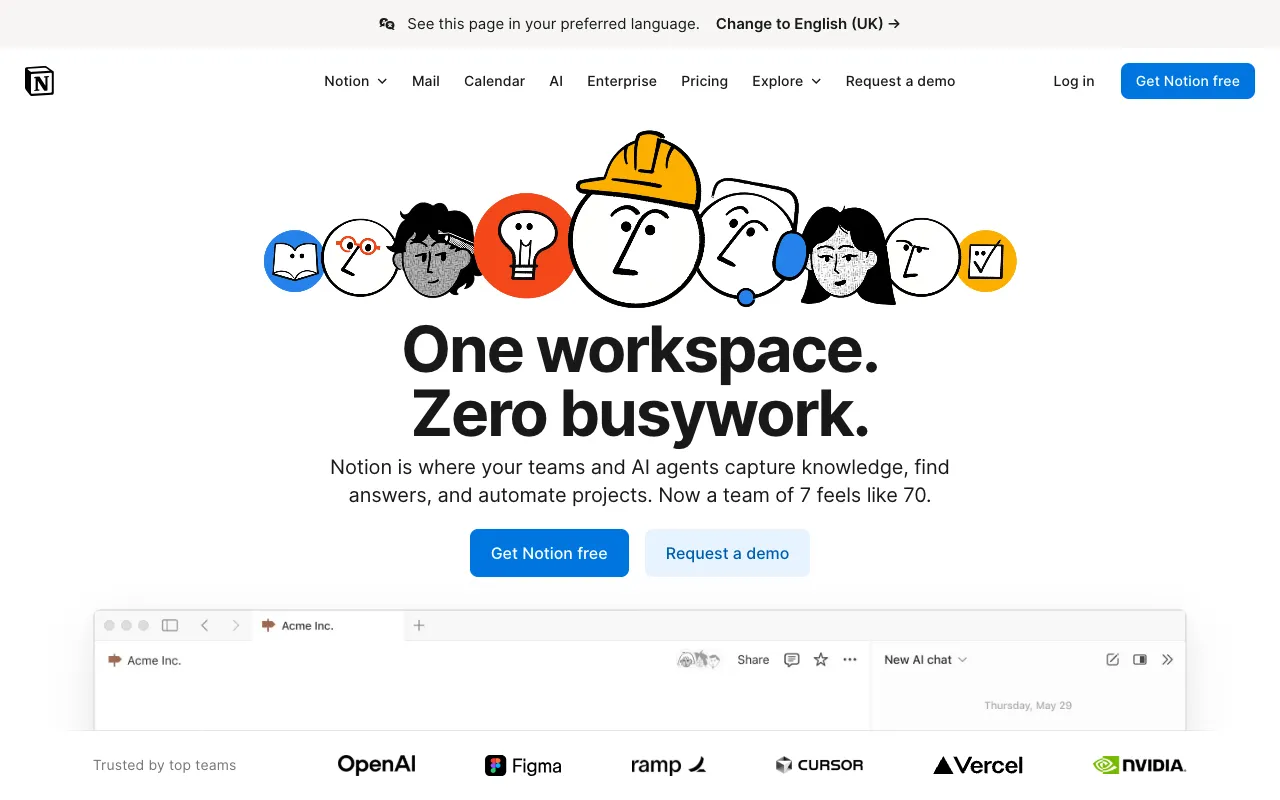
Image of Notion – The Ultimate All-in-One Workspace for Web Developers

Notion – The Ultimate All-in-One Workspace for Web Developers

Notion redefines productivity for developers by merging notes, tasks, databases, and wikis into a single, infinitely customizable workspace. More than just a note-taking app, it's a central command center for your entire development lifecycle—from sprint planning and API documentation to personal knowledge bases and team handbooks. Its block-based editor and relational databases give you the power to build the exact system your workflow demands, all without writing a line of code.

What is Notion?

Notion is a unified workspace platform that breaks down the barriers between different productivity tools. It replaces separate apps for notes, project management, spreadsheets, and documentation with a single, cohesive environment. At its core, Notion uses 'blocks'—interactive elements like text, to-do lists, embedded files, databases, and code snippets—that you can drag, drop, and connect to create anything from a simple meeting note to a complex product roadmap. For web developers, this flexibility is transformative, enabling the creation of tailored systems for bug tracking, component libraries, sprint backlogs, and technical documentation that evolve with your projects.

Key Features of Notion for Developers

Blocks & Infinite Customization

Build your ideal workspace from the ground up using Notion's block system. Embed code snippets with syntax highlighting, create interactive to-do lists, insert live GitHub gists, draw diagrams, or link to Figma mockups. This modular approach lets you design pages and databases that perfectly match your development methodology, whether you follow Agile, Kanban, or a custom workflow.

Linked Databases & Relations

Create powerful relational databases to connect your development data. Link a 'Tasks' database to a 'Sprints' database and a 'Feature Requests' database. Filter, sort, and create multiple views (Table, Board, Calendar, List, Gallery) of the same data. This is ideal for managing a product backlog, tracking bugs across versions, or maintaining a library of reusable components with linked usage examples and documentation.

Robust Documentation & Wikis

Create living, easily searchable documentation. Notion excels as a knowledge base for development teams. Document API endpoints, architecture decisions, onboarding guides, and coding standards in interconnected pages. The hierarchical page structure and backlinking feature ('Linked Databases') ensure information remains organized and discoverable, reducing tribal knowledge and onboarding time.

Real-Time Collaboration

Work simultaneously with your team on specs, plans, and docs. See live cursors, leave comments on specific blocks, and get notified of changes. @mention teammates to assign tasks or request reviews directly within your project plans or technical documents, keeping all communication contextual and actionable.

Who Should Use Notion?

Notion is indispensable for web developers, engineering managers, and tech teams of all sizes. Freelancers use it to manage client projects and track contracts. Startup teams use it as their lightweight PM tool, design system wiki, and company handbook all in one. Enterprise developers use it within larger organizations for team-specific documentation and sprint planning. It's perfect for anyone tired of juggling Trello for tasks, Google Docs for specs, Confluence for wikis, and Evernote for personal notes—offering a unified, searchable home for everything.

Notion Pricing and Free Tier

Notion offers a generous and fully-featured Free Plan for individuals, which includes unlimited blocks and pages, sharing with up to 10 guests, and basic API access. This is more than sufficient for most solo developers or small collaborative projects. Paid plans (Plus, Business, and Enterprise) add unlimited file uploads, unlimited guests for collaboration, advanced admin tools, version history, and increased API limits for deeper integration into your development stack.

Common Use Cases

Key Benefits

Pros & Cons

Pros

  • Extremely flexible and customizable block-based editor
  • Powerful relational databases with multiple views (Kanban, Table, Calendar)
  • Excellent free tier with core features for individual users
  • Superb for creating interconnected documentation and wikis
  • Clean, intuitive user interface with strong collaboration features

Cons

  • Can have a learning curve due to its vast array of features and customization options
  • Offline functionality is limited compared to dedicated desktop applications
  • Advanced automation and integration may require pairing with tools like Zapier or the API

Frequently Asked Questions

Is Notion free for web developers?

Yes, Notion offers a robust Free Plan that is ideal for most individual web developers. It includes unlimited pages and blocks, basic API access, and allows you to share your workspace with up to 10 guests, making it suitable for small collaborations or client projects.

Is Notion good for managing software development projects?

Absolutely. Notion excels at software project management. You can create linked databases for epics, user stories, tasks, and bugs; visualize sprints on a Kanban board or calendar; and keep all related documentation, meeting notes, and specifications on interconnected pages within the same workspace, providing a single source of truth for your project.

Can I write and format code in Notion?

Yes, Notion has a dedicated code block with syntax highlighting for over 40 programming languages. You can embed code snippets directly into your notes, documentation, or project plans, making it perfect for sharing examples, documenting APIs, or creating technical tutorials.

Conclusion

For web developers seeking to streamline their toolstack and centralize their workflow, Notion stands out as a category-defining solution. It transcends being a simple note-taker to become a malleable platform where you can build the perfect environment for your projects, documentation, and team collaboration. Its powerful free tier makes it accessible to everyone, while its depth supports the complex needs of growing engineering teams. If your goal is to replace fragmented apps with a unified, customizable, and searchable command center for your development work, Notion is an essential tool to adopt.