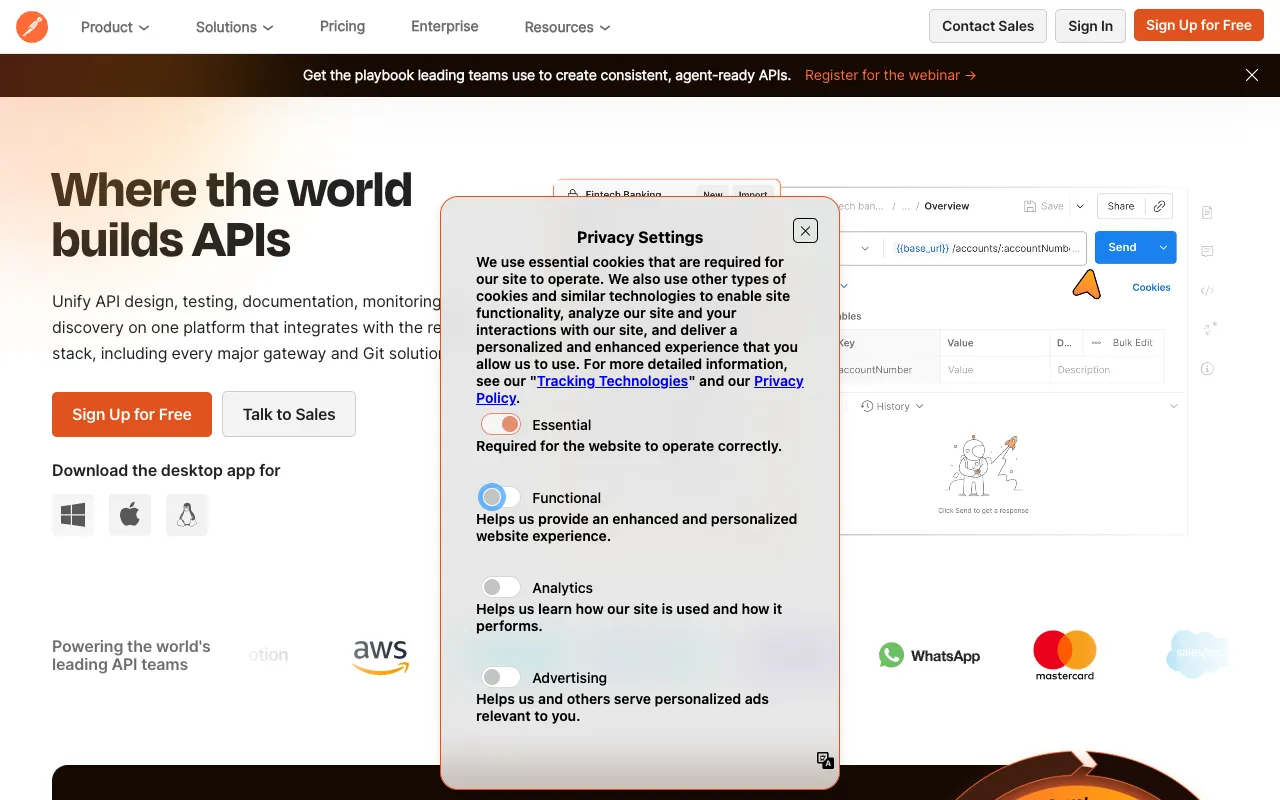
Postman – The Essential API Development Platform for Web Developers
Postman has revolutionized how developers build and work with APIs. More than just an API client, it's a comprehensive collaboration platform that streamlines the entire API lifecycle—from initial design and testing to documentation and monitoring. Trusted by over 25 million developers worldwide, Postman provides the essential toolkit for modern API development, making it a non-negotiable asset for any web developer's workflow.
What is Postman?
Postman is a powerful, feature-rich platform specifically designed for API development and collaboration. It began as a simple HTTP client for testing API endpoints but has evolved into an integrated ecosystem where developers can design API specifications, create automated test suites, generate comprehensive documentation, mock servers, and monitor API performance. It bridges the gap between frontend and backend development, ensuring APIs are robust, well-documented, and reliable before they reach production.
Key Features of Postman
Advanced API Client & Testing
Send REST, SOAP, and GraphQL requests with ease. Build complex request sequences, write pre-request and test scripts in JavaScript, and automate validation with Postman's built-in testing sandbox. Features like variables, environments, and dynamic data handling make testing robust and repeatable.
API Design & Documentation
Design APIs using OpenAPI or RAML specifications directly within Postman. Automatically generate beautiful, interactive, and always up-to-date documentation from your collections. This ensures your API docs are never out of sync with your actual implementation.
Workspaces & Team Collaboration
Organize your work in personal, team, or public workspaces. Share collections, environments, and mock servers seamlessly with team members. Built-in version control, commenting, and role-based permissions streamline collaboration across development teams.
Mock Servers & Monitors
Create mock servers in seconds to simulate API endpoints before the backend is built, enabling parallel development. Schedule collection runs with monitors to check API health, performance, and response correctness 24/7.
Postman Collections & Newman
Bundle requests, tests, and scripts into shareable collections—the fundamental unit of work in Postman. Run collections from the command line anywhere using Newman, Postman's companion CLI tool, for seamless CI/CD integration.
Who Should Use Postman?
Postman is indispensable for a wide range of technical professionals. Backend developers use it to build and test APIs. Frontend developers rely on it to consume APIs and mock data. QA engineers create automated API test suites. Technical writers generate documentation, and DevOps/SRE teams monitor API health. From solo freelancers to enterprise teams building microservices architectures, anyone involved in the modern software development lifecycle will find immense value in Postman's unified platform.
Postman Pricing and Free Tier
Postman offers a powerful and fully-featured Free plan, making it accessible to every developer. The free tier includes core features like the API client, collections, mock servers, and monitors with limited usage, which is sufficient for individual developers and small projects. For teams requiring advanced collaboration, higher API call limits, role-based access control, and enterprise-grade security, Postman provides paid plans (Basic, Professional, Enterprise) with scalable pricing. This freemium model ensures you can start for free and upgrade as your needs grow.
Common Use Cases
- Testing REST API endpoints and validating response codes and data structures
- Automating API integration tests within a CI/CD pipeline using Newman
- Creating interactive API documentation for internal teams or public developers
- Mocking backend API services to enable parallel frontend development
- Monitoring production API health and performance with scheduled collection runs
Key Benefits
- Drastically reduces development time by providing a single interface for the entire API lifecycle
- Improves API reliability and reduces bugs through comprehensive automated testing
- Enhances team collaboration and onboarding with shareable collections and workspaces
- Ensures API documentation is always accurate and synchronized with live implementations
- Provides enterprise-grade security and governance for managing API ecosystems at scale
Pros & Cons
Pros
- Unmatched feature depth covering design, testing, documentation, and monitoring
- Intuitive user interface that is easy for beginners yet powerful for experts
- Exceptional collaboration features with team workspaces and version control
- Strong free tier that covers most needs for individual developers
- Extensive integration ecosystem and a powerful CLI tool (Newman)
Cons
- The desktop application can be resource-intensive on machines with limited RAM
- Advanced features and higher usage limits require a paid subscription
- The sheer number of features can have a learning curve for complete beginners
Frequently Asked Questions
Is Postman free to use?
Yes, Postman offers a robust and fully-featured Free plan. It includes the core API client, collections, environments, mock servers, and monitors with generous limits, making it perfect for individual developers, students, and small projects. You can upgrade to paid plans for advanced collaboration, security, and higher usage limits.
Is Postman good for API testing?
Postman is the industry standard for API testing. It allows you to manually send requests and, more importantly, write automated test scripts in JavaScript to validate response status codes, data types, response times, and business logic. These tests can be run individually, as part of a collection, or integrated into CI/CD pipelines with Newman.
Can Postman be used for GraphQL APIs?
Absolutely. Postman provides first-class support for GraphQL. You can send GraphQL queries and mutations, set variables, and introspect schemas directly within the client. It also supports automatic schema validation and generation of queries from your GraphQL schema.
How does Postman help with team collaboration?
Postman's Workspaces are designed for collaboration. Team members can share Collections, Environments, and Mock Servers. Features like inline commenting, change tracking, fork and merge workflows (similar to Git), and role-based permissions ensure teams can work together seamlessly on API projects.
Conclusion
For web developers, Postman is far more than a utility—it's a foundational platform that standardizes and accelerates API development. Its evolution from a simple HTTP client to a full-featured API lifecycle suite addresses the critical needs of modern software teams. Whether you're building a simple backend service or managing a complex microservices architecture, Postman's blend of powerful testing, seamless collaboration, and comprehensive tooling makes it an indispensable part of the developer toolkit. Starting with its generous free tier is a straightforward decision for any developer looking to professionalize their API workflow.