Go back
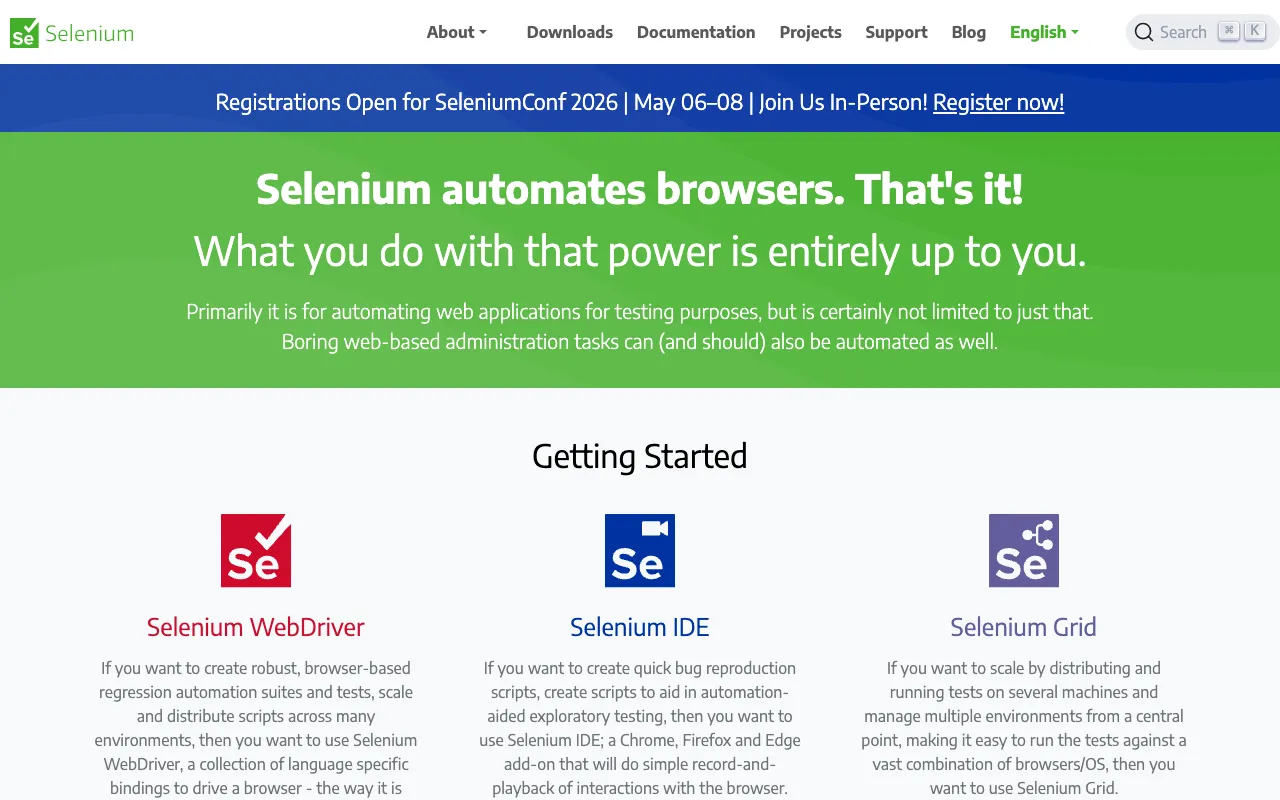
Image of Selenium – The Ultimate Framework for Automated Web Testing

Selenium – The Ultimate Framework for Automated Web Testing

Selenium is the industry-standard, open-source framework for automating web browser interactions. It empowers developers and QA engineers to create, manage, and execute robust test suites for web applications without the need to learn a dedicated test scripting language. By simulating real user behavior across different browsers, Selenium ensures your web applications function flawlessly for every visitor.

What is Selenium?

Selenium is a powerful, portable software-testing framework for web applications. At its core, it provides a 'playback' tool that allows you to author functional tests without the complexity of traditional programming. It's not a single tool but a suite—comprising Selenium WebDriver for creating browser-based automation scripts, Selenium IDE for record-and-playback, Selenium Grid for parallel testing, and Selenium RC (legacy). It supports all major browsers and operating systems, making it the go-to solution for ensuring cross-browser compatibility and application stability.

Key Features of Selenium

Cross-Browser & Cross-Platform Testing

Execute your test scripts on Chrome, Firefox, Edge, Safari, and more, across Windows, macOS, and Linux. This ensures your web application delivers a consistent user experience regardless of the user's environment.

Multi-Language Support

Write your automation scripts in popular programming languages like Java, Python, C#, Ruby, and JavaScript. This flexibility allows development and QA teams to use the language they are most comfortable with.

Selenium WebDriver

The heart of modern Selenium automation. WebDriver provides a clean, object-oriented API for directly communicating with the browser, offering more control and stability than the older record-and-playback models.

Selenium Grid for Parallel Execution

Dramatically reduce test execution time by running multiple tests simultaneously across different machines and browsers. Selenium Grid is essential for large-scale test suites and continuous integration pipelines.

Extensive Integration Capabilities

Seamlessly integrates with major testing frameworks (JUnit, TestNG), build tools (Maven, Gradle), and CI/CD platforms (Jenkins, GitHub Actions, GitLab CI). This makes Selenium a cornerstone of modern DevOps practices.

Who Should Use Selenium?

Selenium is indispensable for software developers, QA automation engineers, and DevOps professionals who build or maintain web applications. It's perfect for teams that need reliable, repeatable regression testing, cross-browser validation, and integration into automated deployment pipelines. Whether you're a solo developer testing a side project or an enterprise team ensuring a mission-critical application's quality, Selenium scales to meet your needs.

Selenium Pricing and Free Tier

Selenium is completely free and open-source, released under the Apache 2.0 license. There is no paid tier, enterprise license, or hidden costs. The entire framework—including WebDriver, Grid, and IDE—is available for anyone to use, modify, and distribute. Its sustainability and development are driven by a massive, active community and commercial support from companies that rely on it.

Common Use Cases

Key Benefits

Pros & Cons

Pros

  • Completely free and open-source with a permissive license
  • Unmatched cross-browser and cross-platform support
  • Massive community and extensive documentation
  • Highly flexible and integrates with virtually any dev tool
  • Industry-standard with proven reliability at scale

Cons

  • Steeper initial learning curve compared to codeless tools
  • Requires programming knowledge for advanced use cases
  • Can be challenging to set up and maintain a Selenium Grid infrastructure
  • Limited native support for testing mobile web applications

Frequently Asked Questions

Is Selenium free to use?

Yes, Selenium is 100% free and open-source. There are no licensing fees, subscription costs, or paid plans. It is developed and maintained by a volunteer community.

Is Selenium good for testing modern web applications?

Absolutely. Selenium WebDriver excels at testing dynamic, JavaScript-heavy single-page applications (SPAs) built with frameworks like React, Angular, and Vue.js. It can interact with all modern web elements and wait for dynamic content to load.

Do I need to know how to code to use Selenium?

For basic record-and-playback, Selenium IDE requires little to no coding. However, to build robust, scalable, and maintainable test suites, knowledge of a programming language (like Java or Python) is essential when using Selenium WebDriver.

How does Selenium compare to Cypress or Playwright?

Selenium is the established, cross-language standard with unparalleled browser support. Newer tools like Cypress and Playwright offer different architectures, often with easier setup for specific use cases (like Chromium-only testing). Selenium remains the most versatile choice for complex, multi-browser enterprise environments.

Conclusion

For any web developer or team serious about quality assurance, Selenium is not just a tool—it's a foundational component of a professional workflow. Its power, flexibility, and zero-cost model make it the undisputed leader for automated web testing. While newer alternatives exist, Selenium's maturity, extensive community, and universal browser support ensure it will remain the critical framework for verifying that web applications work perfectly for every user, on every browser, every time.