Go back
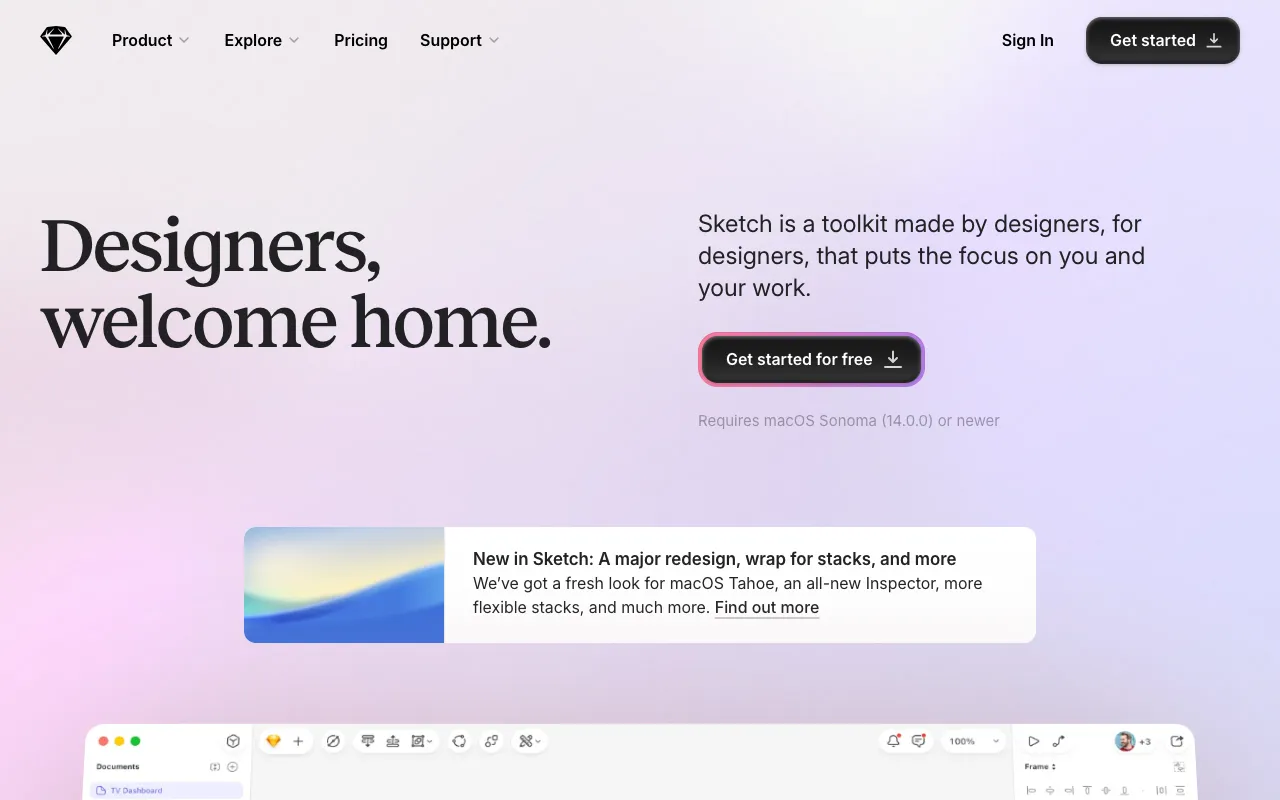
Image of Sketch – The Premier UI/UX Design Tool for Web Developers

Sketch – The Premier UI/UX Design Tool for Web Developers

Sketch is the definitive vector-based design environment built exclusively for macOS, empowering web developers and UI/UX designers to create, prototype, and collaborate on digital product interfaces. It streamlines the entire design process—from initial wireframes to high-fidelity mockups and developer handoff—making it an indispensable tool in any modern web development toolkit. Its focus on interface design, coupled with a vast ecosystem of plugins and integrations, sets it apart from generic graphic software.

What is Sketch?

Sketch is a specialized vector graphics editor developed for macOS, designed from the ground up for user interface and user experience design. Unlike all-purpose design software, Sketch offers a focused workspace tailored for creating websites, mobile apps, and digital products. Its core philosophy revolves around artboards, reusable symbols, and intuitive vector editing, providing a streamlined workflow that aligns perfectly with iterative web development and design processes. It has become the industry standard for teams that value precision, efficiency, and seamless collaboration between designers and developers.

Key Features of Sketch

Vector Editing & Infinite Canvas

Work with precise, scalable vector shapes that remain crisp at any resolution. The infinite canvas allows you to organize multiple artboards for different screen sizes and device types in a single, flexible document.

Symbols & Shared Styles

Create reusable components (Symbols) for buttons, headers, and UI elements. Update a master Symbol, and all instances across your document update automatically, ensuring design consistency and saving significant time.

Prototyping & Developer Handoff

Build interactive prototypes with clicks, taps, and transitions directly within Sketch. The built-in Inspector provides developers with all CSS attributes, measurements, and asset exports they need, streamlining the handoff process.

Collaboration with Workspaces

Sketch's cloud-based Workspaces allow your entire team to access the latest designs, leave feedback, and manage design libraries in real-time, centralizing your design system and version history.

Extensive Plugin Ecosystem

Extend Sketch's functionality with thousands of community and official plugins for everything from data population and accessibility checking to animation and advanced export workflows.

Who Should Use Sketch?

Sketch is ideal for UI/UX designers, product designers, and front-end web developers involved in creating digital interfaces. It is perfect for design teams in startups and agencies that require robust prototyping and collaboration features. Freelance web developers who handle both design and front-end implementation will find its focused toolset invaluable for turning concepts into production-ready assets. While it requires macOS, its output is universally applicable to any web or mobile platform.

Sketch Pricing and Free Tier

Sketch operates on a subscription model. While it does not offer a permanent free tier, it provides a 30-day free trial for new users to evaluate all features. After the trial, plans are billed annually and include Standard and Business tiers, which cover the desktop app for macOS and access to collaborative web Workspaces. Educational discounts are available for students and teachers.

Common Use Cases

Key Benefits

Pros & Cons

Pros

  • Unmatched focus and toolset optimized specifically for UI/UX design workflows
  • Powerful collaboration features and single-source-of-truth design systems via cloud Workspaces
  • Vast ecosystem of plugins and integrations with other development and project management tools

Cons

  • Available only on macOS, limiting accessibility for Windows or Linux-based teams
  • Subscription model may be a barrier for individual users compared to one-time purchase software

Frequently Asked Questions

Is Sketch free to use?

Sketch is not permanently free. It offers a full-featured 30-day free trial. After the trial, access requires a paid subscription, which includes ongoing updates and cloud collaboration features.

Is Sketch good for web development?

Absolutely. Sketch is one of the best tools for web development workflows. Its focus on artboards for different screen sizes, pixel-perfect vector design, and excellent developer handoff tools (like CSS code snippets and asset export) make it a top choice for designing and prototyping modern websites.

Can I use Sketch on Windows?

No, the Sketch desktop application is built exclusively for macOS. However, team members using Windows or other platforms can view, inspect, and comment on designs through the web-based Sketch Workspace using any modern browser.

How does Sketch compare to Figma or Adobe XD?

Sketch pioneered the modern UI design tool category and remains a powerful, native macOS application favored for its performance and depth. While Figma is browser-based and excels in real-time collaboration, Sketch offers robust offline work and deep macOS integration. The best choice often depends on your team's platform preferences and specific workflow needs.

Conclusion

For web developers and designers committed to the macOS ecosystem, Sketch remains a powerhouse for professional UI/UX design. Its unparalleled focus on interface creation, combined with powerful symbols, prototyping, and developer handoff features, makes it a critical tool for building cohesive, high-quality digital products. While the landscape includes cross-platform alternatives, Sketch's dedicated toolset, performance, and extensive plugin library secure its position as a top-tier solution for anyone serious about modern web and app design.