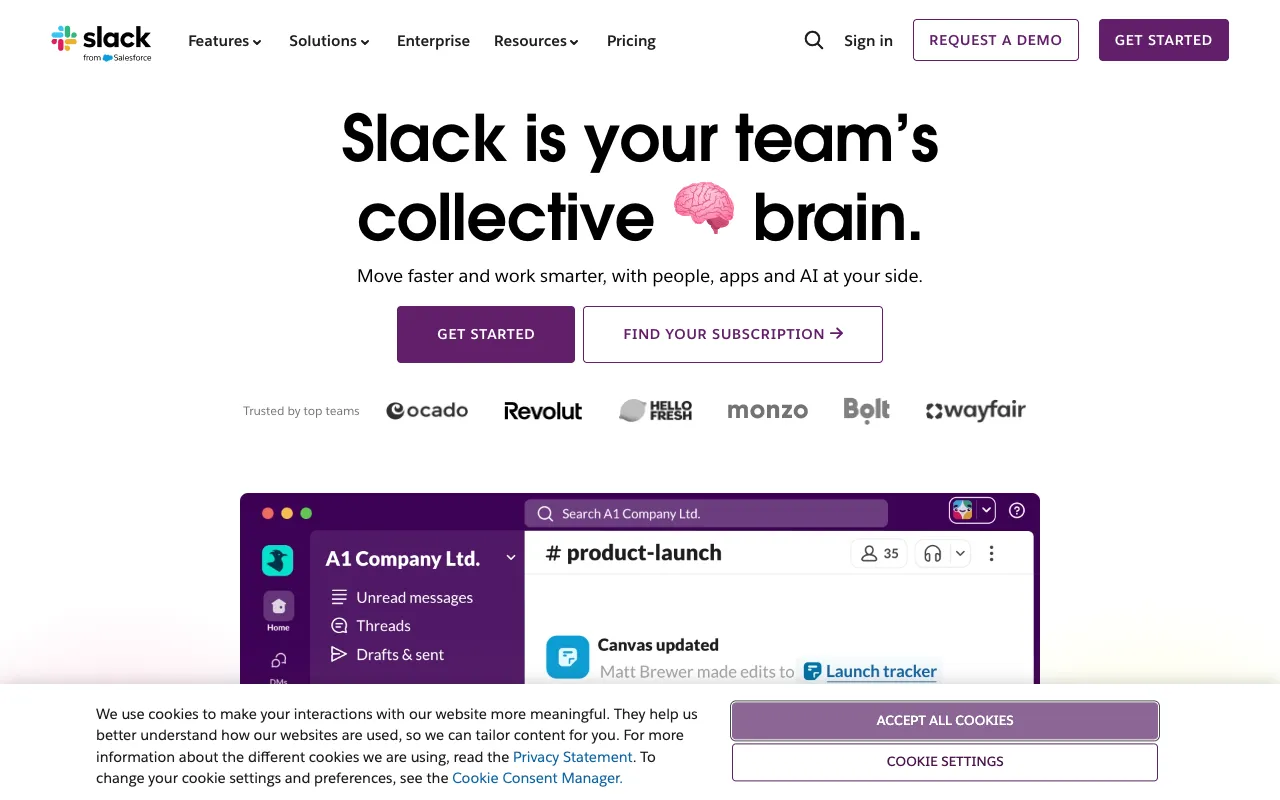
Slack – The Best Team Communication Platform for Web Developers
Slack has revolutionized how web development teams communicate and collaborate. More than just a messaging app, it's a central hub that connects your team, code repositories, CI/CD pipelines, and project management tools into one organized, searchable workspace. By replacing fragmented emails and inefficient meetings with persistent, topic-based channels, Slack empowers developers to focus on building great software with less friction and better context.
What is Slack?
Slack is a proprietary business communication platform designed to streamline team collaboration. At its core, it organizes conversations into dedicated channels—persistent chat rooms focused on specific topics, projects, or teams (e.g., #frontend, #backend-api, #urgent-bugs). This structure replaces chaotic group chats and endless email threads, creating a searchable archive of all decisions, links, and files. For web developers, Slack becomes the central nervous system of a project, integrating directly with the tools they use daily like GitHub, Jira, Jenkins, and Figma, surfacing notifications and enabling actions without leaving the conversation.
Key Features of Slack for Developers
Organized Channels & Threads
Create public or private channels for every project, team, or topic. Use threads to keep side discussions from cluttering the main channel feed, ensuring conversations stay focused and discoverable. This is perfect for code reviews, bug triage, or design feedback.
Powerful Integrations & Workflow Builder
Connect Slack to your entire development stack. Receive GitHub pull request notifications, trigger Jenkins builds, create Jira tickets, or query databases via slash commands. The Workflow Builder allows you to automate routine tasks and notifications without writing code.
Persistent & Searchable History
All messages, files, and links are archived and fully searchable. Never lose a crucial piece of configuration code shared months ago or forget why a specific architectural decision was made. This institutional knowledge base is invaluable for onboarding and debugging.
Real-time Collaboration & File Sharing
Share code snippets (with syntax highlighting), screenshots, mockups, and documents directly in channels. Collaborate on Google Docs, Figma files, or Miro boards with previews and comments without switching tabs. Voice and video huddles enable quick, impromptu discussions.
Customizable Notifications & Do Not Disturb
Fine-tune notifications by keyword, channel, or time to avoid alert fatigue. Set Do Not Disturb hours to protect deep work sessions—critical for developer focus. Prioritize alerts from critical channels like #production-alerts.
Who Should Use Slack?
Slack is essential for any web development team, from fast-moving startups to large enterprise organizations. It's ideal for: Remote and hybrid teams needing a 'virtual office'; Scrum teams managing daily standups and sprint planning; DevOps engineers monitoring system alerts; Front-end and back-end developers coordinating on features; Engineering managers tracking project status and unblocking teams. If your team communicates about code, projects, or products, Slack will make that communication more efficient and organized.
Slack Pricing and Free Tier
Slack offers a generous Free Plan perfect for small teams or startups. It includes access to the last 90 days of message history, 10 app integrations, and 1:1 voice/video calls. For teams needing more, the Pro Plan ($7.25/user/month) provides unlimited message history, unlimited apps, and group video calls. Business+ and Enterprise Grid plans add advanced security, compliance, and organization-wide administration features, making Slack scalable for any size development organization.
Common Use Cases
- Coordinating remote web development sprints and daily standups in dedicated channels
- Centralizing GitHub, Jira, and CI/CD notifications to reduce context switching for developers
- Creating a searchable knowledge base for code snippets, deployment procedures, and architectural decisions
Key Benefits
- Reduces meeting time and email clutter by moving discussions to organized, async channels
- Accelerates incident response and bug resolution with real-time alerting and collaboration
- Improves onboarding and knowledge sharing with a persistent, searchable conversation history
Pros & Cons
Pros
- Unmatched ecosystem of integrations with developer tools and services
- Intuitive channel-based organization that scales from small teams to large enterprises
- Powerful search functionality across messages, files, and people
- Strong support for both real-time collaboration and asynchronous communication
Cons
- Can become noisy and distracting without disciplined notification management
- The free plan's 90-day message history limit may not suit all teams
- Pricing can become significant for very large development organizations
Frequently Asked Questions
Is Slack free for web development teams?
Yes, Slack offers a robust Free Plan that includes most core features like channels, direct messaging, 10 app integrations, and 90 days of message history. This is often sufficient for small to mid-sized developer teams to collaborate effectively.
Is Slack good for developer collaboration?
Absolutely. Slack is considered an industry standard for developer collaboration. Its channel organization, deep integrations with tools like GitHub and Jenkins, and support for code snippets and file sharing make it uniquely suited to the workflows and communication needs of software engineering teams.
How does Slack compare to Microsoft Teams for developers?
While both are capable, Slack is often preferred by developers for its superior user experience, a more extensive and refined ecosystem of third-party developer tool integrations, and stronger focus on channel-based, asynchronous communication. Teams is deeply integrated with the Microsoft 365 suite, which may be a deciding factor for organizations already committed to that ecosystem.
Can Slack replace email for a development team?
For internal team communication, yes, Slack can effectively replace a significant majority of internal email. Its organized, searchable, and real-time nature is far more efficient for project discussions, quick questions, and sharing resources. External communication with clients or partners may still require email.
Conclusion
For web development teams prioritizing efficient communication, seamless tool integration, and preserving institutional knowledge, Slack remains the premier choice. Its intuitive channel model transforms chaotic communication into an organized workflow, directly connecting conversations to code and deployments. While alternatives exist, Slack's maturity, extensive integration library, and focus on both real-time and asynchronous collaboration make it an indispensable tool for modern software development. Start with the free tier to experience its core benefits, and scale up as your team and needs grow.