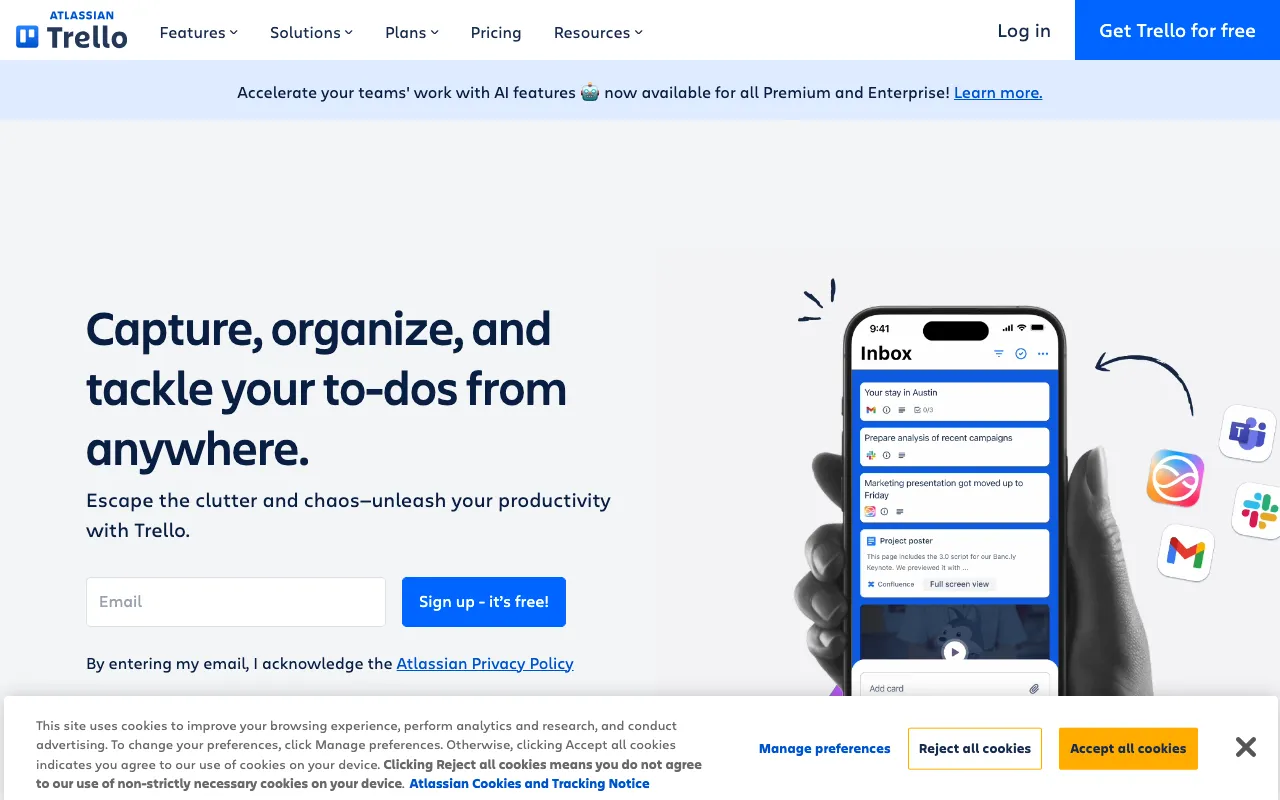
Trello – The Ultimate Visual Project Management Tool for Web Developers
Trello revolutionizes how web developers manage projects, track sprints, and organize tasks. As a powerful, web-based Kanban application, it provides a visual overview of your entire workflow using intuitive boards, lists, and cards. Whether you're a solo developer managing side projects or part of a large agile team coordinating complex features, Trello's flexibility and simplicity make it an indispensable tool for staying organized and productive. Its robust free tier offers everything you need to get started, making professional-grade project management accessible to all developers.
What is Trello for Web Development?
Trello is a visual collaboration tool that empowers web developers to organize projects and tasks on customizable Kanban boards. At its core, Trello uses a simple but powerful metaphor: boards represent projects (like 'New Website Launch'), lists represent stages of work (like 'To Do', 'In Progress', 'Code Review', 'Done'), and cards represent individual tasks (like 'Implement User Auth' or 'Fix Mobile CSS Bug'). This system provides immediate visual clarity into project status, bottlenecks, and progress. For developers, it transforms abstract project plans into actionable, trackable items, facilitating better sprint planning, bug tracking, feature development, and team communication without the complexity of traditional project management software.
Key Features of Trello for Developers
Visual Kanban Boards
Trello's signature Kanban boards offer a drag-and-drop interface for managing workflow. Developers can visualize their entire sprint or project backlog at a glance, moving cards between lists to reflect real-time progress. This visual system is perfect for Agile and Scrum methodologies, helping teams maintain focus, identify blockers instantly, and ensure a smooth flow of work from conception to deployment.
Power-Ups & Integrations
Supercharge Trello boards with Power-Ups—integrations that connect to the tools developers already use. Connect boards directly to GitHub, GitLab, or Bitbucket to link commits and pull requests to cards. Embed Figma mockups, attach Google Drive documents, create time tracking with Harvest, or automate workflows with Butler. These integrations create a centralized hub for all project-related assets and communication.
Customizable Cards & Checklists
Each Trello card is a rich container for task details. Developers can add detailed descriptions, attach files (like wireframes or specs), create nested checklists for subtasks (perfect for breaking down a feature), assign members, set due dates, and add labels for categorization (e.g., 'bug', 'enhancement', 'frontend', 'backend'). This turns a simple task into a comprehensive work item with all necessary context.
Butler Automation
Trello's built-in automation tool, Butler, allows developers to create rule-based triggers, calendar commands, and button actions to automate repetitive board management. Automatically move cards to 'Code Review' when marked complete, assign team members based on labels, set due dates for new cards, or create recurring tasks for stand-ups. This saves valuable time and enforces consistent workflows.
Who Should Use Trello for Development?
Trello is ideal for any web developer or team seeking clarity and efficiency in their workflow. Solo developers and freelancers use it to manage client projects and personal portfolios. Startup and agency teams rely on it for agile sprint planning, bug tracking, and coordinating between designers, developers, and project managers. Even large enterprise development teams utilize Trello for specific projects, feature teams, or as a lightweight complement to more complex tools like Jira. Its intuitive design has a minimal learning curve, making it perfect for developers who want powerful organization without the overhead of configuring complex software.
Trello Pricing and Free Tier for Developers
Trello offers a generous and fully-featured free plan that is more than sufficient for most individual developers and small teams. The free tier includes unlimited personal boards, unlimited cards and lists, and up to 10 team boards. You also get one Power-Up per board, basic automation with Butler, and attachments up to 10MB. For teams needing more advanced features, paid plans (Standard, Premium, Enterprise) offer unlimited Power-Ups, advanced automation, larger file attachments, admin controls, and enhanced security. The free tier's robustness makes Trello one of the best value project management tools available for web developers today.
Common Use Cases
- Agile sprint planning and backlog management for web development teams
- Visual bug and issue tracking for software projects
- Managing freelance web development projects and client workflows
- Organizing personal coding projects and learning roadmap
Key Benefits
- Gain immediate visual clarity on project status and team workload to prevent bottlenecks.
- Centralize all project communication, assets, and tasks in one place to reduce context switching.
- Automate repetitive workflow actions to save development time and enforce process consistency.
- Improve team collaboration and accountability with clear task assignments and progress tracking.
Pros & Cons
Pros
- Exceptionally intuitive and visual interface with almost no learning curve.
- Powerful free plan covers the core needs of most developers and small teams.
- Highly flexible and customizable to fit any development workflow or methodology.
- Extensive library of integrations (Power-Ups) with developer tools like GitHub, GitLab, and Figma.
Cons
- Can become visually cluttered for extremely large projects with hundreds of complex cards.
- Advanced reporting and analytics require a paid subscription.
- Lacks native time tracking and advanced resource management features found in specialized tools.
Frequently Asked Questions
Is Trello free for web developers?
Yes, Trello offers a robust free plan that is ideal for individual web developers and small teams. It includes unlimited personal boards, cards, and lists, along with one Power-Up per board and basic automation. This is often sufficient for managing personal projects, freelance work, and small team sprints.
Is Trello good for agile software development?
Absolutely. Trello is an excellent tool for agile and Scrum methodologies. Its Kanban board system is perfect for visualizing sprint backlogs, tracking work-in-progress (WIP) limits, and managing workflows from 'To Do' to 'Done'. Teams can use it for sprint planning, daily stand-ups (by reviewing the board), and retrospectives. Power-Ups can add Scrum-specific features like story points and velocity charts.
Can Trello integrate with GitHub?
Yes, Trello integrates seamlessly with GitHub through a Power-Up. This allows developers to link GitHub commits, branches, and pull requests directly to Trello cards. You can create cards from issues, see commit statuses on cards, and move cards automatically when pull requests are merged, creating a tight, bi-directional workflow between project management and code development.
What's the difference between Trello and Jira for developers?
Trello is designed for simplicity and visual workflow management, making it ideal for smaller teams, simpler projects, or teams that prefer a lightweight tool. Jira, from the same company (Atlassian), is built for complex software development with deep Agile features, advanced reporting, and granular issue tracking. Many teams start with Trello and graduate to Jira as their processes become more complex, or use Trello for specific projects within a larger Jira ecosystem.
Conclusion
Trello stands out as a premier project management tool for web developers by masterfully balancing powerful functionality with remarkable ease of use. Its visual Kanban system provides the clarity needed to manage complex development workflows, while its flexibility allows it to adapt to any team's unique process. The extensive integration ecosystem, led by the invaluable GitHub Power-Up, seamlessly bridges the gap between project planning and actual code. Combined with a genuinely useful free tier and intelligent automation via Butler, Trello delivers exceptional value. For developers and teams seeking to eliminate project chaos, improve collaboration, and maintain a clear line of sight from idea to deployment, Trello is a top-tier choice that consistently delivers on its promise of organized productivity.