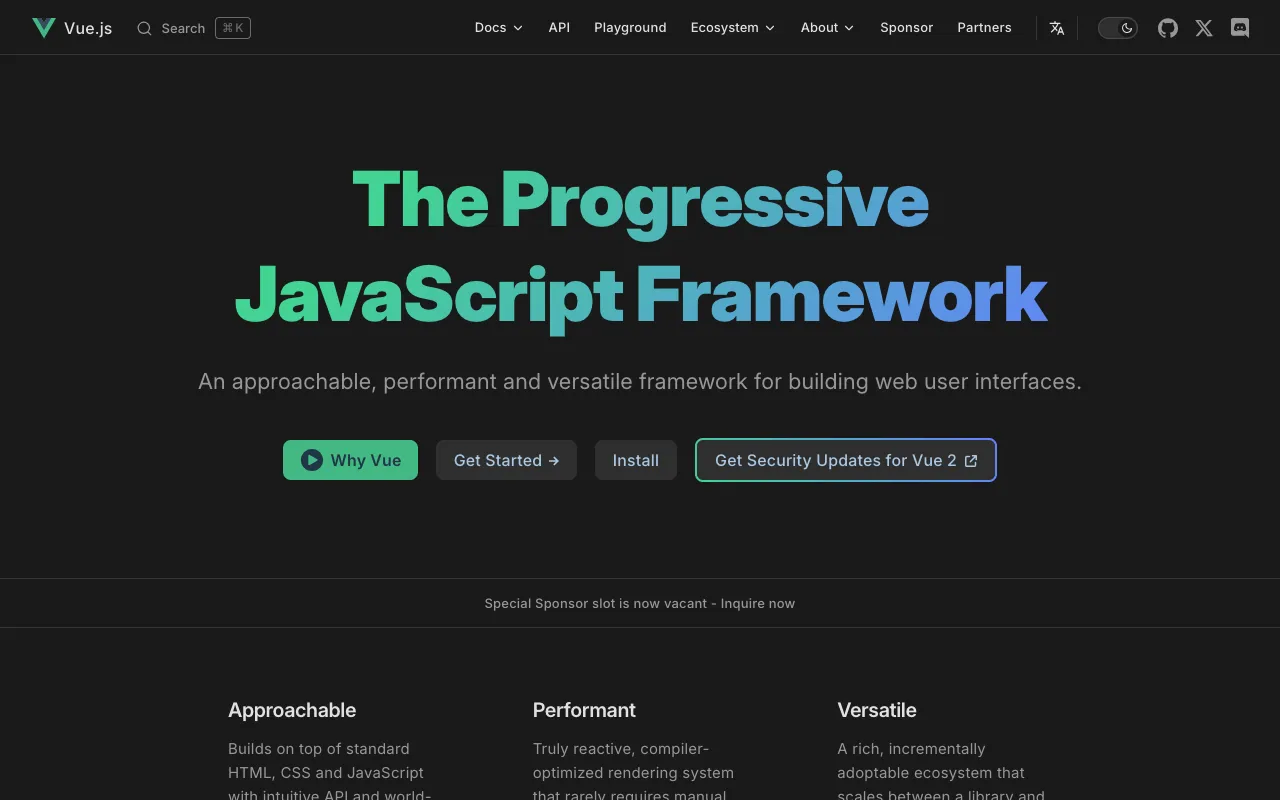
Vue.js – The Progressive JavaScript Framework for Modern Web Development
Vue.js is a powerful, yet approachable open-source JavaScript framework for crafting dynamic user interfaces and single-page applications (SPAs). Adopting a progressive design philosophy, Vue allows developers to enhance existing projects incrementally or build complex, enterprise-grade applications from the ground up. Its intuitive API, excellent documentation, and reactive data-binding system make it a top choice for web developers seeking a balance between power and developer experience. Whether you're a solo developer or part of a large team, Vue.js provides the tools to build fast, maintainable, and scalable front-end applications.
What is Vue.js?
Vue.js (commonly referred to as Vue) is a progressive JavaScript framework based on the Model-View-ViewModel (MVVM) architectural pattern. Its core library is focused solely on the view layer, making it easy to integrate with other libraries or existing projects. However, Vue's ecosystem of officially maintained libraries—like Vue Router for routing, Pinia/Vuex for state management, and Vite for tooling—enables it to power full-featured Single-Page Applications. Created by Evan You, Vue emphasizes declarative rendering and component composition, offering a gentle learning curve without sacrificing capability. It's renowned for its detailed documentation, welcoming community, and its ability to serve as a lightweight alternative or a robust foundation for web interfaces.
Key Features of Vue.js
Reactive Data Binding
Vue's core reactivity system automatically tracks JavaScript state changes and efficiently updates the DOM. Using a simple and declarative template syntax, you bind your data model to the DOM, and Vue handles all the updates. This eliminates manual DOM manipulation, reduces bugs, and makes your code more predictable and easier to reason about.
Component-Based Architecture
Build encapsulated, reusable components that manage their own state, style, and template. Vue's Single-File Components (.vue files) allow you to co-locate HTML, JavaScript, and CSS in one file, promoting better organization and modularity for large-scale applications.
Progressive Framework
Vue is designed to be incrementally adoptable. You can drop it into a project as a simple script tag to add interactivity to a static page, or you can use its full CLI and build system to create complex, modern SPAs. This flexibility lets teams choose the right level of integration for their needs.
Virtual DOM & High Performance
Vue employs a virtual DOM implementation that optimizes rendering performance. It calculates the minimal number of DOM operations required when your app's state changes, ensuring fast updates and a smooth user experience even in data-intensive applications.
Rich Ecosystem & Tooling
Benefit from first-class developer tools like Vue DevTools for debugging, the Vue CLI (or modern Vite-based create-vue) for project scaffolding, and a rich, officially supported ecosystem including Vue Router and Pinia. The community also provides a vast array of plugins and UI component libraries like Vuetify, Quasar, and Element Plus.
Who Should Use Vue.js?
Vue.js is an excellent fit for a wide range of developers and projects. Front-end developers transitioning from jQuery or other libraries will appreciate its gentle learning curve. Full-stack developers and small teams benefit from its straightforward setup and clarity. Large enterprises use Vue for its scalability and maintainability in complex applications. It's also ideal for startups and agencies that need to deliver high-quality interactive features quickly. If you value clean syntax, fantastic documentation, and a framework that grows with your project's complexity, Vue.js is for you.
Vue.js Pricing and Free Tier
Vue.js is completely free and open-source, released under the MIT license. There is no paid tier, enterprise license, or hidden cost. The core framework, its official companion libraries (Router, Pinia), the build tooling (Vite), and all documentation are available for anyone to use in personal, commercial, or enterprise projects without restriction. The project is supported by donations, sponsorships, and the work of its dedicated team and global community.
Common Use Cases
- Building interactive dashboards and admin panels with real-time data
- Creating modern single-page applications (SPAs) for startups and SaaS products
- Enhancing static websites or WordPress sites with dynamic, component-based widgets
- Developing progressive web apps (PWAs) with offline capabilities and app-like feel
- Prototyping UI concepts and design systems quickly with reusable components
Key Benefits
- Faster development cycles due to intuitive API and excellent documentation, reducing time-to-market.
- Improved application performance and user experience through efficient reactivity and virtual DOM.
- Enhanced code maintainability and team collaboration with a clean, component-based architecture.
- Reduced project risk and cost with a free, open-source license and massive community support.
- Future-proof skills by learning a modern, in-demand framework with strong industry adoption.
Pros & Cons
Pros
- Exceptionally gentle learning curve with the best-in-class documentation.
- Highly flexible and incrementally adoptable into new or existing projects.
- Excellent performance profile suitable for most application scales.
- Vibrant ecosystem with high-quality official libraries and community tools.
- Single-File Components offer a superior developer experience for organization.
Cons
- Smaller corporate backing compared to React (Facebook) or Angular (Google), though it has significant community and sponsor support.
- The flexibility in state management (Options API vs. Composition API) can lead to stylistic fragmentation in larger, older codebases.
- Some enterprise-level tooling and third-party service integrations might be more readily available for React.
Frequently Asked Questions
Is Vue.js free to use?
Yes, absolutely. Vue.js is 100% free and open-source software released under the permissive MIT license. You can use it for personal projects, commercial products, and enterprise applications without any licensing fees or restrictions.
Is Vue.js good for building single-page applications (SPAs)?
Vue.js is an excellent choice for building SPAs. Its core library, combined with the official Vue Router for navigation and Pinia for state management, provides a complete, robust, and performant foundation for creating modern, complex single-page applications enjoyed by millions of users.
How does Vue.js compare to React and Angular?
Vue.js strikes a balance between React's flexibility and Angular's structure. It is more opinionated and provides more built-in solutions (like templates and directives) than React, leading to faster onboarding. Compared to Angular, Vue has a much smaller bundle size and a less steep learning curve, while still offering a full-featured framework experience when needed. Its progressive nature is a key differentiator.
What is the best way to start learning Vue.js?
The best way to start is with the official Vue.js guide and tutorial. It is renowned for its clarity and depth. Begin with the core concepts (declarative rendering, reactivity, components) using the Options API for familiarity, then explore the Composition API for more complex logic reuse. Building a small project, like a todo app or a weather widget, is highly recommended to solidify your understanding.
Conclusion
Vue.js stands out as a premier JavaScript framework that delivers power without unnecessary complexity. Its progressive nature, exceptional developer experience, and strong performance make it a compelling choice for web developers of all skill levels. Whether you're enhancing a simple website or architecting a large-scale enterprise application, Vue provides the tools, clarity, and community support to succeed. For developers seeking a modern, maintainable, and enjoyable path to building user interfaces, Vue.js is undoubtedly one of the best tools available today.