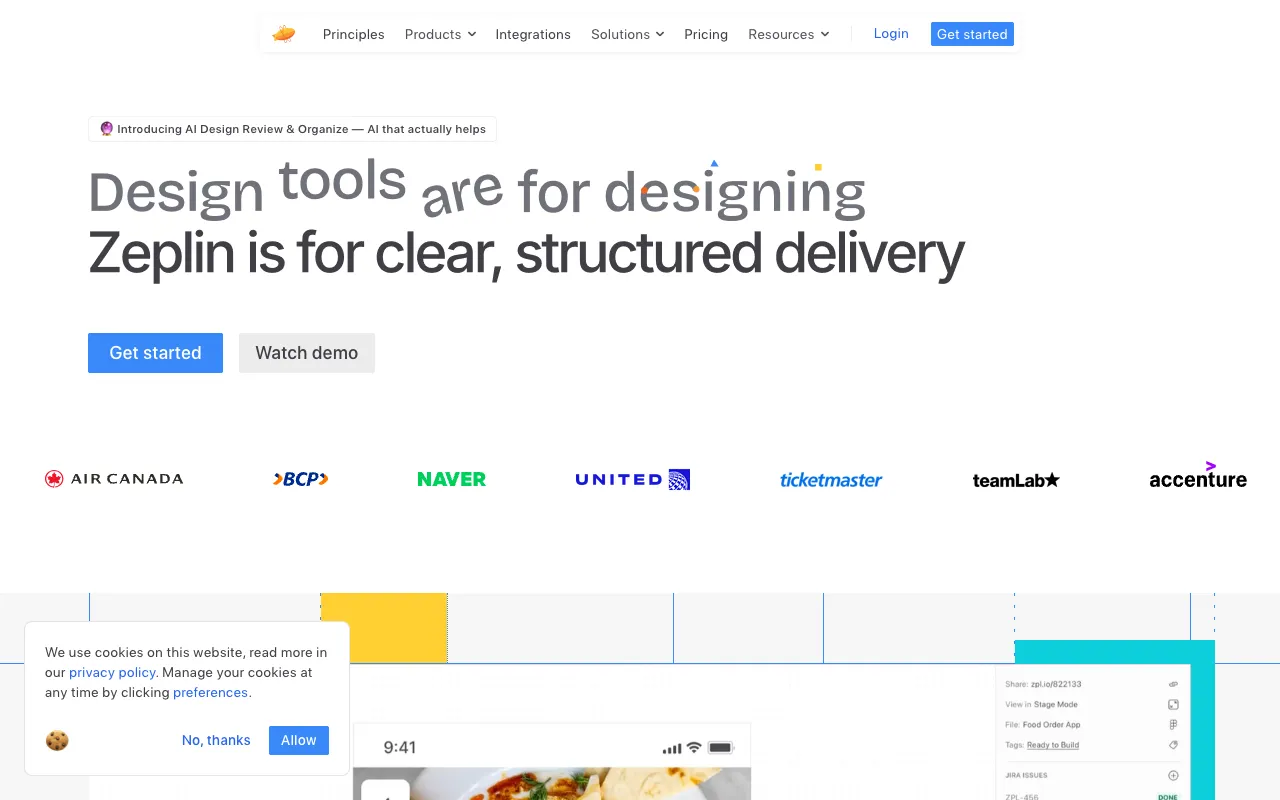
Zeplin – The Ultimate Design Collaboration Tool for Web Developers
Zeplin transforms the chaotic design handoff process into a streamlined, efficient workflow. Built specifically for UI/UX designers and frontend developers, it automatically converts design files from Figma, Sketch, and Adobe XD into precise style guides, specs, and ready-to-use assets. Eliminate guesswork, reduce back-and-forth communication, and accelerate your development cycle with the industry's leading design-to-code collaboration platform.
What is Zeplin?
Zeplin is a dedicated collaboration hub that acts as the single source of truth between design and development teams. It ingests design files and outputs developer-friendly documentation, including exact measurements (CSS, dimensions, spacing), color codes (HEX, RGBA), font styles, and exportable image assets. It's not a design tool but a vital bridge that ensures what is designed is what gets built, pixel-for-pixel.
Key Features of Zeplin
Automated Style Guides & Specs
Zeplin automatically generates comprehensive and always-updated style guides from your design projects. Developers get instant access to colors, text styles, spacing, and component specifications without manually inspecting files, drastically reducing human error and interpretation time.
Pixel-Perfect Asset Export
Export any layer, slice, or component directly from Zeplin in the format and resolution you need (PNG, JPG, SVG, PDF, WebP). Supports multi-density exports (1x, 2x, 3x) and even generates optimized SVGs with clean code, ready for production.
Integrated Developer Workflow
With features like code snippets (CSS, Sass, Less, Stylus), measurement tools, and direct links to design components, Zeplin integrates seamlessly into a developer's daily workflow. Connect with Jira, Slack, and VS Code to keep the entire team in sync.
Real-Time Collaboration & Comments
Discuss designs directly on the canvas with threaded comments. Tag team members, resolve issues, and maintain a clear history of feedback, ensuring nothing gets lost in translation between design reviews and implementation.
Who Should Use Zeplin?
Zeplin is essential for any team where design meets code. It's a powerhouse for Frontend Developers, UI Engineers, and Full-Stack Developers who need accurate specs and assets. It's equally critical for UI/UX Designers who want a smooth handoff process. Product Managers and team leads also benefit from the visibility and organization it brings to the product development lifecycle, especially in agile or remote environments.
Zeplin Pricing and Free Tier
Zeplin offers a generous free plan perfect for freelancers, students, or small projects, supporting one project with unlimited members. Their paid plans (Team, Organization, Enterprise) unlock unlimited projects, advanced security controls, guest accounts, and dedicated support to scale with growing teams and complex product suites.
Common Use Cases
- Handing off responsive web designs from Figma to a development team
- Creating a centralized, living style guide for a design system
- Exporting optimized SVG icons and image assets for a React application
Key Benefits
- Accelerate frontend development by eliminating manual measurement and asset extraction
- Improve team alignment and reduce costly rework caused by miscommunication
- Maintain design consistency and fidelity across all developed features and products
Pros & Cons
Pros
- Drastically reduces time spent on design handoff and QA
- Intuitive interface with a very shallow learning curve for developers
- Excellent integrations with major design tools and developer ecosystems
- Strong free tier is perfect for testing and small teams
Cons
- Primarily a handoff tool, not a replacement for design or prototyping software
- Advanced features and unlimited projects require a paid subscription
Frequently Asked Questions
Is Zeplin free to use?
Yes, Zeplin offers a robust free forever plan that includes one project with unlimited members. This is ideal for individual developers, freelancers, or small teams working on a single project to test the platform's core handoff features.
Is Zeplin good for web developers?
Absolutely. Zeplin is considered one of the best tools for web developers working with designers. It provides the exact CSS values, dimensions, colors, and assets needed to translate designs into code accurately and efficiently, making it an indispensable part of the modern frontend development stack.
What design tools does Zeplin work with?
Zeplin offers dedicated plugins for all major design platforms, including Figma, Sketch, Adobe XD, and Photoshop. You can upload design files directly from these applications to keep your Zeplin projects synchronized and up-to-date.
Conclusion
For web developers seeking to eliminate friction and inefficiency in the design-to-code pipeline, Zeplin stands out as a non-negotiable tool. It replaces chaotic email threads, confusing screenshot markups, and manual asset hunting with a centralized, automated, and collaborative system. Whether you're a solo developer or part of a large enterprise team, integrating Zeplin into your workflow translates directly to faster development cycles, higher-quality implementation, and a more harmonious relationship between design and engineering. Start with its powerful free tier to experience the streamlined handoff process firsthand.