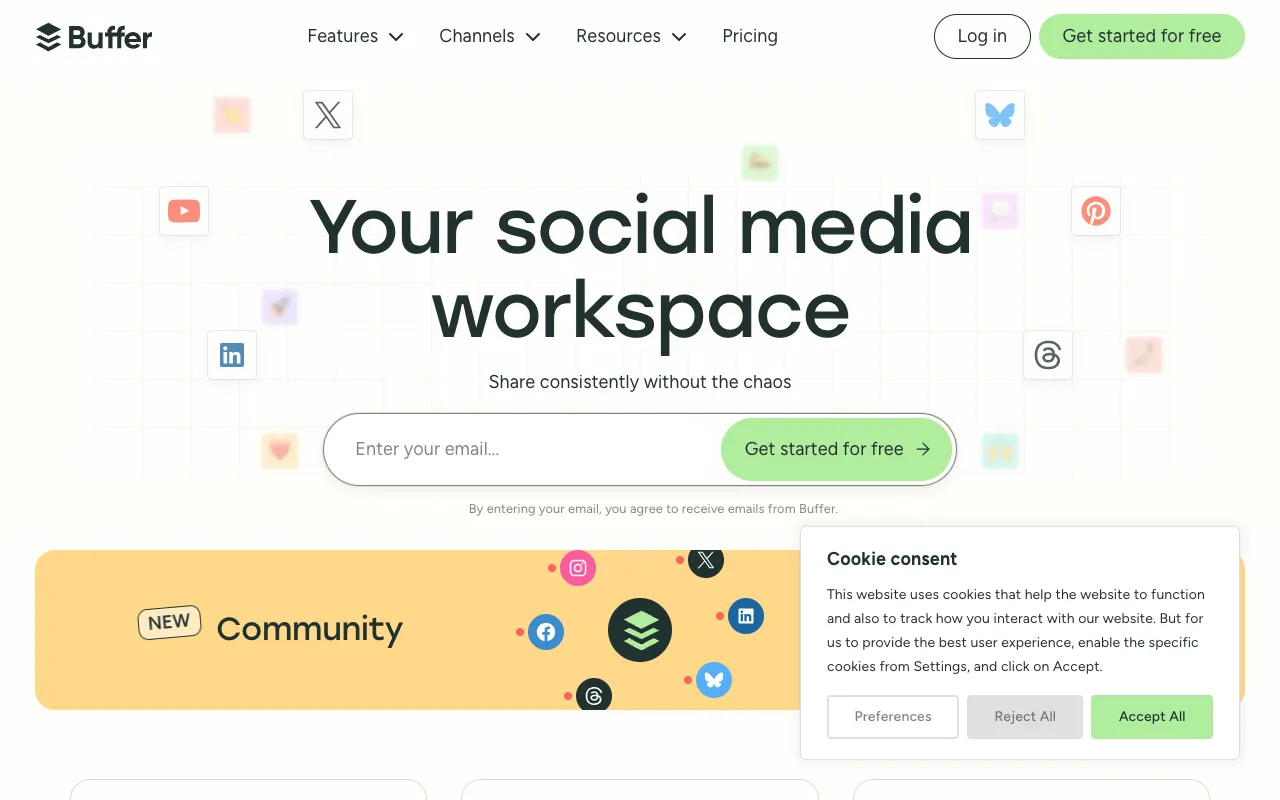
Buffer – The Best Social Media Scheduler for YouTube Promotion
For YouTube creators, consistently promoting content across social platforms is non-negotiable for growth. Buffer is the leading social media management tool that transforms this complex task into a streamlined workflow. It allows YouTubers to schedule posts, analyze what resonates with their audience, and manage all their social accounts from one intuitive dashboard. By automating your promotional strategy, Buffer frees up valuable time to focus on what you do best: creating amazing videos.
What is Buffer?
Buffer is a powerful, all-in-one social media management platform built for creators and marketers. Its core purpose is to simplify the process of publishing and analyzing content across multiple social networks. For YouTubers, this means having a centralized command center to drive viewers from platforms like Twitter, Instagram, Facebook, LinkedIn, and Pinterest back to your YouTube channel. Instead of juggling multiple apps and calendars, Buffer provides a unified workflow for planning your promotional content, ensuring consistent engagement with your audience.
Key Features of Buffer for YouTubers
Multi-Platform Scheduling & Publishing
Schedule YouTube video promotions, teasers, and community updates across all your linked social accounts. Buffer's intuitive calendar lets you visually plan your entire social media week or month in advance, ensuring you never miss a promotional opportunity.
Performance Analytics & Insights
Go beyond vanity metrics. Buffer's analytics show you which types of posts drive the most clicks, engagement, and ultimately, YouTube views. Understand what content works best on each platform to refine your promotion strategy and maximize your channel's growth.
All-in-One Social Inbox
Manage comments and engagement from Twitter, Instagram, and Facebook directly within Buffer. Quickly respond to your audience, foster community, and drive conversations—all without switching between different apps, saving you hours each week.
Optimal Timing & Queue Management
Buffer analyzes when your audience is most active and suggests the best times to post. You can also set up recurring queues for evergreen content, automating a consistent flow of promotional tweets and posts that keep your channel top-of-mind.
Who Should Use Buffer?
Buffer is ideal for any YouTube creator serious about growing their audience through strategic social media promotion. It's perfect for solo creators and small teams who need to manage multiple channels efficiently, gaming YouTubers promoting livestreams and highlights, educational channels sharing snippets and insights, and vloggers building a personal brand across networks. If you spend more than an hour a week manually posting to social media, Buffer will significantly boost your productivity and results.
Buffer Pricing and Free Tier
Buffer offers a generous free plan that is perfect for YouTubers starting out. The free tier includes scheduling for 3 social channels, 10 posts scheduled per channel, and basic analytics. For growing channels requiring more power, paid plans start with the Essentials plan, which unlocks more channels, advanced scheduling queues, and deeper analytics. Their highest-tier Team plan includes collaboration tools, making it excellent for creator collectives or channels with multiple managers.
Common Use Cases
- Schedule a week of Twitter posts to promote your new YouTube tutorial series
- Analyze which Instagram Reels drive the most traffic to your vlog channel
- Manage all viewer comments from Facebook and Instagram in a single unified inbox
Key Benefits
- Reclaim 5-10 hours per week by batching and automating your social media promotion
- Increase click-through rates to your YouTube videos by posting at scientifically optimized times
- Build a stronger, more engaged community by efficiently managing conversations across all platforms
Pros & Cons
Pros
- Extremely user-friendly interface with a shallow learning curve
- Robust free plan suitable for new and small YouTube channels
- Excellent multi-platform support including Instagram, TikTok, and Pinterest
- Powerful analytics to track what content drives real YouTube traffic
Cons
- Advanced features like Pinterest scheduling and deeper analytics are locked behind higher-tier plans
- The built-in image creator is basic compared to dedicated design tools
Frequently Asked Questions
Is Buffer free to use for YouTube promotion?
Yes, Buffer offers a free forever plan that is excellent for starting out. It allows you to connect up to 3 social channels (like Twitter, Facebook, and Instagram) and schedule 10 posts per channel. This is sufficient for many new YouTubers to establish a consistent promotional routine.
Is Buffer good for managing YouTube comments?
No, Buffer is specifically designed for managing external social media platforms like Twitter, Instagram, and Facebook to drive traffic *to* your YouTube channel. To manage comments on your YouTube videos themselves, you should use YouTube Studio's built-in comment management tools.
Can I schedule YouTube video posts directly with Buffer?
While you cannot directly publish to YouTube through Buffer, it is the perfect tool for promoting those videos everywhere else. You can schedule social media posts that contain the link, title, and thumbnail of your new YouTube video across all your other social accounts simultaneously, maximizing its reach upon launch.
Conclusion
Buffer stands out as an essential tool in any successful YouTuber's toolkit. It transforms the often chaotic and time-consuming task of social media promotion into a strategic, data-driven, and efficient process. By centralizing scheduling, analytics, and engagement, it empowers creators to build a powerful promotional engine that consistently drives viewers back to their channel. For any creator looking to grow their audience without sacrificing their creative time, Buffer provides the perfect balance of simplicity and powerful features.