Go back
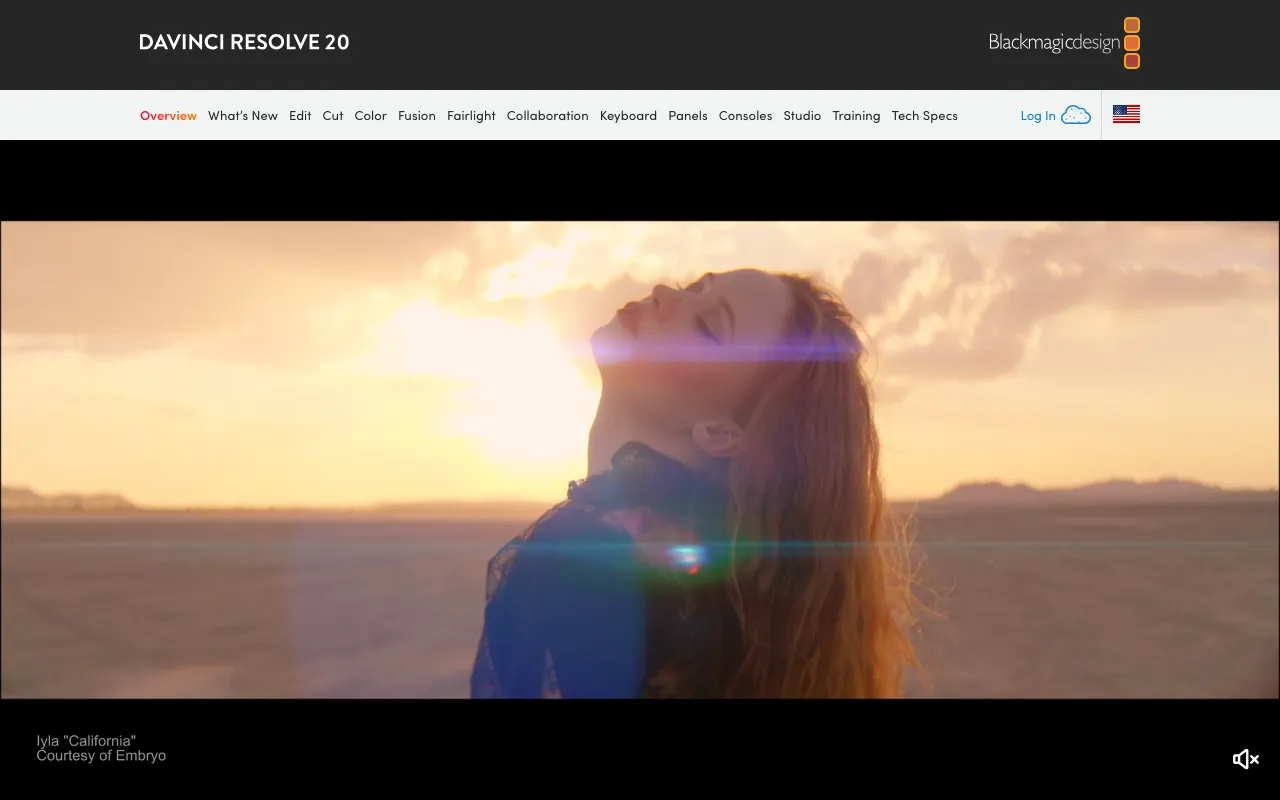
Image of DaVinci Resolve – Best Professional Video Editing Software for YouTubers

DaVinci Resolve – Best Professional Video Editing Software for YouTubers

DaVinci Resolve is the ultimate all-in-one video production suite for YouTubers who demand professional quality. Unlike basic editors, it combines Hollywood-grade editing, color correction, visual effects, and audio post-production into a single, powerful application. Whether you're a vlogger, tech reviewer, or filmmaker building a channel, DaVinci Resolve's robust free version provides tools typically costing thousands, making it the best value video software for serious content creators.

What is DaVinci Resolve?

DaVinci Resolve is a professional, integrated software solution for video post-production. Originally renowned as the industry standard for color grading, it has evolved into a complete non-linear editing (NLE) suite. For YouTubers, it eliminates the need to switch between multiple programs for cutting, color work, adding effects, and mixing audio. Its unified workflow streamlines production from raw footage to a polished, upload-ready video, offering a level of control and quality unmatched by consumer-focused editors.

Key Features of DaVinci Resolve for YouTubers

Professional Non-Linear Video Editor

The 'Cut' and 'Edit' pages provide a fast, intuitive timeline for assembling your YouTube videos. Features like magnetic timelines, smart editing tools, and proxy workflows make editing long-form content, vlogs, and tutorials efficient, even on less powerful computers.

World-Class Color Correction & Grading

Leverage the same color science used in major Hollywood films. The 'Color' page offers advanced primary and secondary correction, curves, qualifiers (powerful masking), and over 30 HDR color spaces. This allows YouTubers to achieve consistent, cinematic looks and fix lighting issues from any camera.

Fusion Visual Effects & Motion Graphics

Built directly into the timeline, Fusion is a powerful node-based compositor. Create custom titles, lower thirds, logo animations, and complex visual effects without leaving the application. This is perfect for creating unique channel branding and engaging intro sequences.

Fairlight Audio Post-Production

A full digital audio workstation (DAW) for perfecting your video's sound. Features include ADR, Foley, sound design, and mixing on up to 2,000 tracks with professional EQ, dynamics, and reverb plugins. Essential for crisp dialogue, balanced music, and immersive soundscapes.

Single Application Workflow

The biggest benefit for YouTubers is the seamless flow between editing, color, effects, and audio. No need to export, import, or manage separate project files. Changes in one module instantly update across the entire project, saving immense time and preventing quality loss from re-encoding.

Who Should Use DaVinci Resolve?

DaVinci Resolve is ideal for YouTubers who have outgrown basic editors and want a professional, future-proof toolkit. It's perfect for tech reviewers needing precise color accuracy, vloggers wanting a polished cinematic look, filmmakers building an audience, educators creating detailed tutorials, and any creator who values audio quality. Its learning curve rewards investment with unparalleled creative control and a workflow that scales with your channel's growth.

DaVinci Resolve Pricing and Free Tier

DaVinci Resolve offers an incredible free version with nearly all core features, making it the most powerful free video editor available. The paid DaVinci Resolve Studio version is a one-time purchase (not a subscription) and unlocks advanced features like Neural Engine AI tools (face refinement, speed warp, automatic depth map), 10-bit H.265 support, multi-user collaboration, dozens of additional Resolve FX filters, and support for higher frame rates and resolutions. The free tier is fully capable of producing professional YouTube content.

Common Use Cases

Key Benefits

Pros & Cons

Pros

  • Unmatched value: The free version includes professional editing, color, VFX, and audio tools
  • One-time payment for Studio version versus costly monthly subscriptions from competitors
  • Unified workflow eliminates exporting/importing between separate apps, improving efficiency and quality

Cons

  • Steeper learning curve compared to simpler editors like iMovie or CapCut, requiring time investment
  • High system requirements for smooth performance, especially with 4K footage and complex effects
  • Some advanced AI-powered features and codec support are exclusive to the paid Studio version

Frequently Asked Questions

Is DaVinci Resolve free to use for YouTube?

Yes, DaVinci Resolve offers a fully-featured free version that is more than capable of producing professional-quality YouTube videos. It includes the core editing, color correction, Fusion VFX, and Fairlight audio tools without watermarks or time limits.

Is DaVinci Resolve good for beginner YouTubers?

DaVinci Resolve is powerful but has a learning curve. Beginner YouTubers who are serious about improving their video quality will benefit greatly from starting with its free version. Many tutorials are available online. If you prioritize absolute simplicity, a more basic editor might be better initially.

What is the difference between DaVinci Resolve Free and Studio?

The free version is incredibly powerful for most YouTubers. DaVinci Resolve Studio (paid) adds advanced features like AI tools (auto depth maps, facial recognition), support for 10-bit H.265/HEVC, 120fps+ timelines, multi-user collaboration, and over 100 additional visual effects and fairlight audio plugins.

Can I use DaVinci Resolve on Windows, Mac, and Linux?

Yes, DaVinci Resolve is fully cross-platform. You can download and use the identical free and paid Studio versions on Windows, macOS, and Linux, allowing for flexible workflows and team collaboration across different operating systems.

Conclusion

For YouTubers committed to elevating their content, DaVinci Resolve is not just a tool—it's a complete production studio. Its unparalleled combination of a professional-grade free tier, a one-time purchase upgrade path, and an integrated workflow for editing, color, VFX, and audio makes it the definitive choice. While it demands more learning than consumer apps, the investment pays off in superior video quality, efficient workflows, and skills that translate directly to professional filmmaking. If you're serious about growing your YouTube channel with the best possible production value, DaVinci Resolve is the essential software solution.