Go back
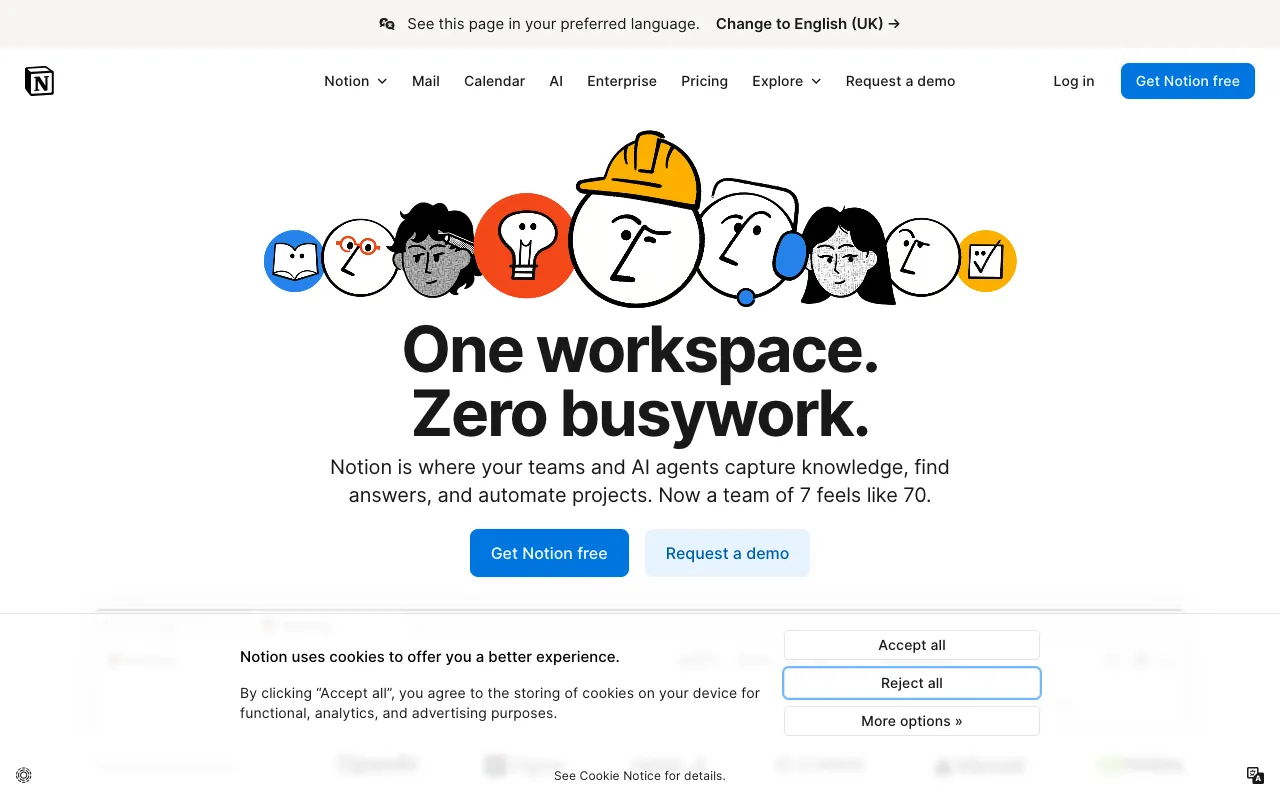
Image of Notion – The Best All-in-One Workspace for YouTubers

Notion – The Best All-in-One Workspace for YouTubers

Managing a successful YouTube channel requires more than just a camera—it demands organization, planning, and seamless collaboration. Notion is the ultimate digital workspace designed specifically for content creators who need to centralize their entire workflow. From initial brainstorming to final publishing schedules, Notion replaces scattered notes, calendars, and spreadsheets with a single, powerful platform that grows with your channel. Its flexibility and free tier make it the top choice for solo creators and production teams alike.

What is Notion for YouTubers?

Notion is a versatile all-in-one workspace that functions as a content calendar, project manager, note-taking app, and collaboration hub tailored for video creators. Unlike rigid, single-purpose tools, Notion provides a customizable canvas where YouTubers can build their perfect workflow. Its core purpose is to eliminate creative chaos by bringing scripts, shot lists, publishing schedules, team tasks, and research into one interconnected system. This makes it ideal for creators at any stage, from beginners planning their first videos to established channels managing complex production pipelines.

Key Features of Notion for YouTube Management

Customizable Video Content Calendar

Build a dynamic editorial calendar that visualizes your upload schedule. Drag-and-drop timelines, status tags, and linked databases let you track videos from 'Idea' to 'Published,' ensuring you never miss a deadline and maintain consistent content flow for your audience.

Integrated Planning & Research Databases

Centralize all your video ideas, competitor research, and keyword notes in searchable databases. Link research directly to video projects, embed reference videos or articles, and create a permanent knowledge base that fuels your content strategy.

Collaborative Workspaces for Teams

Invite editors, thumbnail designers, or other collaborators into dedicated workspaces. Assign tasks with due dates, comment directly on scripts or briefs, and manage permissions so everyone has the right access, streamlining your entire production process.

Flexible Templates for Creators

Jumpstart your workflow with pre-built templates for video briefs, script formatting, sponsorship trackers, and equipment lists. Customize every template to fit your channel's unique needs, saving hours on setup and standardization.

Who Should Use Notion for YouTube?

Notion is essential for any YouTuber who feels overwhelmed by disorganized notes, missed deadlines, or inefficient team communication. Solo creators benefit from its structure for planning and research, while collaborative channels—like vlogging families, educational teams, or production companies—rely on it for task delegation and transparent workflows. It's particularly powerful for content strategists, interview-based channels needing guest coordination, and creators who batch-produce content, as it provides the macro and micro views of a project simultaneously.

Notion Pricing and Free Tier for YouTubers

Notion offers a robust free plan perfect for most individual YouTubers, including unlimited pages and blocks, basic collaboration features, and access to core templates. For growing teams or creators needing advanced features like unlimited file uploads, version history, and private team spaces, paid plans start at a competitive monthly rate. This tiered structure allows creators to start for free and scale their workspace investment alongside their channel's growth.

Common Use Cases

Key Benefits

Pros & Cons

Pros

  • Unmatched flexibility to create a custom workspace tailored exactly to your YouTube production process
  • Powerful free tier includes all core features needed for individual creators and small teams
  • Real-time collaboration and commenting streamline feedback and reduce email threads

Cons

  • The sheer number of features and customization options can have a learning curve for new users
  • Advanced automation and integration capabilities require upgrading to a paid plan

Frequently Asked Questions

Is Notion free for YouTubers?

Yes, Notion offers a comprehensive free plan that is perfectly suited for individual YouTubers. It includes unlimited pages, basic collaboration tools, and access to templates for video planning, scripting, and content calendars.

Is Notion good for managing a YouTube content calendar?

Absolutely. Notion is one of the best tools for building a dynamic YouTube content calendar. You can create a visual timeline, track video status (Idea, Scripting, Filming, Editing, Published), set deadlines, and link every video to its script, research, and team tasks—all in one view.

Can I collaborate with my team on Notion for YouTube?

Yes, Notion excels at team collaboration. You can invite team members to specific pages or workspaces, assign tasks with due dates and owners, and use comments for feedback on scripts or video briefs. This keeps everyone aligned and accountable throughout the production process.

How does Notion compare to Trello or Asana for YouTube management?

While Trello and Asana are strong project managers, Notion combines project management with powerful note-taking, databases, and wikis. For YouTubers, this means your video calendar, script drafts, research notes, and team tasks can live in a deeply connected system, eliminating the need to switch between multiple apps.

Conclusion

For YouTubers seeking to replace a suite of disparate tools with one cohesive command center, Notion is the definitive solution. Its unique strength lies in adaptability—it molds to your specific workflow rather than forcing you into a rigid system. Whether you're a solo creator building a content empire or the leader of a collaborative channel, Notion provides the organization, clarity, and collaborative power necessary to produce better content more efficiently. Start with its free tier to organize your video pipeline today, and scale your workspace as your channel grows.