Go back
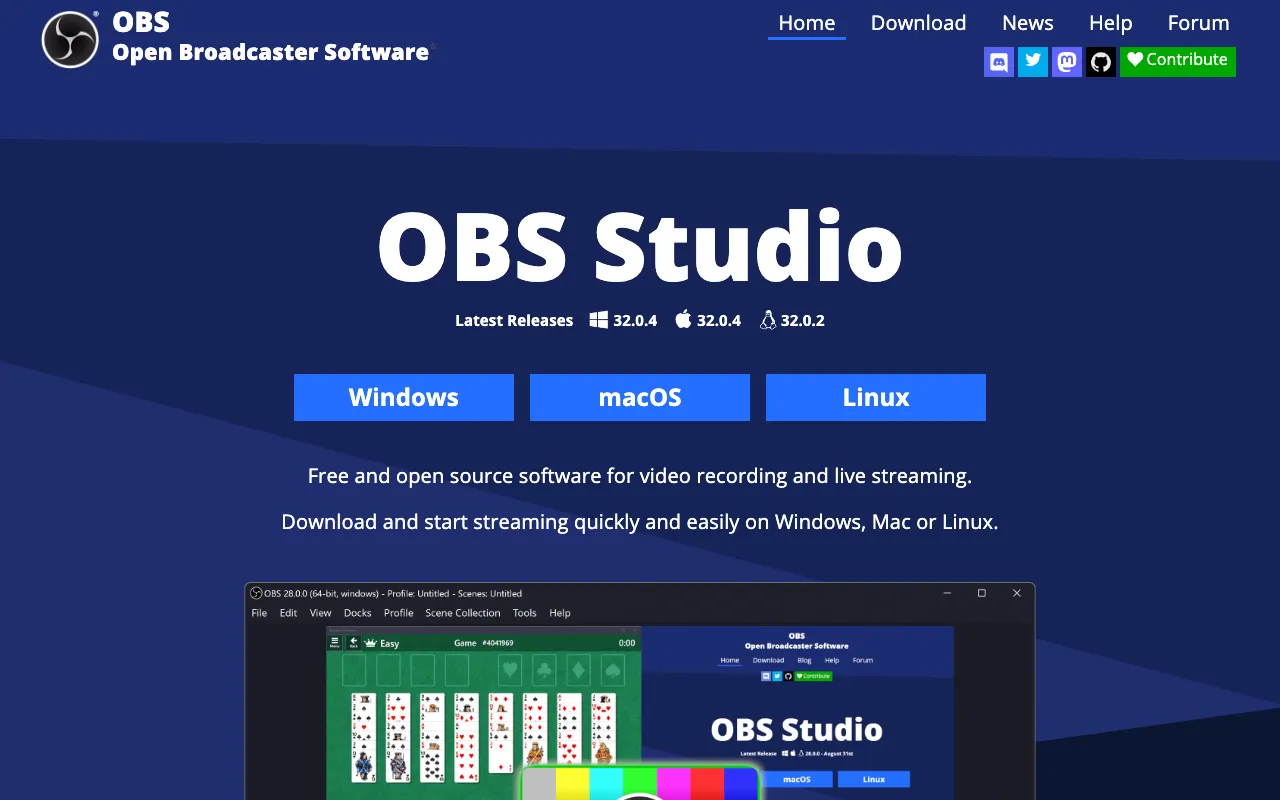
Image of OBS Studio – The Ultimate Free Tool for YouTubers

OBS Studio – The Ultimate Free Tool for YouTubers

OBS Studio (Open Broadcaster Software) is the industry-standard, free, and open-source software that empowers YouTubers to create professional-quality video content and live streams. Trusted by millions, it seamlessly captures your screen, webcam, and audio sources, giving you complete control over your production without any cost. Whether you're recording tutorials, gameplay, podcasts, or hosting live Q&A sessions, OBS Studio provides the robust, customizable foundation your channel needs to grow.

What is OBS Studio?

OBS Studio is a comprehensive, professional-grade desktop application designed for video recording and live streaming. As free and open-source software, it provides YouTubers with a powerful alternative to expensive, proprietary solutions. Its core purpose is to aggregate multiple audio and video sources—like your display, application windows, webcams, microphones, and images—into a single, cohesive scene that can be recorded to a file or broadcast live to platforms like YouTube. Its widespread adoption is a testament to its reliability, depth of features, and commitment to remaining completely free for all users, from beginners to established creators.

Key Features of OBS Studio

High-Performance Video/Audio Capture

Capture flawlessly from your entire screen, specific application windows, or browser tabs. Integrate multiple webcams and microphones with customizable audio mixing, filters for noise suppression and gain control, ensuring crystal-clear sound quality for your YouTube videos.

Unlimited Scene & Source Composition

Build complex production setups by creating unlimited scenes you can switch between seamlessly. Layer video sources, images, text, and browser windows with intuitive positioning and scaling, allowing for dynamic, professional-looking streams and recordings.

Professional Broadcasting & Encoding

Stream directly to YouTube Live, Twitch, and other platforms with optimized settings. Utilize hardware (GPU) or software (x264) encoding for the best balance of quality and performance, ensuring smooth playback for your audience without overloading your system.

Powerful Studio Mode & Transitions

Preview scenes and sources before making them live with Studio Mode, eliminating on-air mistakes. Apply smooth stinger transitions (fades, slides, cuts) between scenes to maintain a polished, engaging viewer experience during your YouTube live streams.

Extensive Plugin & Script Support

Extend OBS Studio's functionality with a vast ecosystem of free community plugins and scripts. Add features like advanced audio filters, stream alerts, virtual cameras, and automation tools to tailor the software perfectly to your YouTube workflow.

Who Should Use OBS Studio?

OBS Studio is the essential tool for any YouTuber serious about content quality. It's perfect for gamers streaming gameplay, educators recording software tutorials, podcasters producing video versions, musicians hosting live performances, and entrepreneurs creating business content. If you need to capture anything on your screen, combine it with a camera feed, and produce a professional result—whether for immediate live streaming or later editing—OBS Studio is the definitive solution. Its zero-cost entry makes it ideal for beginners, while its advanced feature set satisfies the demands of full-time professional creators.

OBS Studio Pricing and Free Tier

OBS Studio is completely free and open-source. There is no premium tier, subscription fee, or feature paywall. The software is funded through donations and sponsorships, ensuring all its powerful recording, streaming, and production capabilities are available at no cost forever. You can download OBS Studio directly from its official website for Windows, macOS, and Linux with no limitations on usage, output quality, or recording length.

Common Use Cases

Key Benefits

Pros & Cons

Pros

  • 100% free and open-source with no hidden costs or feature limitations
  • Exceptionally powerful and customizable for advanced production workflows
  • Lightweight and efficient, with strong performance on most computer systems
  • Massive community support, tutorials, and a rich plugin ecosystem
  • Cross-platform compatibility (Windows, Mac, Linux)

Cons

  • The interface has a learning curve and can be intimidating for absolute beginners
  • Advanced configuration for optimal stream quality requires some technical knowledge
  • Lacks built-in video editing capabilities; recording must be edited in separate software

Frequently Asked Questions

Is OBS Studio really free to use?

Yes, OBS Studio is completely free and open-source. There are no subscriptions, licenses, or paid tiers. All features, including high-quality recording, live streaming, and plugins, are available at no cost. The project is supported by donations.

Is OBS Studio good for YouTube beginners?

OBS Studio is excellent for dedicated beginners willing to learn. While the initial setup has a learning curve, its power and cost (free) are unmatched. Countless tutorials exist to guide new YouTubers. For those seeking extreme simplicity, more basic screen recorders exist, but OBS grows with your channel.

Can I use OBS Studio to stream to YouTube?

Absolutely. OBS Studio has built-in support for streaming directly to YouTube Live. You simply need to connect it to your YouTube channel via a stream key within OBS's settings, configure your bitrate and encoder, and you can start broadcasting professional live streams instantly.

What's the difference between OBS Studio and Streamlabs OBS?

OBS Studio is the original, lean, open-source software. Streamlabs OBS is a fork built on OBS with a simplified interface and built-in monetization/alerts, but it uses more system resources. Purists and those wanting maximum performance and control often prefer OBS Studio, while Streamlabs OBS appeals to users wanting an all-in-one streaming suite.

Conclusion

For YouTubers who prioritize quality, control, and value, OBS Studio stands as the undisputed champion. Its combination of professional-grade features, relentless reliability, and permanent free status makes it an indispensable tool in any content creator's arsenal. While it demands an initial investment of time to master, the payoff is a limitless, cost-free production studio capable of powering your YouTube channel's growth for years to come. If you record or stream content, downloading OBS Studio is not just a recommendation—it's a essential step toward professional content creation.