Go back
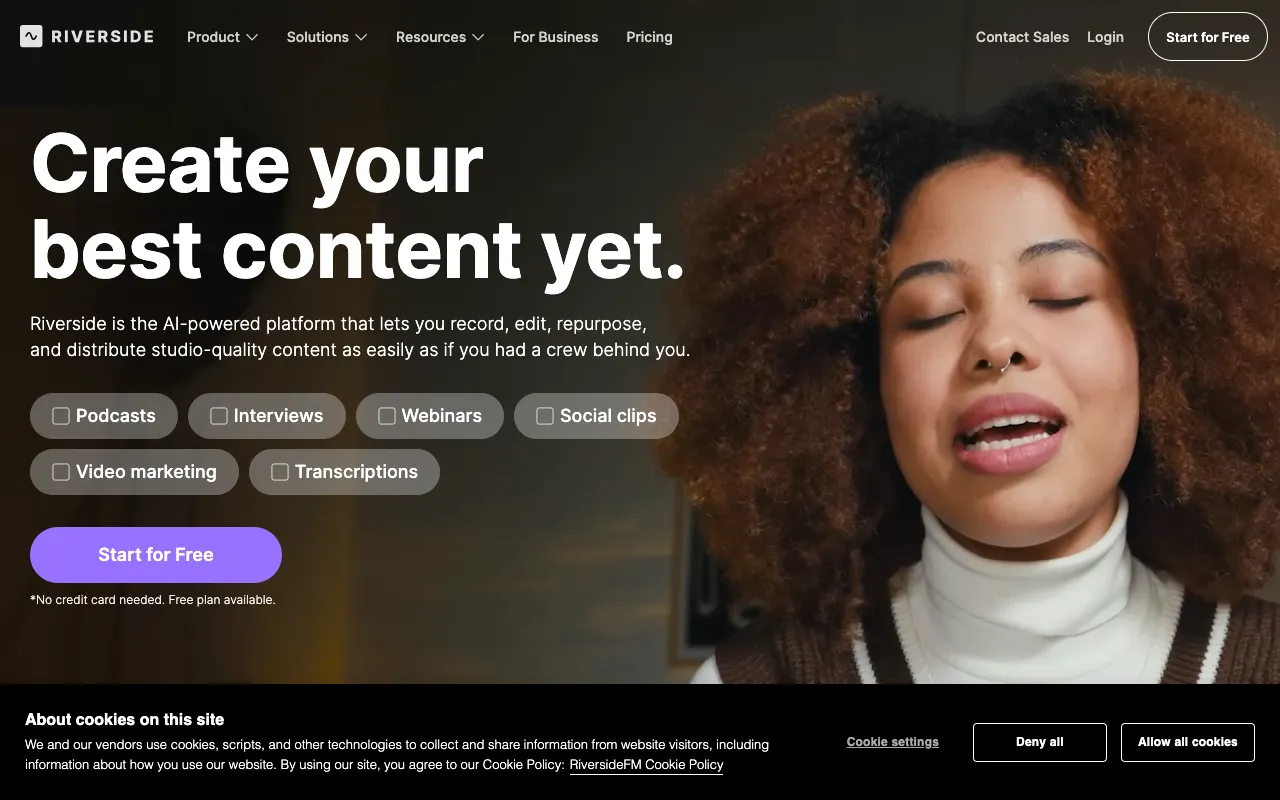
Image of Riverside.fm – The Premier Remote Recording Tool for YouTubers

Riverside.fm – The Premier Remote Recording Tool for YouTubers

Riverside.fm is the definitive solution for YouTubers, podcasters, and content creators who need to record professional-grade interviews and collaborative videos with guests anywhere in the world. Unlike typical conferencing software, Riverside records high-fidelity 4K video and uncompressed WAV audio locally on each participant's device, ensuring broadcast-quality results regardless of internet connection. Its intuitive design eliminates technical barriers, letting you focus on creating engaging content for your audience.

What is Riverside.fm?

Riverside.fm is a specialized remote recording platform built from the ground up for content creation, not just communication. It bypasses the limitations of streaming compression by recording video up to 4K and audio up to 48kHz WAV directly on each participant's computer or mobile device. This local recording method guarantees that your final edit has the highest possible quality, with each guest's audio and video captured on a separate track. It's the virtual equivalent of having everyone in the same professional studio, making it an indispensable tool for YouTubers producing interview-based shows, podcasts with video, or any collaborative content.

Key Features of Riverside.fm for YouTubers

Local 4K Video & WAV Audio Recording

Riverside.fm records each participant's video in up to 4K resolution and audio in uncompressed 48kHz WAV format directly on their device. This means the quality is not degraded by internet lag, packet loss, or streaming compression, giving YouTubers crystal-clear source files perfect for professional editing and publishing.

Separate Audio & Video Tracks

Every guest's audio and video is recorded on an isolated track. This is a game-changer for post-production, allowing you to adjust levels, apply noise reduction, or cut between camera angles for each person independently. It fixes audio issues from one participant without affecting others, saving hours of editing time.

Intuitive Creator-Focused Interface

The platform is designed with creators in mind. Features like a live viewer for the audience (optional), caller join links, a built-in text-based editor for clipping highlights, and easy download of all raw files streamline the entire workflow from recording to publishing on YouTube.

Live Streaming and Audience Interaction

Simultaneously stream your recording session live to platforms like YouTube, LinkedIn, or Twitter. Engage with your live audience via chat and incorporate their questions into the conversation, creating dynamic, multi-format content from a single session.

Who Should Use Riverside.fm?

Riverside.fm is ideal for any YouTuber or content creator whose workflow involves remote collaboration. This includes interview-based channel hosts, podcasters who publish video versions, educators creating online courses with guest experts, and businesses producing webinar-style content. If your content relies on the quality of guest audio and video, and you want to avoid the pixelated, echoey results typical of screen recording or conferencing apps, Riverside.fm is your essential production tool.

Riverside.fm Pricing and Free Tier

Riverside.fm operates on a paid subscription model and does not offer a permanent free tier. However, they provide a free trial for new users to test the platform's full capabilities. Plans are tiered based on monthly recording hours, number of participants, and access to premium features like live streaming and advanced editor tools. This model ensures creators pay for the professional-grade infrastructure and features they need to produce top-tier content consistently.

Common Use Cases

Key Benefits

Pros & Cons

Pros

  • Unmatched audio and video quality for remote recordings due to local capture.
  • Separate tracks provide immense flexibility and control in the editing stage.
  • Extremely user-friendly for both hosts and guests, requiring minimal technical knowledge.
  • Integrated live streaming and clipping tools create multiple content assets from one session.

Cons

  • Lacks a permanent free plan, requiring a subscription commitment.
  • Being a browser-based tool, it requires a stable internet connection for the live session coordination (though not for the recording quality itself).

Frequently Asked Questions

Is Riverside.fm free to use?

Riverside.fm does not have a permanent free plan. It operates on a subscription-based model tailored to different creator needs, but it offers a free trial for new users to experience its full suite of professional recording features before committing.

Is Riverside.fm good for YouTubers?

Absolutely. Riverside.fm is one of the best tools a YouTuber can use for remote interview and podcast content. Its guarantee of 4K video and WAV audio ensures your YouTube videos meet the highest production standards, while features like separate tracks and easy clipping directly boost your channel's output quality and efficiency.

How does Riverside.fm compare to Zoom for recording?

While Zoom is designed for communication, Riverside.fm is engineered for production. Zoom compresses audio/video for streaming, often resulting in lower quality. Riverside records uncompressed local files, providing studio-quality separate tracks—a critical difference for professional YouTubers who edit and publish their content.

Conclusion

For YouTubers serious about producing professional, interview-driven content, Riverside.fm is not just another tool—it's a foundational upgrade to your production pipeline. It solves the core quality problem of remote recording, delivering files that rival an in-person studio session. By ensuring your guest audio is crisp, your video is sharp in 4K, and your editing process is streamlined with separate tracks, Riverside.fm empowers you to create content that stands out, builds authority, and grows your channel. If your content strategy relies on remote collaboration, investing in Riverside.fm is investing in the perceived and actual quality of your YouTube presence.