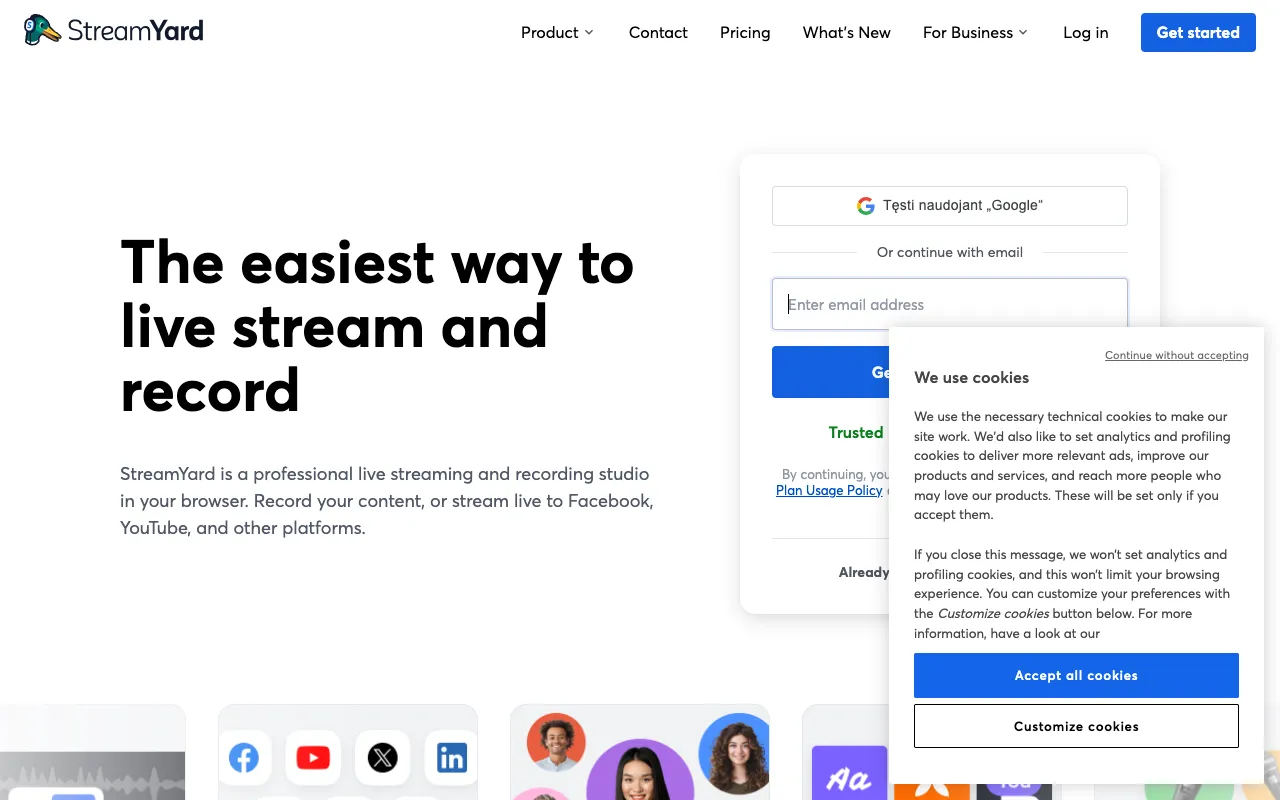
StreamYard – Best Live Streaming Studio for YouTubers
StreamYard revolutionizes live content creation for YouTubers by providing a complete, professional-grade broadcasting studio directly in your web browser. Designed to eliminate technical barriers, it empowers creators to produce engaging live streams, record polished podcasts, and broadcast simultaneously to YouTube, Facebook, LinkedIn, and other platforms—all without expensive hardware or complex software. Whether you're hosting interviews, launching a product, or building a community, StreamYard delivers studio-quality production with simplicity at its core.
What is StreamYard?
StreamYard is a fully-featured, cloud-based live streaming and recording platform that functions as a virtual production studio. Its primary purpose is to democratize professional broadcasting, making it accessible to YouTubers, podcasters, marketers, and educators of all skill levels. By operating entirely within a web browser, it removes the need for local software installation, powerful computers, or intricate audio/video setups. The core value proposition is enabling creators to focus on their content and audience engagement while StreamYard handles the complex technical production, multi-platform distribution, and professional visual branding.
Key Features of StreamYard
Browser-Based Studio with No Downloads
StreamYard's most significant advantage is its 100% browser-based operation. You can launch a professional broadcast from any modern computer—Windows, Mac, or Chromebook—without installing any software. This eliminates compatibility issues, saves storage space, and ensures you're always using the latest version with automatic updates. It's the ultimate tool for creators who value portability and simplicity.
Multi-Platform Live Streaming (Multistreaming)
Maximize your audience reach by broadcasting your live stream to multiple destinations simultaneously. StreamYard allows you to go live on YouTube, Facebook, LinkedIn, Twitter, Twitch, and other custom RTMP destinations all at once. This feature is invaluable for YouTubers looking to grow their brand across different social ecosystems and engage with diverse communities from a single broadcast session.
Professional On-Screen Branding & Overlays
Elevate your production value with customizable branding. StreamYard lets you add your logo, custom backgrounds, overlays, lower thirds, and banners directly within the studio. This creates a cohesive, professional look that reinforces your channel's brand identity during live streams and recordings, helping you stand out in a crowded digital landscape.
Guest Interview Management
Host seamless remote interviews and panel discussions. Invite up to 10 guests to join your broadcast with a simple shareable link—they join directly from their browser without needing a StreamYard account. You have full control as the host: you can see all guests, manage their audio/video, and choose whose screen is visible to the audience at any time, facilitating dynamic and professional conversations.
Screen Sharing & Pre-Recorded Video Playback
Enhance your live streams with visual aids. Share your entire screen, a specific application window, or a browser tab to demonstrate software, present slides, or showcase websites. Additionally, you can upload and play pre-recorded video clips directly within your broadcast—perfect for intros, outros, advertisements, or pre-produced segments, adding a layer of polish to your live show.
Audience Interaction Tools
Foster real-time engagement with built-in tools. Display live comments from all your streaming platforms directly on your screen, so you can read and react to your audience without switching tabs. You can also highlight comments on-screen for everyone to see, conduct polls, and accept viewer questions, turning a passive broadcast into an interactive community event.
Who Should Use StreamYard?
StreamYard is the ideal production hub for any creator or professional whose strategy includes live video. It is exceptionally well-suited for YouTubers building a community through live Q&As, tutorials, and premieres. Podcasters benefit from its high-quality recording and remote interview capabilities. Online educators and coaches use it for webinars and interactive classes. Marketers and businesses leverage it for product launches, company announcements, and LinkedIn Live events. Essentially, if your goal is to produce professional live or recorded video content for an online audience without a steep learning curve or budget, StreamYard is designed for you.
StreamYard Pricing and Free Tier
StreamYard offers a generous free tier that makes professional streaming accessible to everyone. The Free plan includes 20 hours of streaming per month, 6 on-screen participants, basic branding, and streaming to 3 destinations simultaneously—perfect for starting out. For growing creators, the paid Professional plan unlocks full HD 1080p streaming, custom overlays, priority support, and the ability to stream to 8 destinations at once. The Business tier adds team features, subscriber-only streams, and extended recording storage. This tiered structure allows YouTubers to start for free and scale their investment as their channel and production needs grow.
Common Use Cases
- YouTube Live streaming for tutorials and community building
- Recording high-quality remote interview podcasts for YouTube
- Hosting multi-platform live launches for digital products
- Conducting professional webinars and online workshops
- Streaming live game shows or interactive Q&A sessions on YouTube
Key Benefits
- Launch professional live streams in minutes without technical expertise, reducing setup time by over 80%.
- Expand your reach and grow your subscriber base by broadcasting simultaneously to YouTube and other major social platforms.
- Produce studio-quality video content that enhances your channel's credibility and viewer retention, directly from your web browser.
- Save significant money on expensive hardware and production software while achieving broadcast-level results.
Pros & Cons
Pros
- Extremely user-friendly with a near-zero learning curve, perfect for beginners.
- Robust free plan provides substantial value for new YouTubers.
- Superior guest management makes remote interviews seamless and professional.
- Eliminates the need for powerful local hardware or complex OBS configurations.
- Excellent reliability and uptime for mission-critical live events.
Cons
- Advanced customization and control are less granular compared to dedicated software like OBS Studio.
- Streaming quality is dependent on your internet connection and browser performance.
- Some premium features like full HD and multi-streaming to more platforms require a paid subscription.
Frequently Asked Questions
Is StreamYard free to use?
Yes, StreamYard offers a fully-featured free tier. This plan allows for 20 hours of streaming per month, includes up to 6 on-screen participants, basic branding options, and the ability to stream live to 3 destinations simultaneously, such as YouTube, Facebook, and LinkedIn. It's an excellent way for new YouTubers to start live streaming professionally at no cost.
Is StreamYard good for YouTubers?
Absolutely. StreamYard is one of the best tools a YouTuber can use for live streaming. It simplifies the entire process, allowing creators to focus on content and audience interaction rather than technical setup. The ability to multistream to YouTube and other platforms helps grow your overall audience, while features like guest management, screen sharing, and audience comments on-screen are perfectly tailored for building an engaged YouTube community.
Do my guests need a StreamYard account to join my broadcast?
No, one of StreamYard's standout features is its guest accessibility. You simply send your guests a unique, secure link. They can join your broadcast directly from their web browser—whether on a computer, tablet, or phone—without needing to create an account, install software, or even know what StreamYard is. This drastically simplifies the process of hosting remote interviews and panels.
Can I record my streams with StreamYard for later editing and upload?
Yes. StreamYard allows you to record your broadcasts locally to your computer in high quality. This is perfect for YouTubers who want to live stream an event and then edit the recording into shorter, polished videos for their YouTube channel later. It effectively lets you repurpose one live session into multiple pieces of on-demand content, maximizing your production efforts.
Conclusion
For YouTubers seeking a powerful yet intuitive solution to elevate their live content, StreamYard stands out as a top-tier choice. It successfully bridges the gap between professional production quality and creator-friendly accessibility. By handling the technical complexities of multi-platform streaming, guest management, and on-screen branding, it empowers creators to consistently produce engaging, high-quality broadcasts that grow their audience and strengthen their community. Whether you're just starting your YouTube journey or are a seasoned creator looking to streamline your workflow, StreamYard provides the reliable, feature-rich studio environment needed to succeed in the competitive world of online video.