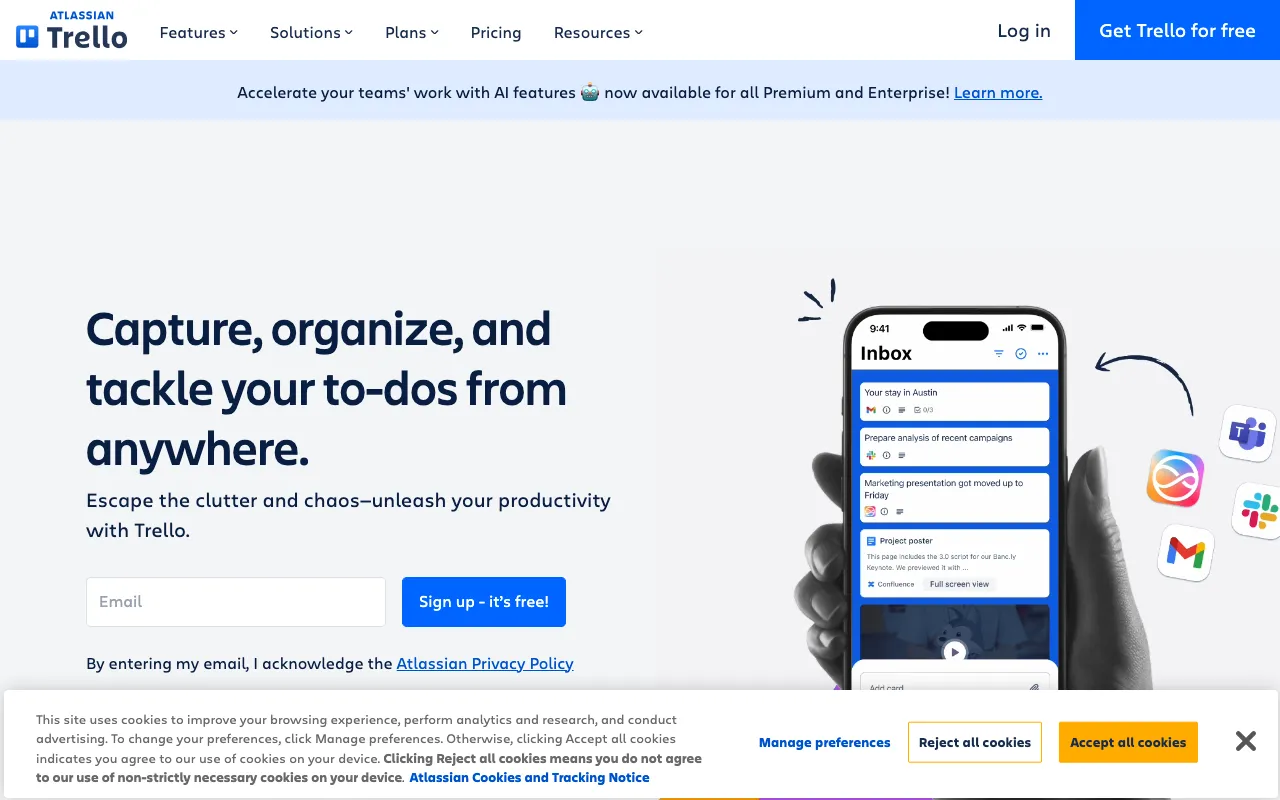
Trello – The Ultimate Visual Tool for Content Marketing Management
Trello transforms how content marketing teams plan, organize, and execute their strategies. This intuitive, web-based Kanban application provides a visual framework for managing everything from high-level editorial calendars to daily task workflows. By using customizable boards, lists, and cards, content marketers can gain unparalleled clarity over their projects, streamline collaboration, and ensure no piece of content falls through the cracks—all within a user-friendly interface that requires minimal setup.
What is Trello?
Trello is a highly flexible, visual project management platform built on the Kanban methodology. At its core, Trello uses boards (representing projects or workflows), lists (representing stages of a process), and cards (representing individual tasks or content pieces) to model any workflow. For content marketers, this translates to a dynamic system for tracking content ideation, creation, editing, approval, scheduling, and promotion. It moves beyond static spreadsheets, offering a living, collaborative map of your entire content marketing operation that is accessible from any web browser or mobile device.
Key Features of Trello for Content Marketing
Visual Kanban Boards
See your entire content pipeline at a glance. Create boards for different campaigns, channels, or content types. Move cards from 'Ideas' to 'Writing' to 'Editing' to 'Scheduled' to 'Published,' providing instant status updates for the entire team.
Power-Ups and Integrations
Supercharge Trello with Power-Ups—integrations with tools like Google Calendar (for visual scheduling), Slack (for notifications), Dropbox/Google Drive (for asset attachment), and time-tracking apps. Connect your content hub directly to your workflow.
Customizable Cards and Checklists
Each card can become a detailed content brief. Add descriptions, assign members, set due dates, attach files, create checklists for subtasks (e.g., 'source images,' 'write meta description'), and use labels for categorization (e.g., 'Blog Post,' 'Video,' 'High Priority').
Automation with Butler
Automate repetitive workflow tasks using Trello's built-in automation tool, Butler. Set rules like 'When a card is moved to 'Ready to Publish,' assign it to the Social Media Manager and set a due date for promotion.' Save hours on manual process management.
Team Collaboration and Communication
Comment directly on cards, tag team members with @mentions, and get notified of changes. This keeps all context, feedback, and decisions tied directly to the relevant content piece, eliminating scattered email threads and messages.
Who Should Use Trello?
Trello is ideal for content marketing teams of all sizes, from solo creators and small agencies to enterprise content departments. It's perfect for: Content Managers needing a centralized editorial calendar; SEO specialists tracking keyword-targeting and publishing schedules; Social Media Managers planning campaign rollouts; Video and podcast producers managing production stages; and Agency teams collaborating with multiple clients on separate boards. Its simplicity makes it accessible for non-technical users, while its power features satisfy advanced workflow needs.
Trello Pricing and Free Tier
Trello offers a robust free forever plan perfect for individuals and small teams starting with content marketing project management. The free tier includes unlimited personal boards, cards, and lists, up to 10 team boards, basic Power-Ups, and 10MB file attachments. For growing teams needing more automation, advanced integrations, and administrative controls, paid plans (Standard, Premium, Enterprise) offer unlimited boards, advanced checklists, custom fields, priority support, and enhanced security features, scaling with your team's needs.
Common Use Cases
- Building a visual editorial calendar for a multi-author blog
- Managing a 90-day content launch campaign from ideation to promotion
- Tracking guest post outreach and submission statuses efficiently
- Orchestrating a coordinated product launch across blog, social, and email content
Key Benefits
- Eliminates content chaos by providing a single source of truth for all marketing projects
- Increases team productivity by reducing meeting time and clarifying task ownership
- Improves on-time publishing rates with visual deadlines and progress tracking
- Enhances cross-functional collaboration by making workflows transparent to all stakeholders
Pros & Cons
Pros
- Exceptionally intuitive and quick to learn, minimizing onboarding time
- Highly flexible and customizable to fit nearly any content marketing process
- Strong free plan with core functionality for small teams and individuals
- Excellent real-time collaboration features with mobile app access
Cons
- Can become visually cluttered with very complex, high-volume workflows
- Advanced features like timeline views and dashboard reporting require a paid plan
- May lack the deep, native analytics of dedicated content marketing platforms
Frequently Asked Questions
Is Trello free to use for content marketing?
Yes, Trello offers a powerful free forever plan that includes unlimited personal boards and cards, making it an excellent starting point for individual content creators and small teams to manage their editorial calendar and task workflows at no cost.
Is Trello good for content marketing project management?
Absolutely. Trello is one of the best tools for content marketing project management due to its visual Kanban system. It excels at organizing editorial calendars, tracking content through production stages, facilitating team collaboration, and integrating with other marketing tools, providing clarity and control over the entire content lifecycle.
Can you use Trello as an editorial calendar?
Yes, Trello is widely used as a dynamic editorial calendar. You can create a board where lists represent months or weeks, and cards represent individual content pieces. Add due dates, assign writers, attach briefs, and use labels for content type or channel to create a fully functional, collaborative, and visual publishing schedule.
How does Trello compare to Asana or Monday.com for content teams?
Trello's strength lies in its simplicity and highly visual, card-based Kanban interface, ideal for workflows focused on stages and statuses. Asana and Monday.com offer more traditional list/task views and built-in Gantt/timeline features. For content teams prioritizing a clear visual pipeline and flexible customization, Trello is often the preferred and more intuitive choice.
Conclusion
For content marketers seeking to replace chaotic spreadsheets and fragmented communication with a clear, visual, and collaborative command center, Trello stands out as a top-tier solution. Its unique combination of intuitive design, flexible workflow modeling, and powerful automation through Butler makes it indispensable for managing modern content operations. Whether you're a solo blogger on the free plan or a large marketing department on Premium, Trello provides the structure needed to plan efficiently, execute reliably, and adapt quickly—making it a foundational tool for any successful content marketing strategy.