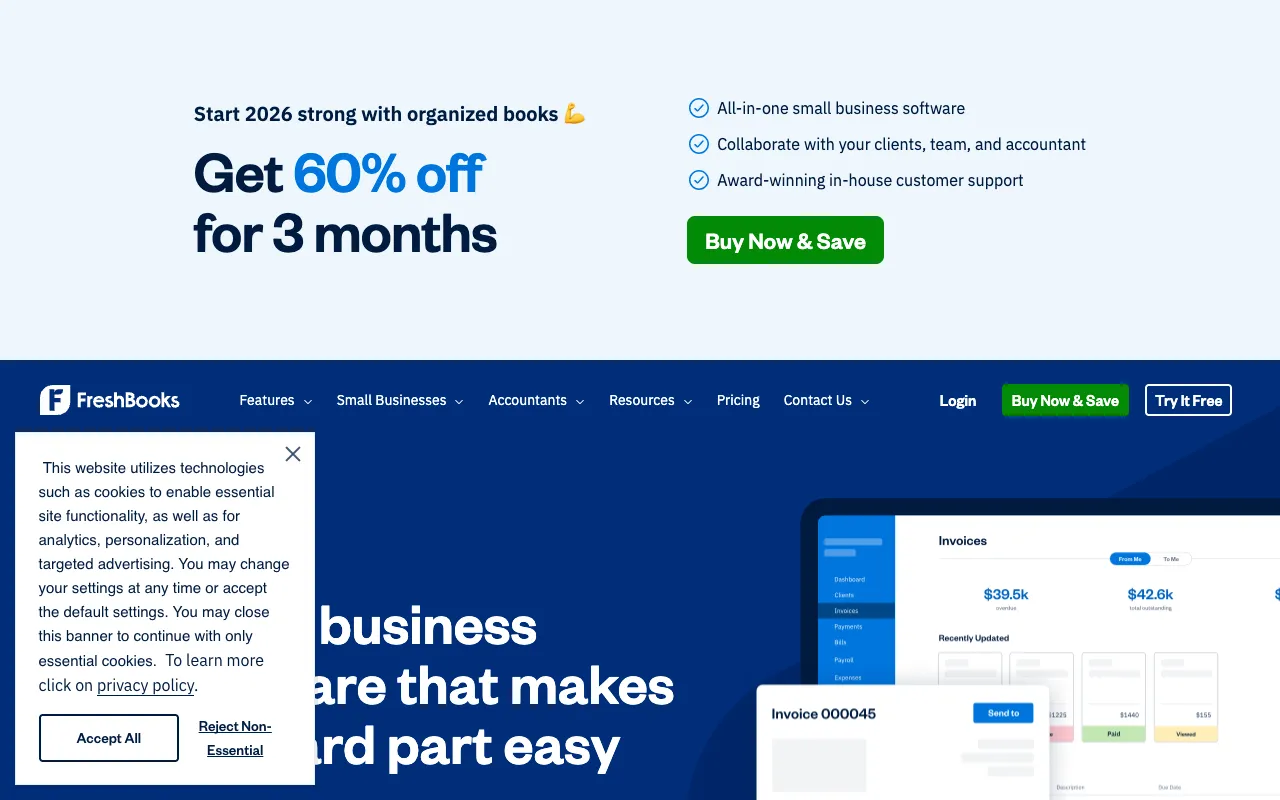
FreshBooks – Best Accounting Software for Small Business Owners
FreshBooks is the premier cloud-based accounting platform built specifically for the unique needs of freelancers, consultants, and small business owners. Unlike complex enterprise software, FreshBooks offers an intuitive, user-friendly experience that automates time-consuming financial tasks like creating professional invoices, tracking billable hours, managing expenses, and accepting online payments. It’s designed to help you save administrative time, get paid faster, and gain clear insights into your business's financial health.
What is FreshBooks?
FreshBooks is a dedicated accounting and invoicing software that transforms how small businesses manage their finances. It moves beyond traditional bookkeeping by focusing on the core workflows of service-based professionals. The platform centralizes all financial operations—from the moment you start a timer for a client project to the second you receive payment—into one streamlined, automated system. Its primary purpose is to reduce administrative overhead, minimize errors, and provide real-time visibility into profitability, allowing business owners to focus on growth instead of paperwork.
Key Features of FreshBooks
Professional Invoicing & Payment Collection
Create and send customizable, brand-aligned invoices in seconds. FreshBooks enables you to set up automatic payment reminders, offer multiple payment gateways (like credit cards and ACH bank transfers), and even charge late fees automatically. This feature significantly reduces days sales outstanding (DSO) and improves cash flow by making it easy for clients to pay you instantly online.
Accurate Time Tracking
Track every billable minute directly within the platform or via the mobile app. You can log time against specific projects and clients, and with one click, convert tracked hours into a detailed invoice. This ensures you never miss billing for your work and provides transparency to your clients.
Expense Management & Receipt Capture
Easily capture receipts using your phone's camera, automatically log mileage, and categorize business expenses. FreshBooks links expenses to specific clients or projects, simplifying tax preparation and providing a clear picture of deductible costs. You can even set up recurring expenses for predictable monthly costs.
Project Profitability & Client Portals
Gain insights into which projects and clients are most profitable. FreshBooks provides dashboards that show project budgets vs. actual costs and time spent. Each client gets a secure portal where they can view estimates, invoices, and project discussions, reducing back-and-forth communication.
Financial Reporting & Insights
Access essential reports like Profit & Loss, Sales Tax Summary, and Accounts Aging with ease. These reports are presented in an easy-to-understand format, helping you make informed business decisions without needing an accounting degree.
Who Should Use FreshBooks?
FreshBooks is the ideal financial command center for service-based entrepreneurs and small teams. It's perfectly suited for freelancers (writers, designers, developers), consultants, coaches, creative agencies, tradespeople, and other small business owners who bill by time or project. If you're tired of manually creating invoices in Word, tracking time on spreadsheets, and chasing late payments, FreshBooks automates these processes. It's also excellent for business owners who need simple yet powerful financial reporting to understand their business health but want to avoid the complexity of software like QuickBooks Online.
FreshBooks Pricing and Free Trial
FreshBooks operates on a tiered monthly subscription model, scaling with the number of billable clients. While it does not offer a permanent free tier, it provides a generous 30-day free trial for all new users with no credit card required. This allows you to fully test all core features—invoicing, time tracking, expenses, and reporting—with your actual business data. Paid plans start with the Lite plan for solopreneurs and scale up to the Premium plan for growing businesses with teams and advanced needs. All plans include unlimited invoicing, expense tracking, time tracking, and access to the mobile app.
Common Use Cases
- Freelancer invoicing and time tracking software for independent contractors
- Small business accounting software for consultants and professional services
- Cloud-based bookkeeping solution for solo entrepreneurs and startups
Key Benefits
- Get paid up to 2x faster with automated online invoicing and payment reminders
- Save over 10 hours per month by automating accounting and administrative tasks
- Gain real-time financial insights to make data-driven business decisions and improve profitability
Pros & Cons
Pros
- Extremely user-friendly interface requiring minimal accounting knowledge
- Powerful, automated invoicing and payment collection system
- Excellent time tracking integrated directly with billing
- Comprehensive mobile app for managing finances on the go
- Strong customer support and extensive knowledge base
Cons
- Pricing is based on the number of billable clients, which can become costly for businesses with many clients
- Lacks some advanced inventory management features found in more complex accounting suites
- Primarily optimized for service-based businesses rather than product-based businesses with complex inventory
Frequently Asked Questions
Is FreshBooks free to use?
FreshBooks does not offer a permanent free plan. However, they provide a full-featured 30-day free trial with no credit card required, allowing you to test the platform thoroughly before committing to a paid subscription.
Is FreshBooks good for small business accounting?
Yes, FreshBooks is one of the top-rated accounting solutions specifically designed for small businesses and freelancers. It excels at core tasks like invoicing, time tracking, expense management, and financial reporting, making it an excellent choice for service-based entrepreneurs who need simplicity and power without the complexity of enterprise software.
Can FreshBooks handle payroll?
FreshBooks does not include built-in payroll processing. However, it offers seamless integrations with leading third-party payroll providers like Gusto. This allows you to manage your accounting in FreshBooks while running payroll through a dedicated service, ensuring both systems work together smoothly.
How does FreshBooks compare to QuickBooks?
FreshBooks is generally considered more user-friendly and intuitive for freelancers and service-based small businesses, with superior invoicing and client-facing features. QuickBooks Online offers more advanced accounting features, detailed reporting, and better inventory management, making it a fit for larger or product-based businesses. The best choice depends on your specific business needs and accounting comfort level.
Conclusion
For freelancers, consultants, and small business owners seeking to streamline their financial operations, FreshBooks stands out as a top-tier accounting solution. It successfully bridges the gap between basic invoicing tools and overly complex accounting software. By automating the time-consuming tasks of invoicing, time tracking, and expense management, it directly contributes to getting paid faster and gaining valuable business insights. If your priority is an intuitive, powerful platform that reduces administrative work and provides clarity on your finances, FreshBooks' targeted feature set and user-centric design make it an outstanding investment for growing your business efficiently.